
Extra duty hours often lead to paper forms, delayed approvals, and payroll corrections for teams using UKG. This article explains how CloudApper hrPad automates extra duty tracking and approvals, helping HR and payroll teams reduce errors and keep pay accurate.



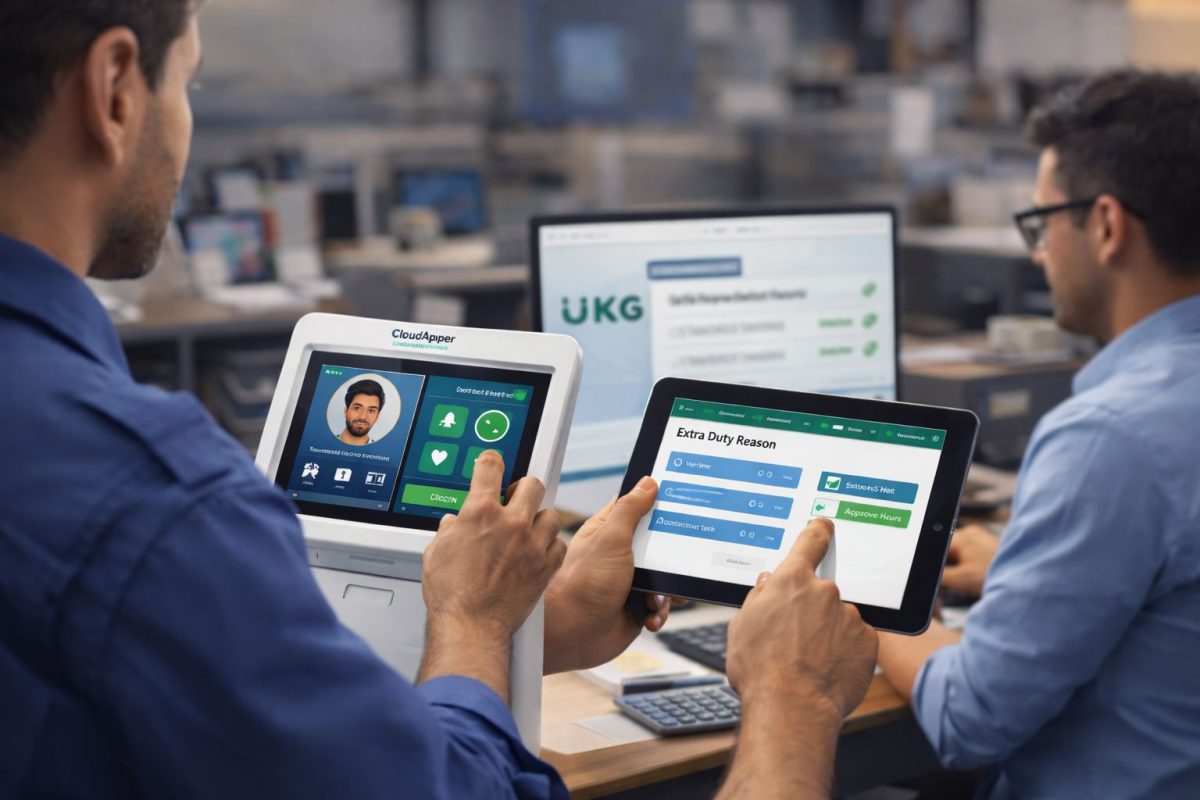
Table of Contents
Extra duty hours are where time tracking often falls apart. An employee stays late, covers an extra shift, or runs an after-hours program. The work gets done, but the record of it usually does not. As a result, HR teams chase forms, managers approve hours days later, and payroll teams scramble before the pay cycle closes.
Over time, this manual process causes delayed pay, frustrated employees, and repeated payroll corrections. For teams using UKG, extra duty work rarely fits neatly into standard schedules. Because of that, errors become routine instead of rare.
CloudApper hrPad automates extra duty approval by capturing work as it happens and routing it through a real-time approval workflow that syncs directly with UKG.
What Automating Extra Duty Approval Means
CloudApper automates extra duty approval by enabling employees to log extra work immediately and routing it through a real-time workflow. Instead of relying on paper forms or delayed email chains, the system captures time as it happens and ensures managers approve it on the spot.
When an organization automates extra duty approval, managers are notified in real time, employees see their time reflected right away, and payroll receives accurate, pre-approved data—eliminating the need for manual reconciliation.
Why Manual Extra Duty Tracking Breaks Down
Most organizations still rely on paper logs, spreadsheets, or emails to track extra duty hours. While this approach may work in small doses, it does not scale.
For example, employees forget to submit forms. Meanwhile, managers approve hours late or inconsistently. Eventually, payroll teams step in to manually edit timecards under pressure.
Because each step depends on follow-up, risk increases quickly. By the time payroll notices an issue, the team must react instead of prevent it.
Manual vs Automated Extra Duty Approval
Manual extra duty tracking records work after the fact. In contrast, automated tracking records it in real time.
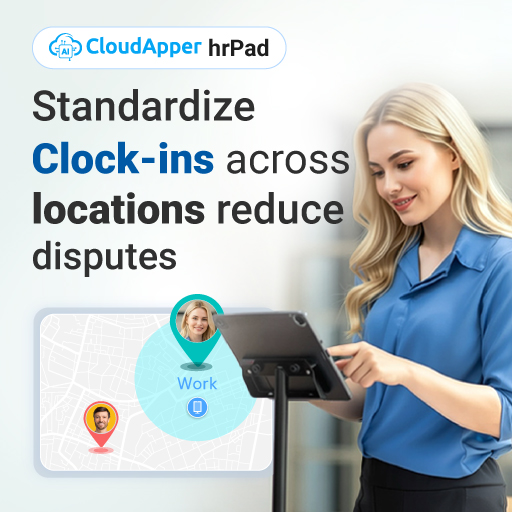
With manual processes, teams document extra duty hours separately and reconcile them later. With hrPad, employees clock extra duty work immediately, managers approve it through a workflow, and the data flows into UKG automatically.
In addition, manual approvals depend on emails and reminders. Automated approvals follow a clear path with timestamps and accountability. As a result, errors stop before payroll even begins.
For UKG users, this difference determines whether extra duty hours remain a recurring issue or become a controlled process.
How hrPad Works in Real UKG Environments
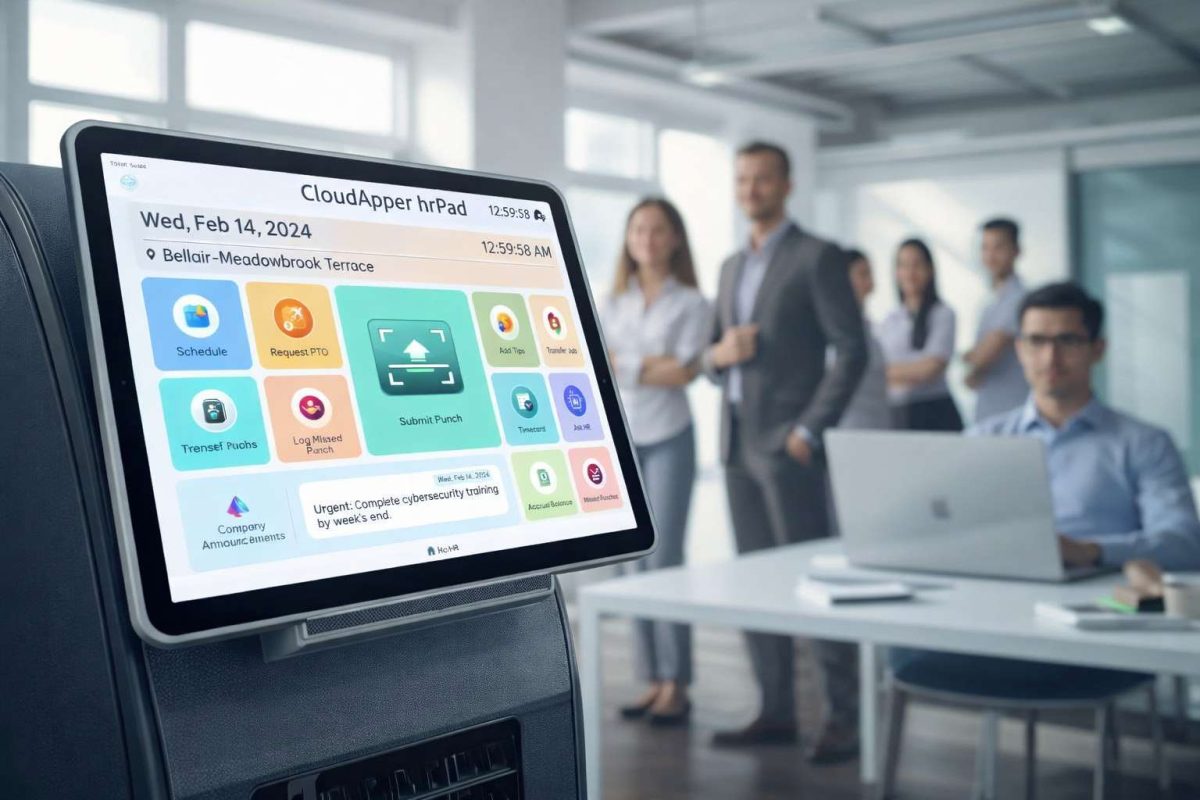
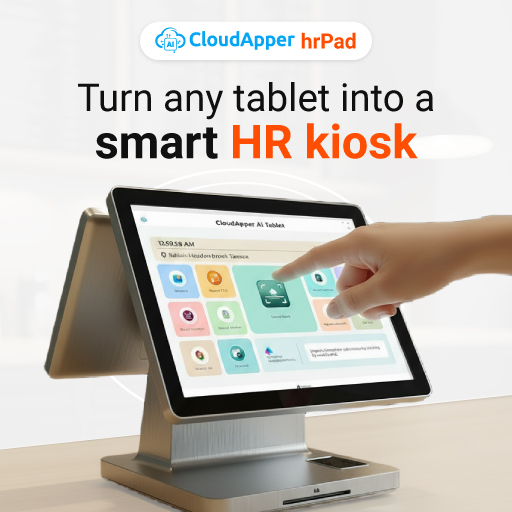
hrPad runs on a shared tablet placed in common work areas. It integrates directly with UKG Pro WFM or UKG Ready, depending on your environment.
In practice, the workflow looks like this.

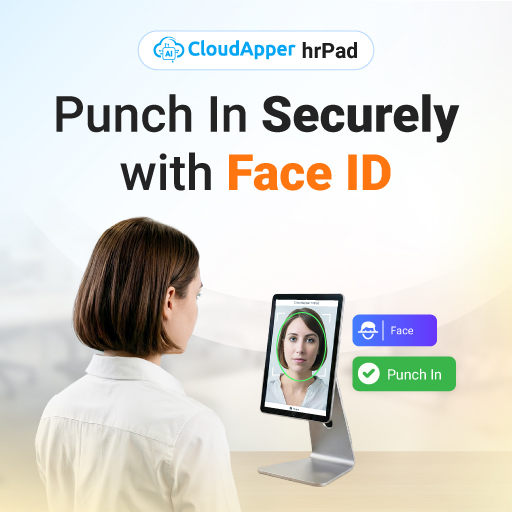
An employee stays late or accepts an extra assignment. Next, they clock in on hrPad using facial recognition, a PIN, or a QR code. Then, they select the extra duty reason or job assignment. After that, hrPad presents any required confirmations, such as voluntary overtime or break acknowledgment.
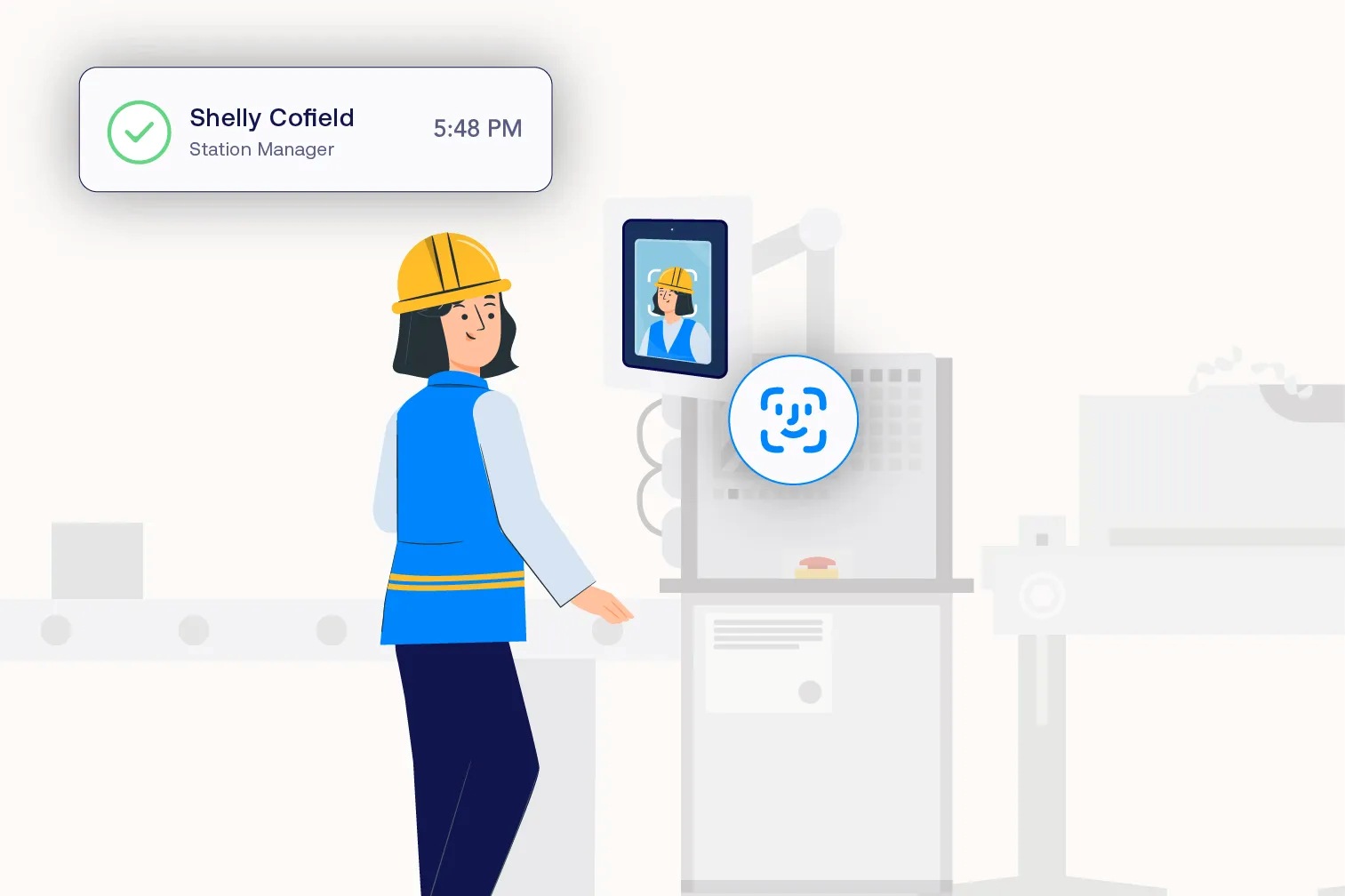
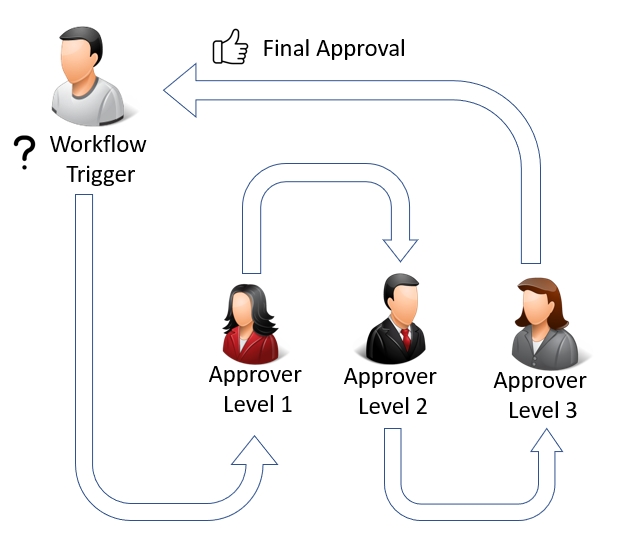
Once submitted, hrPad routes the entry to the appropriate manager. After approval, the system syncs the time entry into UKG with the correct job codes and cost centers already applied.
By the time payroll reviews the timecard, the work is already approved and ready to process.
Compliance Without Extra Admin Work
Extra duty hours often carry compliance risk, especially in education, healthcare, and retail. Fortunately, hrPad reduces that risk by building compliance checks into the clocking process.
For instance, organizations can prompt employees to confirm meal breaks or voluntary overtime at clock-out. hrPad time-stamps and stores each response alongside the time entry.
In addition, hrPad supports job transfers so extra duty costs land in the correct department. Because of this, labor reporting stays accurate and cleanup work decreases.
All of these steps happen within existing UKG workflows, not outside of them.
What Changes for HR, Managers, and Payroll
Once teams automate extra duty approvals, daily work changes quickly.
First, HR teams stop chasing documentation.
Next, managers approve work while details are still fresh.
Finally, payroll teams stop fixing avoidable errors at the end of each pay period.
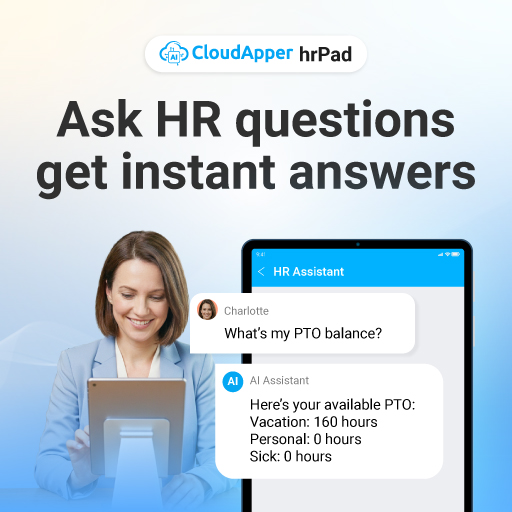
One retail HR manager shared that extra duty approvals used to take several hours each week. After switching to hrPad, approvals happen daily, and payroll adjustments dropped significantly.
Similarly, a school district reported that teachers now clock in for tutoring sessions directly on the tablet. By payroll day, all extra duty hours already sit inside UKG and require no manual fixes.
The Bottom Line
Extra duty hours should not create extra administrative work. When teams track and approve work in real time, payroll runs smoother and errors decrease.
CloudApper hrPad gives UKG users a practical way to automate extra duty approval, eliminate paper-based processes, and maintain accurate payroll without adding complexity.
If your organization still relies on forms, emails, or manual edits to manage extra duty work, hrPad offers a simpler and more reliable path forward.
Frequently Asked Questions
-
What counts as extra duty hours for UKG users?
Extra duty hours are any work outside an employee’s regular schedule, such as after-hours programs, shift coverage, or extended assignments. Teams often track these hours separately so payroll can code and pay them correctly. -
Why do extra duty hours create payroll problems?
Manual logs and email approvals often arrive late or incomplete. Because of that, payroll teams must fix timecards at the last minute, which can lead to delays and pay errors. -
How does CloudApper hrPad automate extra duty approval?
Employees clock extra duty work on hrPad when it happens, then hrPad routes the entry to the right manager for approval. After approval, hrPad syncs the coded time into UKG so payroll can process it faster. -
Does hrPad work with UKG Pro WFM and UKG Ready?
Yes. hrPad can integrate with UKG Pro WFM and UKG Ready environments, depending on your setup. This helps teams keep extra duty time aligned with existing UKG workflows. -
Can hrPad capture job codes, cost centers, or transfers for extra duty work?
Yes. Employees can tag extra duty time to the right job or reason, and hrPad can support job transfers and cost center assignments. As a result, labor costs show up in the right place. -
Can hrPad support compliance prompts for extra duty hours?
Yes. hrPad can show simple confirmations during clock-out, such as meal break acknowledgment or voluntary overtime confirmation. These responses are time-stamped and stored with the time entry. -
What changes for HR and payroll after automating extra duty approvals?
HR teams spend less time chasing approvals, managers approve faster, and payroll teams see fewer corrections before payroll closes. Over time, this improves accuracy and reduces pay delays.