In a clinic, a time clock that stops responding is not a payroll annoyance but a delay to the appointment schedule. A multi-site digestive health practice on UKG Pro WFM needs a working clock at every site and a meal break question asked at clock-out, and CloudApper hrPad addresses both on standard tablets.


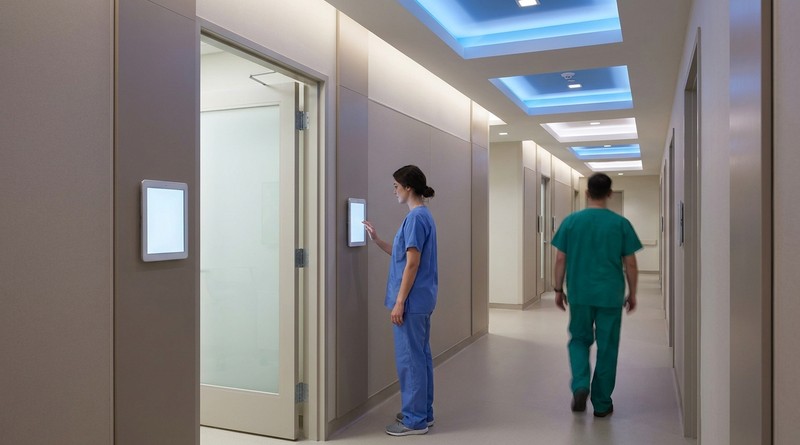
Table of Contents
Meal break attestation in UKG only works at a clinic if the time clock itself stays online when clinical staff arrive. Staff come in during a compressed window before the first appointments, and any queue between them and their assigned room delays a schedule the rest of the day is built on.

A multi-site ambulatory care group running UKG shows how that narrows the requirement. When its clinic kiosks keep running into technical issues, what it needs is a working clock at every site and a meal break question asked at the right moment. CloudApper hrPad for UKG is built around both.
What Reliability Means at a Clinical Site
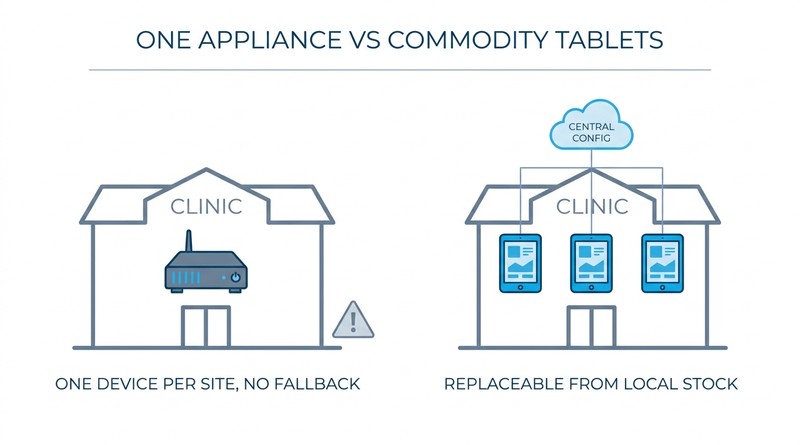
A multi-site digestive health practice faces this with dedicated kiosk time clocks at its clinical locations, typically one or two per site and a little over 20 in total. The kiosks have run into persistent technical issues, most recently timing out after an authentication upgrade, and the practice’s clinical sites are not data centers. When the only clock at a site stops accepting punches, there is no alternative in the room.
We’re just having a lot of issues with just technical issues. And I honestly, we’ve gotten our IT team involved, and we’ve had engineering involved. There’s just kind of a lot of different things.
HR and Timekeeping Systems Lead, multi-site digestive health practice
The practice’s second requirement is regulatory rather than operational. Clinical staff work through unpredictable days, and meal breaks are sometimes missed because a procedure runs long or a patient needs attention. Payroll systems typically apply an automatic meal deduction on the assumption the break was taken. When it is not, the deduction is wrong, the employee is underpaid, and correcting it depends on the employee noticing and reporting it.
Both requirements point the same direction. The practice needs time capture that does not depend on a single dedicated device per location, and it needs the meal break question asked at the moment of clock-out rather than reconstructed afterward.
Moving From Appliance to Tablet
CloudApper hrPad turns off-the-shelf iPad or Android tablets into UKG time clocks, connected to UKG Pro WFM as the system of record through the UKG API. Staff punch in and out, transfer between work rules, and complete attestation questions on the same device. UKG continues to own time, pay rules, and payroll. What changes is the hardware layer beneath it and what happens at the moment of the punch.
The hardware shift matters for reasons that are practical rather than architectural. Tablets are commodity devices, so a site with a failed unit can be back in service from local stock rather than a hardware order. Configuration is managed centrally, so a change rolls out to every location at once instead of device by device. The practice’s HR and Timekeeping Systems Lead put the requirement plainly: “We like the iPad solution… I know that there’s a whole bunch of things that CloudApper can do. We don’t need it. We just need a working time clock.”
Organizations working through the same transition often start from a device end-of-life deadline rather than a reliability concern, which is why planning the move off aging time devices and understanding how tablet-based capture behaves by industry are the first questions asked. In clinical environments uptime usually settles it rather than cost, though the cost difference is real.
Asking the Meal Break Question at the Right Moment
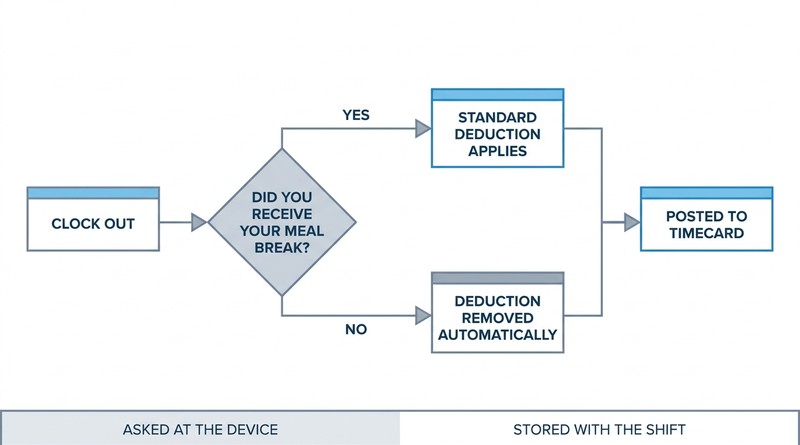
The more consequential piece is the attestation configuration. At clock-out, hrPad asks each employee whether they received their meal break. If the answer is no, the automatic meal deduction is removed from that shift before it reaches the timecard. No form, no supervisor email, no correction cycle.
The design principle is that the person who knows the answer is asked while the answer is still fresh, and the system acts on it immediately. That is a different model from discovering the discrepancy during payroll review, which is where meal break issues normally surface. The same logic applies to the punch itself: the screen should offer only the action that makes sense for that employee at that moment.
It’s like the little things sometimes… we would ideally like to make it so that if you’re clocked in, your only option is to clock out.
HR and Timekeeping Systems Lead, multi-site digestive health practice
There is a compliance dimension here that healthcare organizations understand well. Meal break rules vary by state, and several jurisdictions treat a missed or interrupted break as a premium pay obligation rather than a rounding matter. An attestation captured at clock-out, tied to a specific shift and stored with it, is the record that answers a question about that shift months later. Attestation at the device is also what makes missed punch correction a self-service action rather than a supervisor task.
The employee side of this is the one worth dwelling on. Without attestation at the device, the correct outcome depends on an employee choosing to escalate a small discrepancy about their own pay. Most people do not, particularly when the amount is modest and the process is inconvenient. Making the deduction conditional on an answer given at clock-out removes the need for anyone to advocate for themselves to be paid correctly.
Why It Matters for Operations, Payroll and Staff
The operational case is uptime. Tablet capture is designed so that clinical mornings are not exposed to a single device per site, and time capture is not something that can interrupt the appointment schedule.
The payroll case is a recurring correction category. Without attestation, meal break adjustments are a predictable part of every cycle; with it, they become a rule that resolves at the source. Facial recognition on the same devices addresses the accuracy questions that healthcare organizations are right to take seriously, given how time data exposure works in a clinical billing context.
The workforce return is harder to quantify and probably matters most. Clinical support staff in ambulatory settings are not highly paid, they work unpredictable days, and they are the group most affected by a payroll assumption that does not match what happened. A practice that asks the question and acts on the answer is making a statement about how it treats the people who absorb the unpredictability of patient care.
UKG Pro WFM remains the foundation for time, pay rules, and payroll throughout. CloudApper hrPad and the broader CloudApper AI Platform for UKG add the layer where the punch is captured and the attestation is asked, on hardware a practice can source and replace locally. Practices weighing the same move alongside tablet-based time clock options for UKG tend to weigh reliability and per-station cost side by side. CloudApper is the process layer that holds the work on top of UKG. The organizations that run best are not the ones with the most hardware. They are the ones whose clinical morning does not depend on a single device in the hallway.
If your practice runs UKG across multiple clinical sites and time capture still depends on proprietary hardware or on employees catching meal break errors after the fact, talk with the CloudApper team about attestation and tablet-based capture in your existing UKG environment.


October 23, 2026
No Tax on Overtime: What It Means for Your UKG Payroll
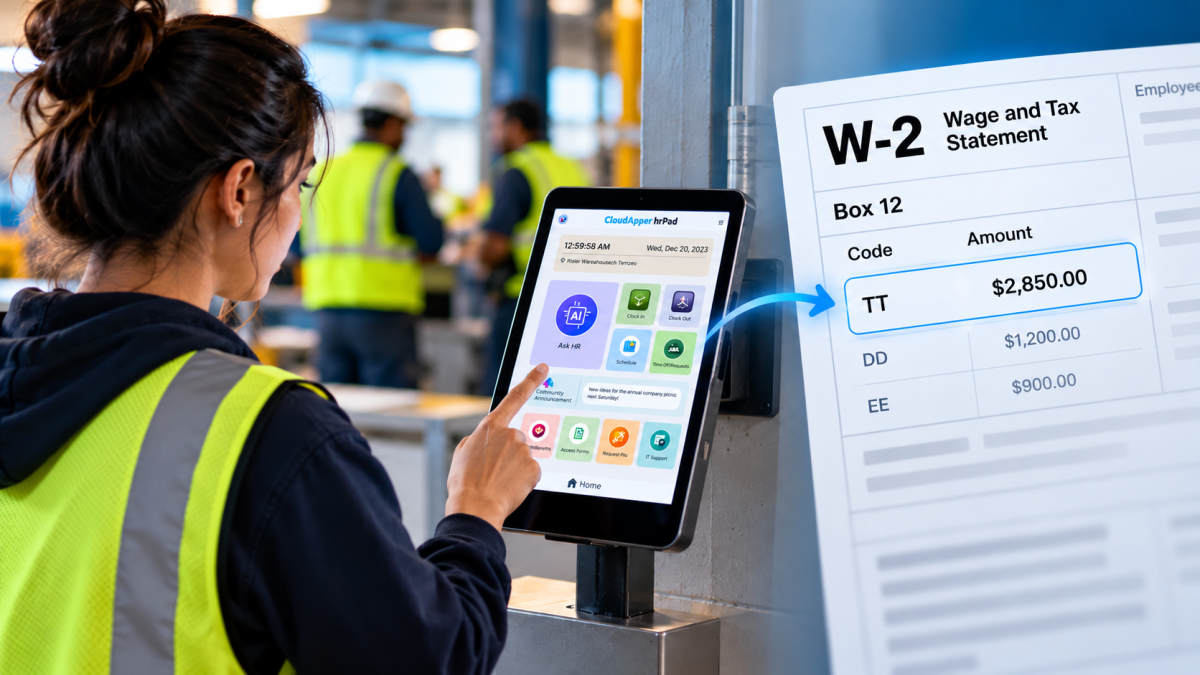
Starting with 2026 wages, employers using UKG must report qualified overtime in W-2 Box 12 (code TT), and only part of the overtime you pay counts. hrPad by CloudApper AI helps capture the details at the time clock.

October 23, 2026
Barcode Labor Tracking on UKG Ready: Two Clocks, One Labor Record, and an ERP-Validated Hierarchy
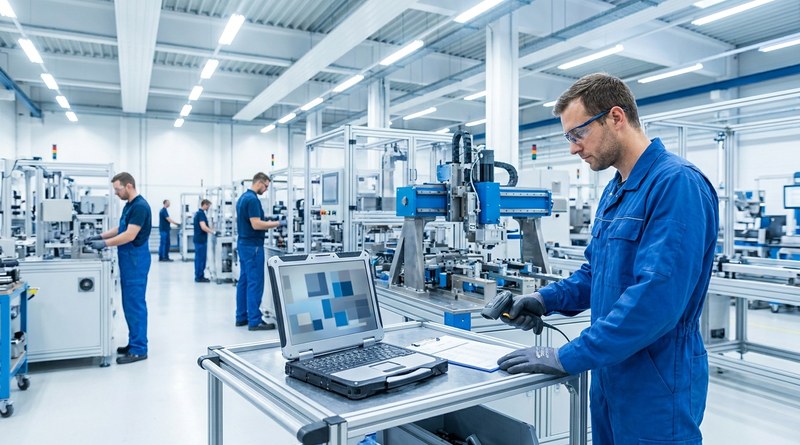
Some plants keep attendance on the clocks at the door and capture job labor at the workstation. This piece looks at that two-clock model on UKG Ready: scan-only capture for gloved operators, work orders validated against the ERP, and how CloudApper adds that layer using the PCs and scanners already on the line.
October 13, 2026
Paperless HR for Rural Hospitals on UKG: Extending One Kiosk to Documents, E-Signatures and Benefits Data
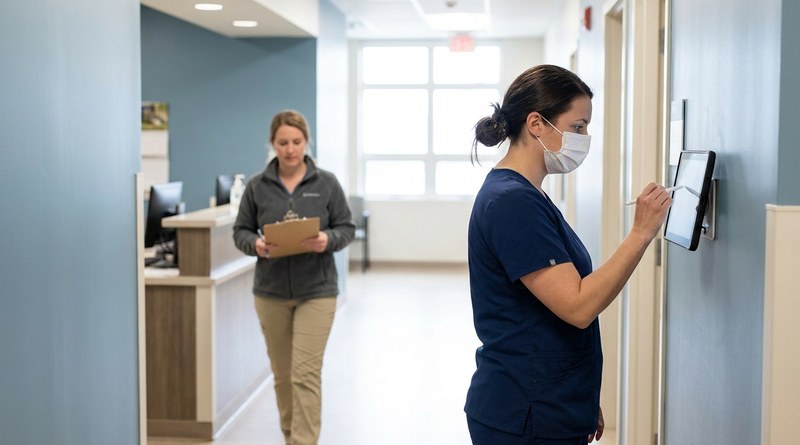
A rural hospital using CloudApper hrPad as its UKG time clock still handled much of HR on paper. Its next step is extending the same kiosk to documents, e-signatures and transfers, with CloudApper iPaaS moving benefits data to providers, all within network rules that block external AI services.
October 7, 2026
Shared Tablet SSO in UKG: One Time Clock for Every Login Type
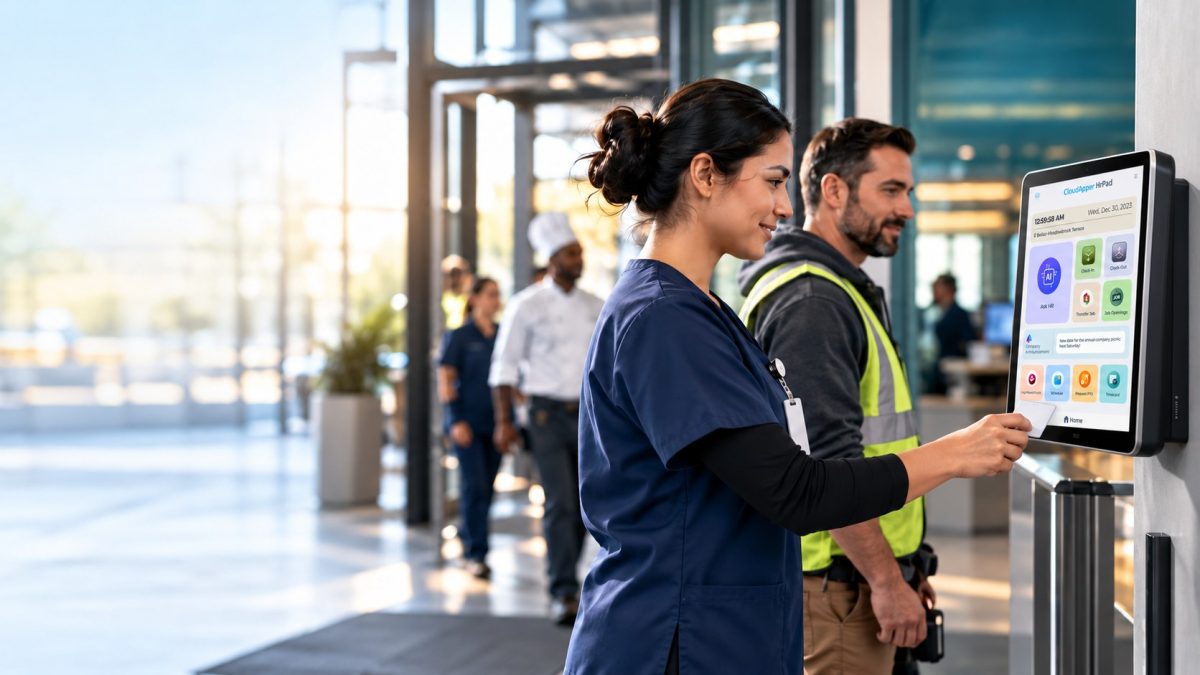
Hourly staff on basic UKG logins and managers on SSO can share one tablet time clock without login mix-ups. This guide explains each login type in plain English, compares three shared-tablet setups and shows how hrPad by CloudApper AI makes it work.