For organizations that prioritize hygiene, speed, and seamless operations, touchless time capture has become a major asset. But while clocking in and out with a quick face scan is straightforward, handling more complex workforce data—like changing departments or roles mid-shift—often brings employees right back to tapping on a screen.

Recently, a user managing time capture for their facility brought up a fascinating operational goal on our community forum. Their workforce was already successfully utilizing facial recognition to punch in and out, but they wanted to know if it was possible to extend that completely touchless experience to job transfers.
If your employees have wet, dirty, or gloved hands—or if you simply want to maintain a pristine, touchless hardware environment—here is how you can use partner technology to make touchless job transfers a reality within your UKG ecosystem.
The Friction of Standard Job Transfers
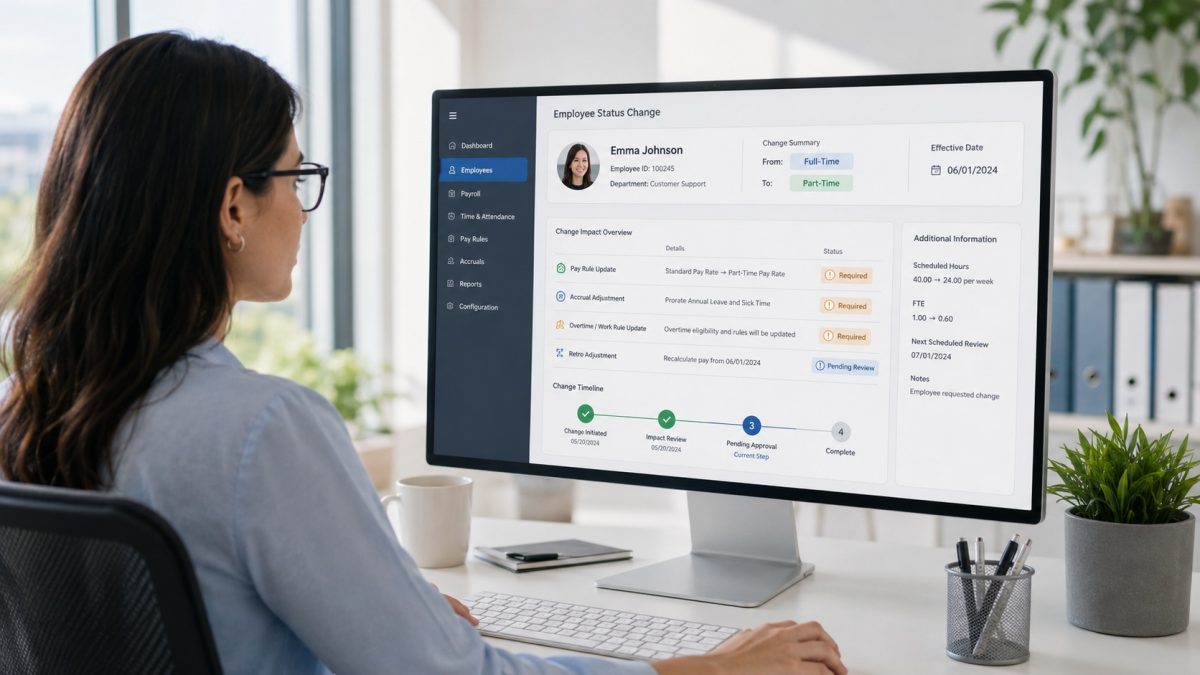
In a standard workflow, transferring jobs requires an employee to authenticate themselves and then physically scroll through a drop-down menu on a terminal or tablet to select their new cost center, department, or task.
While UKG handles this data flawlessly on the backend, the physical act of interacting with the screen slows down the line during busy shift changes and compromises a touch-free hygiene strategy. The goal is to capture that necessary job data just as quickly and passively as a biometric face scan.
The Solution: Combining Biometrics with Barcodes
As a proud UKG partner, CloudApper provides a highly flexible front-end capture solution that bridges this exact gap. By combining the power of facial recognition with automated barcode or QR code scanning, you can build a 100% touchless job transfer workflow.
Here is exactly how the process works on the floor:
-
Automatic Code Assignment: CloudApper automatically pulls your existing job lists and cost centers directly from your UKG database. The platform then generates and assigns a unique QR code or barcode to each specific job record.
-
Facial Authentication: When an employee needs to transfer jobs, they simply walk up to the CloudApper-enabled tablet and scan their face.
-
The Touchless Transfer: As soon as their identity is verified, the tablet’s camera automatically prepares for a second input. The employee simply holds up the specific QR code or barcode associated with their new job (which can be printed on their badge, a work order, or posted at the workstation).
-
Real-Time UKG Sync: The system instantly pairs the employee’s identity with the new job code and securely transmits the punch directly into your UKG system in real-time.
The Result: Employees never have to take off their gloves or tap a screen. The entire transfer takes seconds, keeping the line moving and ensuring your UKG labor distribution data remains perfectly accurate.
Enhancing Your UKG Environment
You don’t have to choose between rich labor data and a frictionless employee experience. By complementing your UKG software with a versatile, tablet-based solution like CloudApper AI TimeClock, you can customize your physical time-capture workflows to meet the exact environmental needs of your facility.