CloudApper’s Geofencing technology assists companies’ UKG solution users in real-time surveillance of workers, ensuring that they are in the correct location, at the appropriate time, and doing their responsibilities as expected. Adding geofencing capabilities to the UKG solution with CloudApper is as easy as dragging and dropping. Drag the map option from the form controls menu into the field area, then choose the address from the map and turn on geofencing in the field properties. Finally, save the geofence settings, such as location coordinates, radius, and trigger actions. To make things even simpler, a CloudApper solution engineer will walk you through the whole process of adding geofencing features to your UKG solution.

June 17, 2026
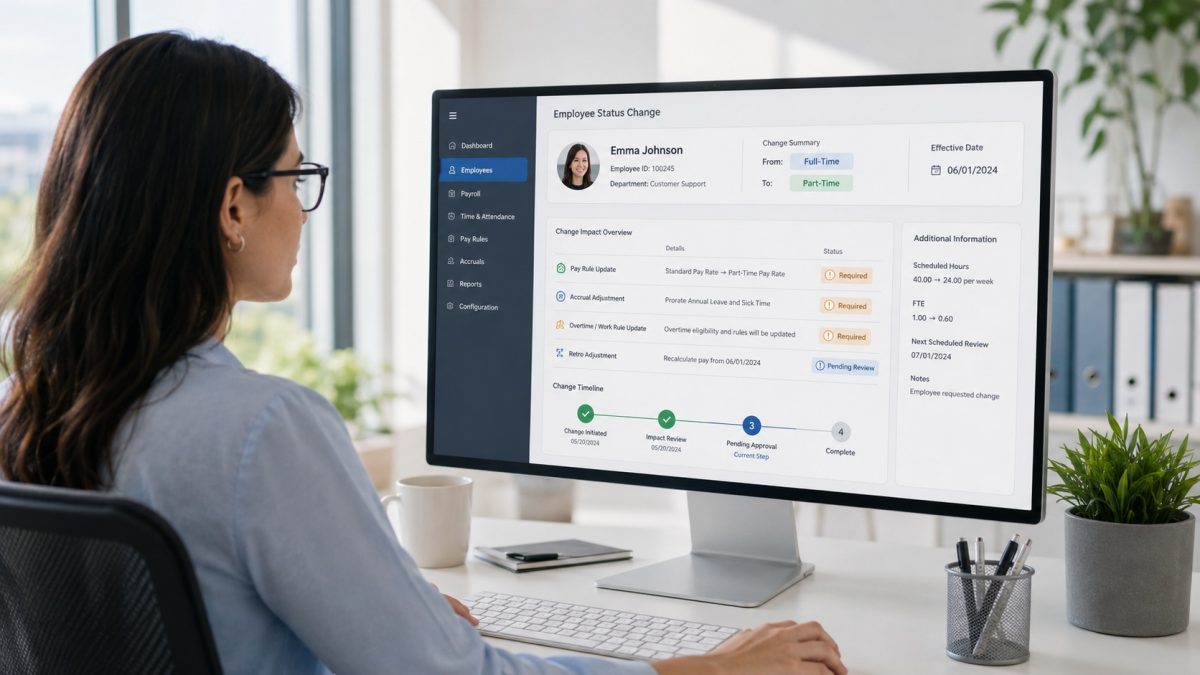
How to Handle Pay Rule Changes After an Employee Type Switch in UKG
When employee classifications change in UKG, pay rules and accrual policies do not update automatically. This gap creates severe compliance risks and retroactive payroll errors. Discover how HR teams manage effective dates and utilize CloudApper to automate complex downstream adjustments.