Struggling with unfilled shifts? UKG open shift notifications let managers post open shifts and employees claim them instantly via mobile. CloudApper enhances this with automated alerts, self-service claiming, real-time approvals, and seamless UKG integration—cutting no-shows, improving scheduling flexibility, and ensuring better coverage.



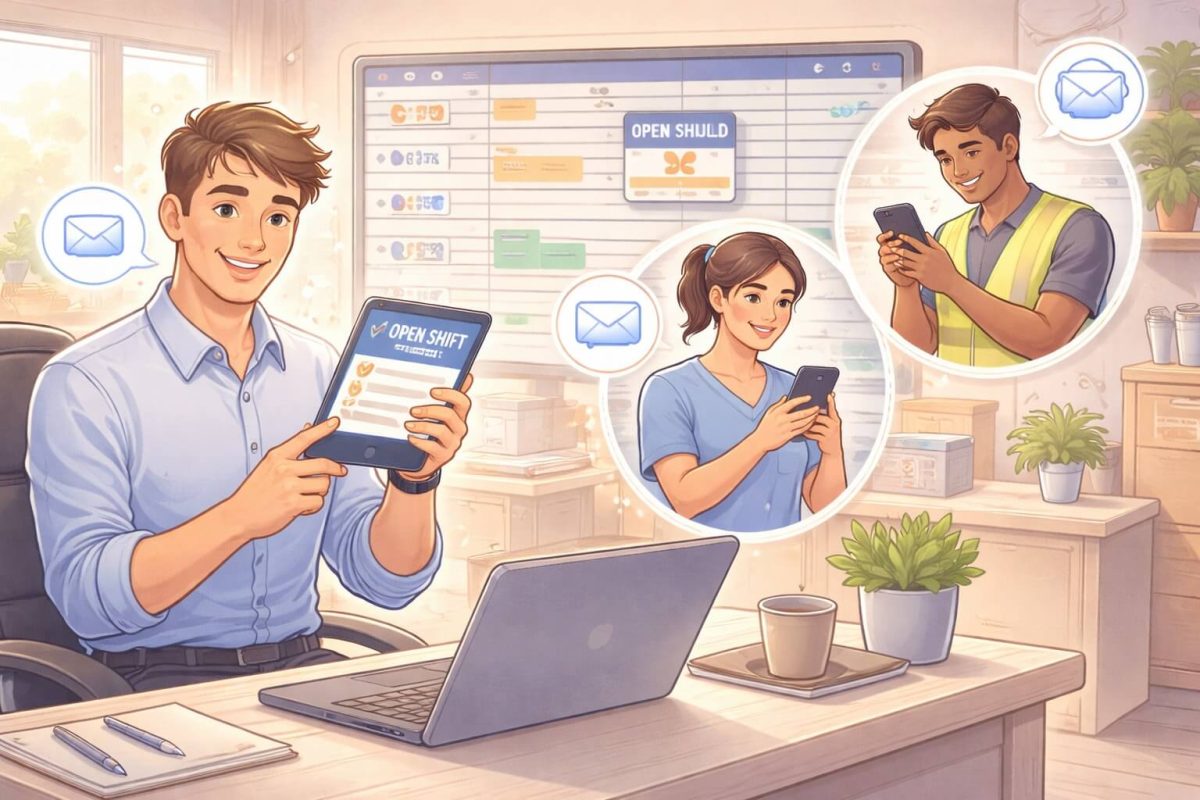
Table of Contents
Open shifts are a daily reality in industries like healthcare, retail, hospitality, and manufacturing. Call-outs, no-shows, or sudden demand changes can leave managers scrambling to fill schedules. While UKG provides strong scheduling tools, many organizations still struggle with slow, manual open-shift communication.
This is where CloudApper helps. CloudApper allows you to customize UKG so open shift notifications are sent automatically, received instantly by the right employees, and accepted with minimal effort.
This guide explains how sending and receiving UKG open shift notifications works, and how CloudApper makes the process faster, smarter, and easier.
TL;DR
UKG open shift notifications enable managers to post open shifts and employees to claim them quickly, reducing unfilled shifts and improving workforce coverage. CloudApper extends UKG with automated push/SMS/email alerts, employee self-service claiming on mobile apps, manager approval workflows, real-time visibility, and audit trails—ideal for shift-based industries like retail, healthcare, and manufacturing. Key benefits: faster shift filling, higher employee engagement, fewer scheduling gaps, and less manual coordination.
Why Open Shift Notifications Matter in UKG
When open shifts are handled manually, several problems appear:
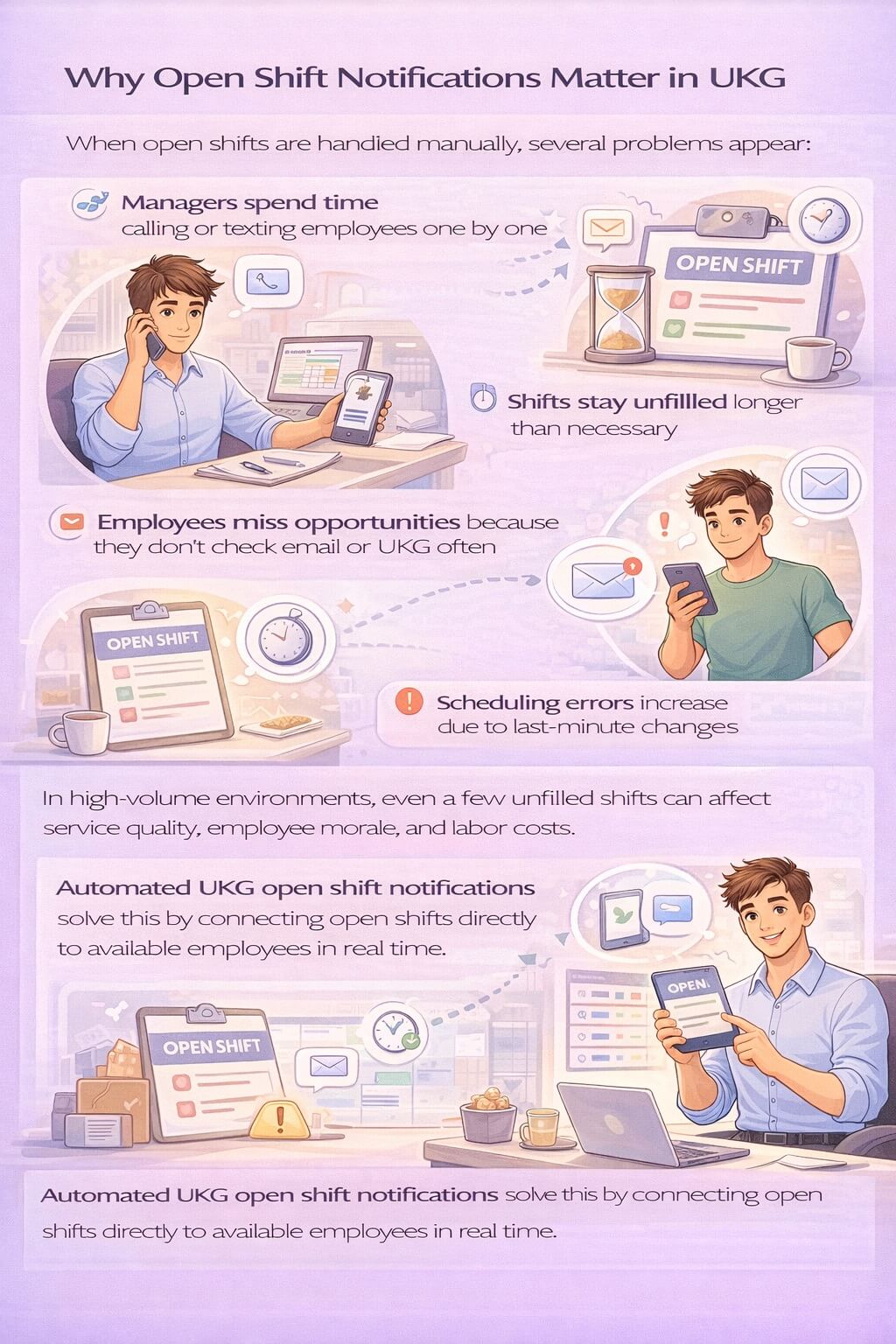
- Managers spend time calling or texting employees one by one
- Shifts stay unfilled longer than necessary
- Employees miss opportunities because they don’t check email or UKG often
- Scheduling errors increase due to last-minute changes
In high-volume environments, even a few unfilled shifts can affect service quality, employee morale, and labor costs.
Automated UKG open shift notifications solve this by connecting open shifts directly to available employees in real time.
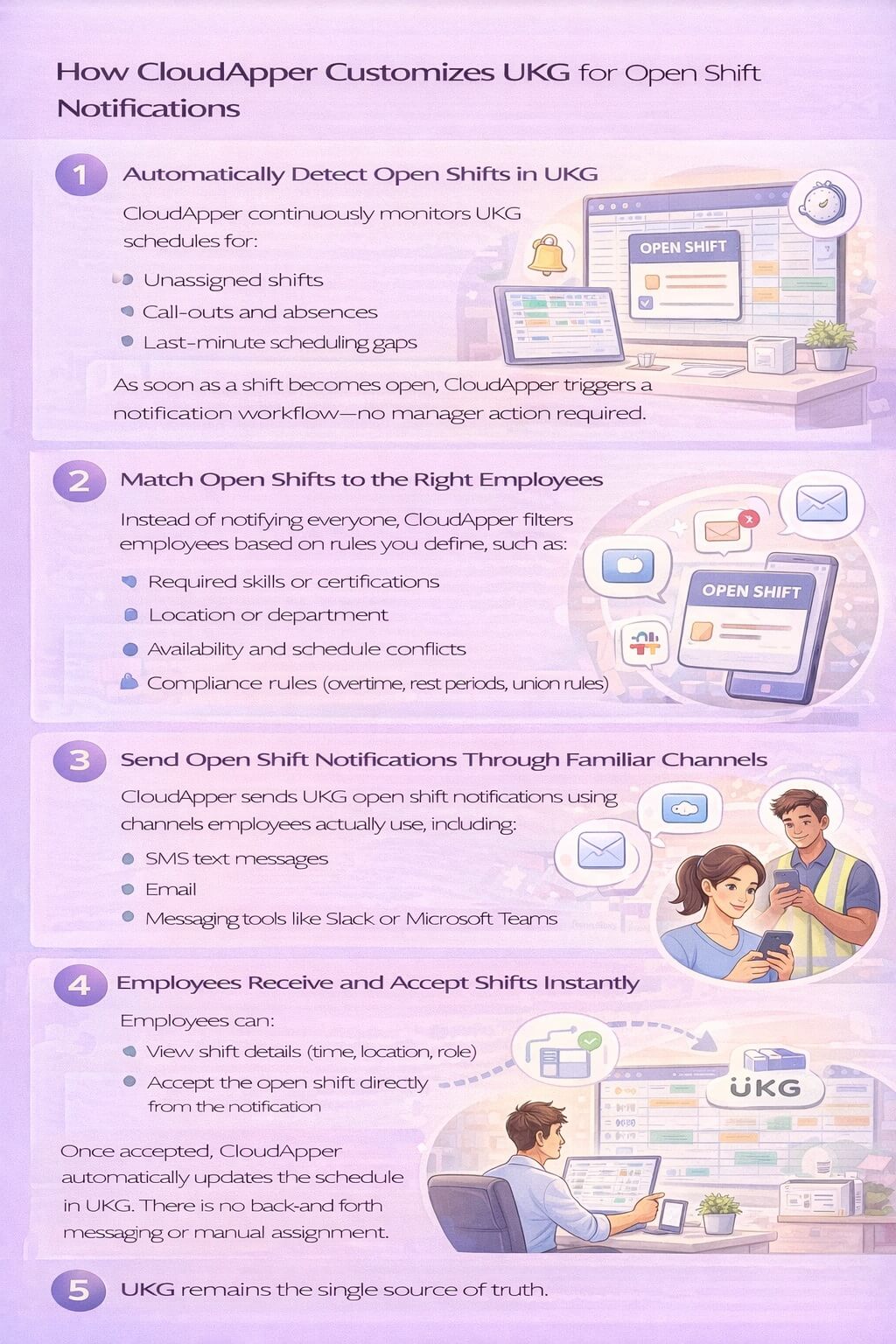
How CloudApper Customizes UKG for Open Shift Notifications
CloudApper works as an extension of UKG, not a replacement. UKG remains your system of record, while CloudApper handles engagement, automation, and notifications using secure APIs.
1. Automatically Detect Open Shifts in UKG
CloudApper continuously monitors UKG schedules for:
- Unassigned shifts
- Call-outs and absences
- Last-minute scheduling gaps
As soon as a shift becomes open, CloudApper triggers a notification workflow—no manager action required.
2. Match Open Shifts to the Right Employees
Instead of notifying everyone, CloudApper filters employees based on rules you define, such as:
- Required skills or certifications
- Location or department
- Availability and schedule conflicts
- Compliance rules (overtime, rest periods, union rules)
This ensures open shift notifications go only to employees who are eligible and allowed to take the shift.
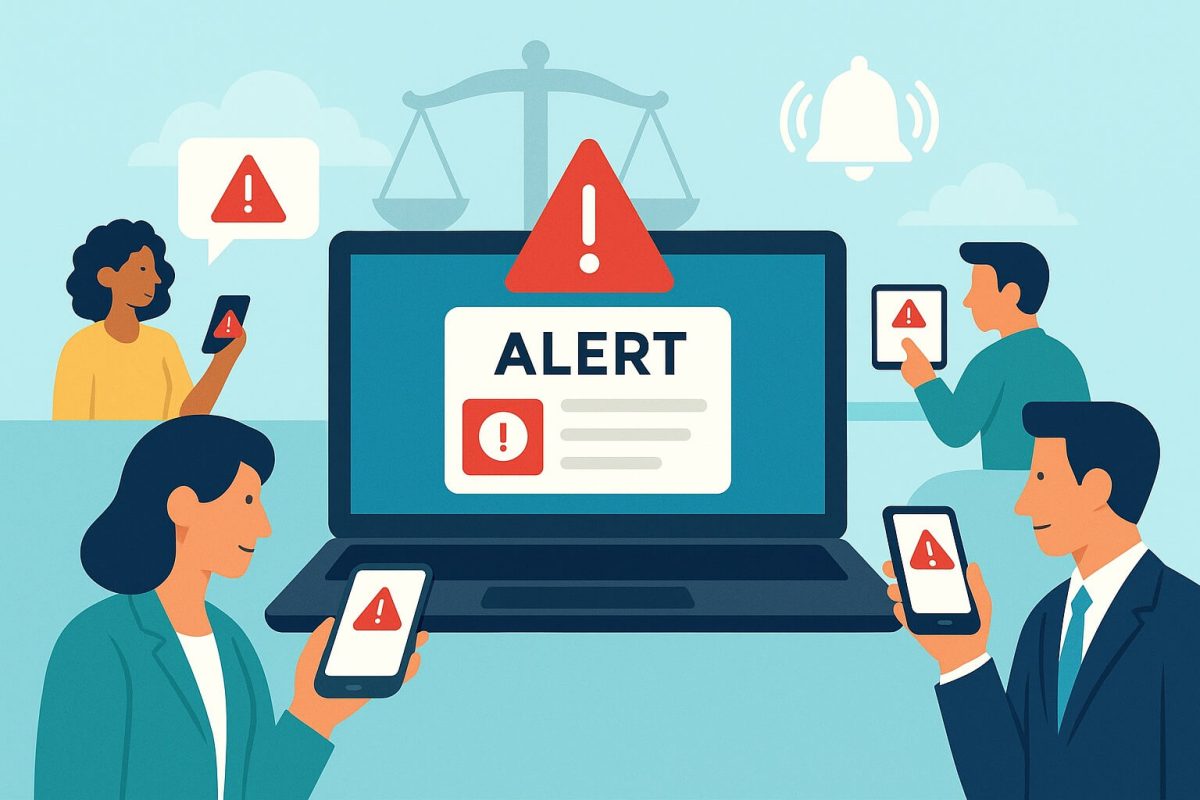
3. Send Open Shift Notifications Through Familiar Channels
CloudApper sends UKG open shift notifications using channels employees actually use, including:
- SMS text messages
- Email
- Messaging tools like Slack or Microsoft Teams
Employees don’t need to log into UKG to see the shift. The notification arrives instantly on their phone or preferred app.
4. Employees Receive and Accept Shifts Instantly
Employees can:
- View shift details (time, location, role)
- Accept the open shift directly from the notification
Once accepted, CloudApper automatically updates the schedule in UKG. There is no back-and-forth messaging or manual assignment.
5. Automatic Updates Back to UKG
Every action—notification sent, shift accepted, or shift filled—is synced back into UKG in real time. This ensures:
- Accurate schedules
- No duplicate assignments
- Clean audit trails
UKG remains the single source of truth.
Why CloudApper Is Better Than Manual UKG Open Shift Processes
Without customization, open shift management often relies on emails, spreadsheets, or call lists. With CloudApper:
- Open shifts are filled faster
- Managers save hours each week
- Employees feel informed and empowered
- Compliance rules are enforced automatically
- Scheduling errors and overtime risks are reduced
Most importantly, HR and operations teams don’t need developers. CloudApper is a no-code platform, so workflows and notification rules can be updated quickly as business needs change.
FAQ: UKG Open Shift Notifications
What are UKG open shift notifications and why do they matter?
UKG open shift notifications alert employees about available shifts they can claim. They help fill gaps quickly, reduce overtime costs, improve coverage during absences or peak times, and give employees more control over their schedules.
How do I send open shift notifications in UKG?
In UKG Pro or Dimensions, managers post open shifts in the scheduling module. Employees receive notifications via email, mobile app, or in-system alerts. CloudApper adds push notifications and SMS for faster reach and higher response rates.
Can employees claim open shifts themselves in UKG?
Yes—employees can view and claim open shifts directly in the UKG mobile app or web portal, subject to manager approval. CloudApper streamlines this with one-tap claiming, auto-notifications to managers, and real-time updates.
How does CloudApper improve UKG open shift notifications?
CloudApper integrates with UKG to deliver instant push/SMS alerts, mobile self-service claiming, automated manager approvals, shift-swapping options, and detailed analytics—reducing unfilled shifts and manual follow-up.
What industries benefit most from UKG open shift notifications?
Shift-based industries like retail (seasonal rushes), healthcare (24/7 staffing), manufacturing (production needs), and hospitality benefit most—faster filling of open shifts, less reliance on overtime, and better employee satisfaction.
Are there compliance or audit benefits with open shift notifications?
Yes—UKG and CloudApper maintain full audit trails of posted shifts, claims, approvals, and assignments, supporting labor law compliance (e.g., FLSA rest/break rules) and providing clear records for audits or disputes.
Common Use Cases by Industry
- Healthcare: Fill nursing or clinical shifts without calling staff one by one
- Retail: Cover weekend or peak-hour shifts faster
- Manufacturing: Replace absent workers without production delays
- Hospitality: Handle last-minute staffing gaps during busy periods
Sending and receiving UKG open shift notifications doesn’t have to be slow or manual. By using CloudApper to customize UKG, organizations can automate open shift detection, notify the right employees instantly, and fill shifts with minimal effort.
The result is faster scheduling, lower administrative workload, better employee experience, and stronger operational coverage—all while keeping UKG as your core workforce system.


 Project