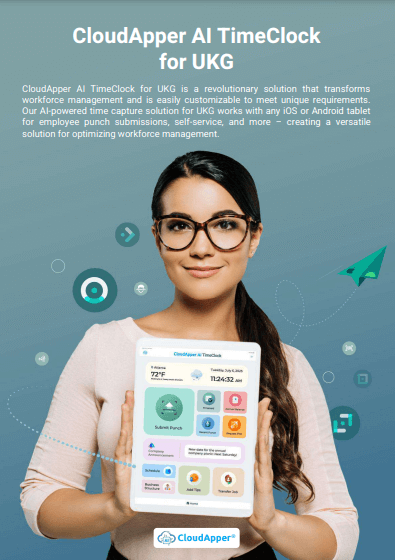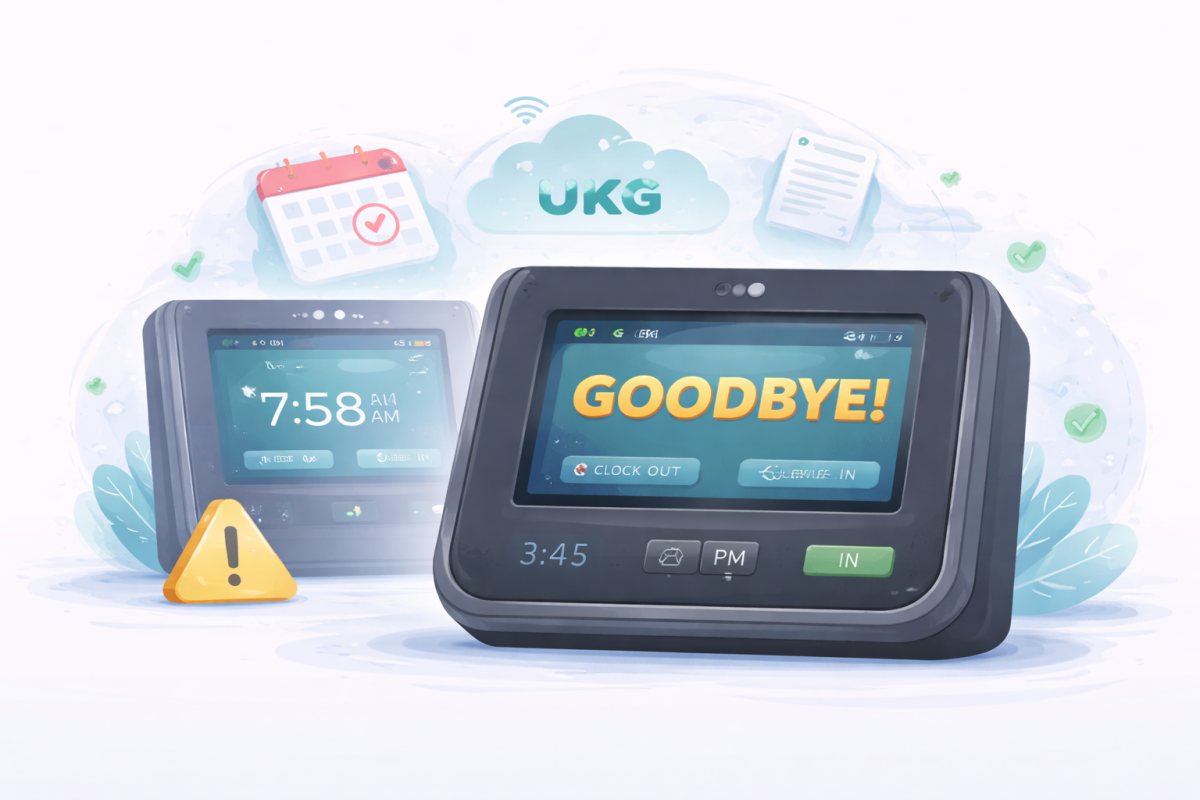

Using iPads as time clocks helps transportation and logistics companies improve UKG accuracy, prevent time theft, and speed up payroll. This guide explains how CloudApper AI TimeClock simplifies time tracking and solves everyday challenges for drivers, dispatchers, and HR teams.



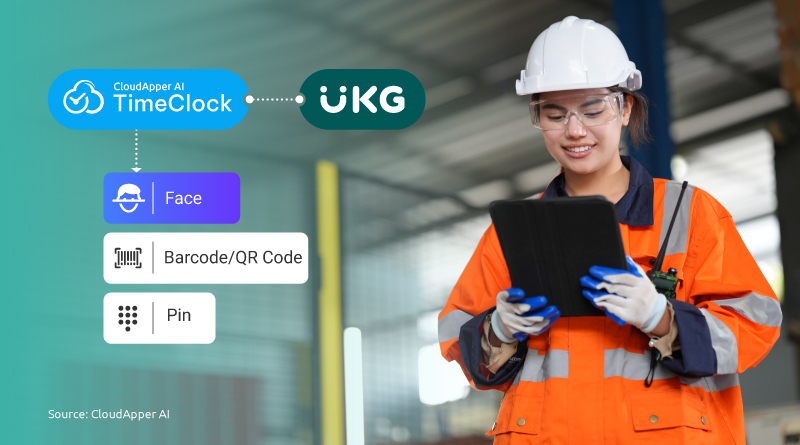
Table of Contents
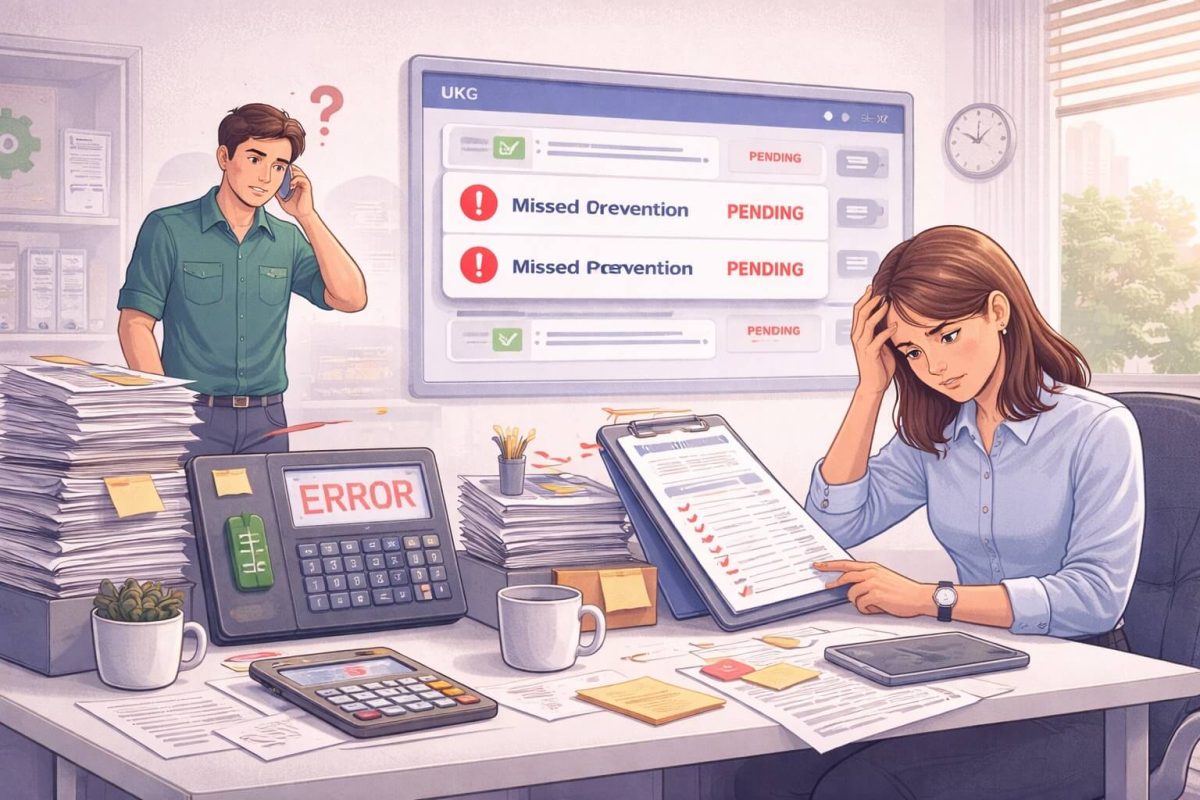
If you work in transportation or logistics, you have likely seen this happen. Someone on your team handles scheduling and spends half the day chasing time entries. Drivers start shifts before sunrise, some clock in from their phones miles away, and HR often stays late just to clean up hours inside UKG.
Time tracking itself is not the problem. Keeping it accurate is what makes the job stressful. That is why many logistics companies are now using iPads as time clocks connected directly to CloudApper AI TimeClock for UKG. It works as an iPad time clock for transportation companies and gives you accurate time tracking with biometric recognition, geofencing, mobile punch options for truck drivers, and automatic payroll syncing. You continue using UKG normally. The time clock simply becomes smarter, faster, and much easier to manage.
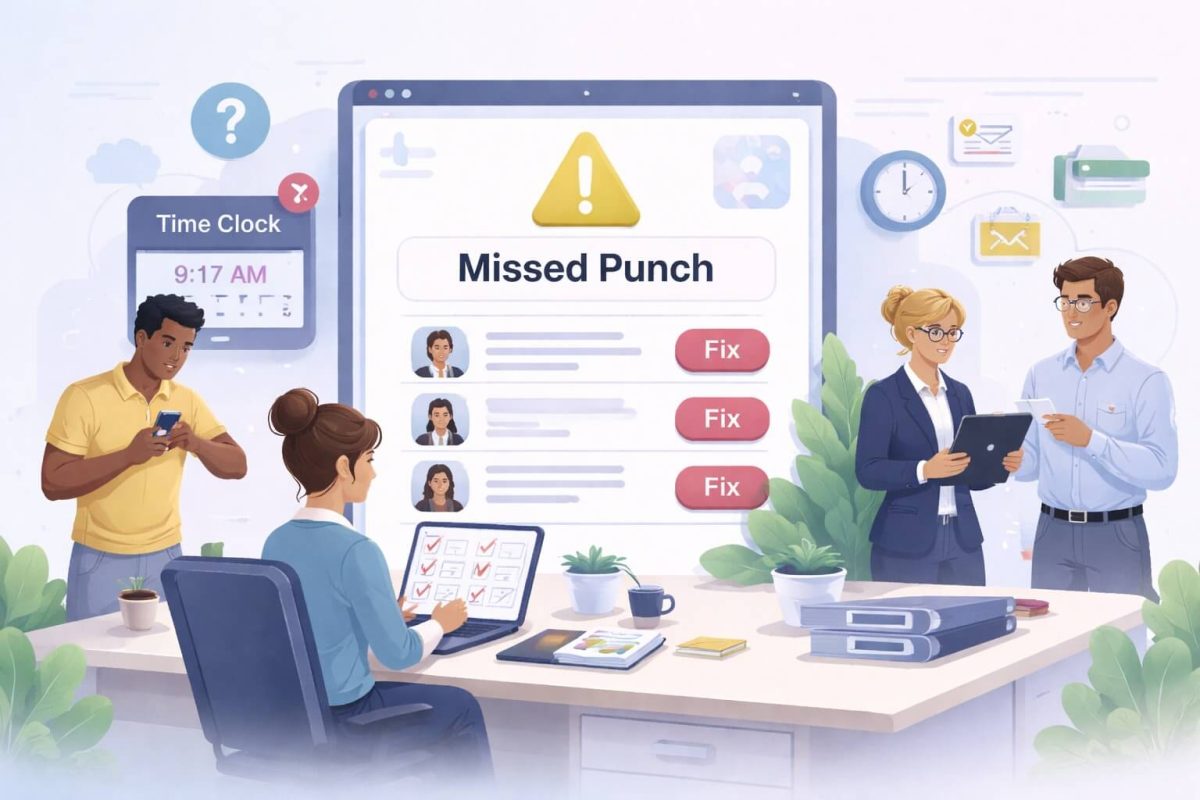
Challenges With Time Tracking in Transportation & Logistics
In the transportation & logistics industry, you deal with problems most industries never face. Time tracking often goes wrong because:
-
Drivers clock in before reaching the depot
-
Paper timesheets get messy or delayed
-
Buddy punching creates payroll losses
-
Dispatch teams don’t have real-time visibility
-
HR waits hours to process UKG time entries
-
Compliance checks keep piling up
When time tracking slows down, payroll slows down, and that creates stress across the entire operation. I’ve seen UKG users spend two hours fixing time entries every day. The good news is that a modern time clock system can eliminate most of this work.
How Using iPads for Employee Time Tracking is the Smartest Decision
Many transportation companies still use hardware clocks that cost too much and do too little. Using iPads as time clocks for UKG changes that. With CloudApper AI TimeClock:
-
You use standard iPads or Android tablets
-
Drivers and staff clock in using facial recognition
-
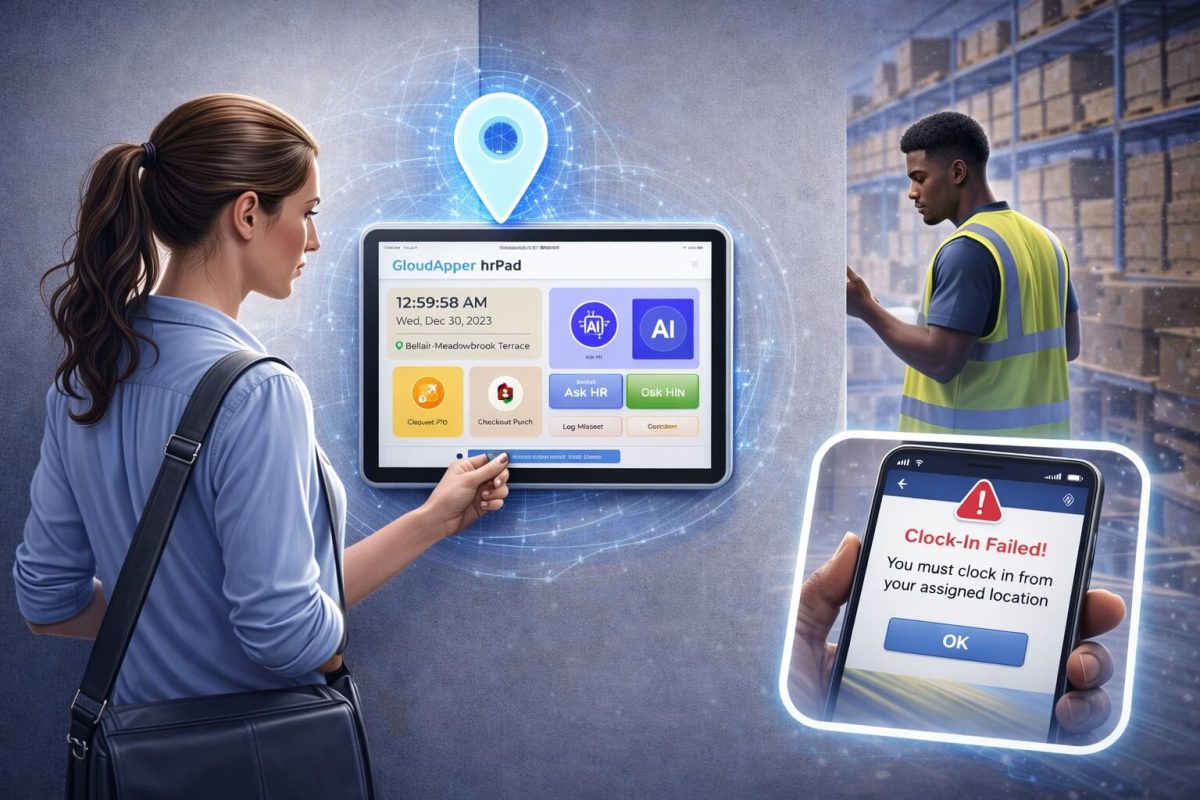
Geofencing prevents off-site punches
-
Punches sync directly into UKG Pro WFM or UKG Ready
-
Admins get real-time visibility of every shift
It solves payroll errors before they ever reach your HR team.
Real Benefits for Dispatchers, Drivers & HR Teams
What makes this approach work is not just new technology. It solves everyday problems that people in logistics deal with constantly. After switching to CloudApper AI TimeClock for UKG, many transportation companies shared real improvements in how their teams work together.
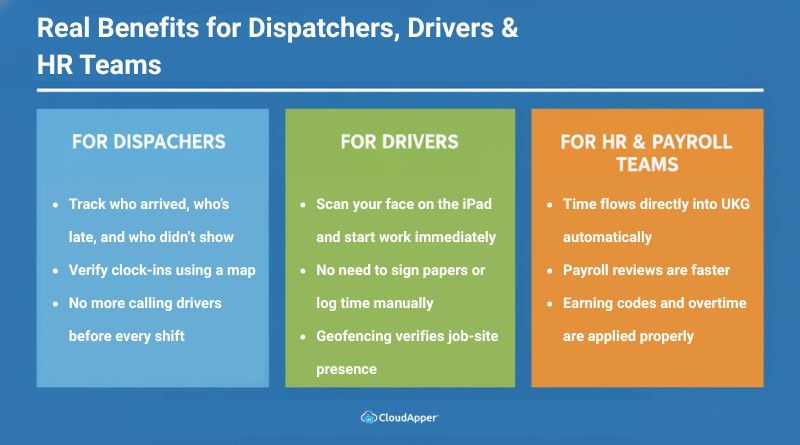
For Dispatchers
Dispatchers often have to track attendance manually while handling route planning and communication. With iPad time clocks, they get a clear view of every shift without chasing anyone for updates.
-
See who clocked in, who is late, and who didn’t show
-
View clock-ins on a map to confirm arrival at the right depot or job site
-
Stop calling employees one by one before every shift
-
Handle staffing decisions faster when someone is absent
Instead of reacting to problems, dispatchers get ahead of them.
For Drivers
Drivers want to start their shift and get moving. Long sign-in processes slow them down and sometimes lead to inaccurate time tracking. Using an iPad time clock solves that instantly.
-
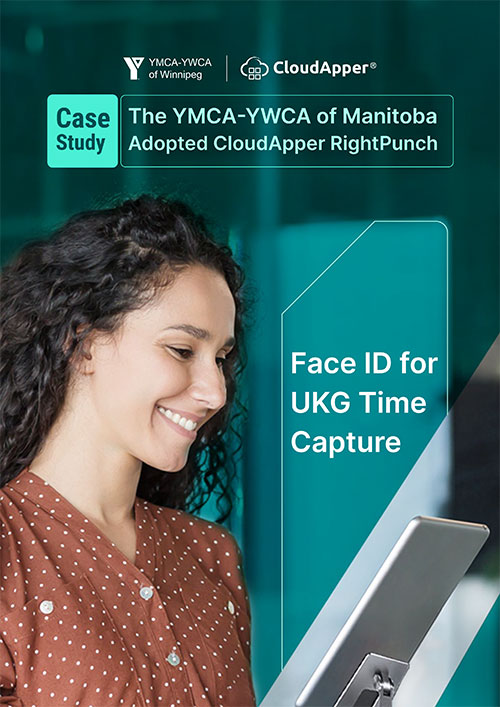
Scan face and clock in within seconds
-
No need to write times or keep paper logs
-
Geofencing confirms they are at the right location
-
No PIN numbers to remember or badges to carry
Drivers get an easier start to their shift, and time accuracy improves without asking them to do extra work.
For HR & Payroll Teams
Most UKG users in logistics say payroll reviews take too long because they start with unclear data. When time tracking is accurate from the start, payroll is no longer a rushed task.
-
Punches flow directly into UKG with no manual entry
-
Overtime rules and earning codes apply automatically
-
Payroll review time drops significantly
-
Clean records create an audit trail for labor laws and DOT inspections
Instead of fixing errors, HR simply verifies what is already correct.
You are not adding more steps to your workflow. You are removing the ones that slow everyone down. That is the real value. You don’t work harder. You finally work with a system that keeps the process clean from the very first punch.
You don’t need more staff to fix time tracking—you just need a better system.
Head-to-Head Comparison: iPad Time Clocks vs Traditional Clocks
| Feature | Traditional Clock | iPad + CloudApper AI TimeClock |
|---|---|---|
| Geofencing Time Clock Logistics | Not Available | Yes |
| UKG Integration | Manual Export | Seamless Sync |
| Biometric Security | Low | High |
| Payroll Sync | Delayed | Real-Time |
| Mobile Time Clock for Truck Drivers | Not Possible | Yes |
Most companies already have spare tablets. If not, buying one still costs far less than installing a proprietary clock.
How iPads Help Prevent Time Theft in Logistics
Many companies ask me: “How do I prevent time theft without micromanaging everyone?”
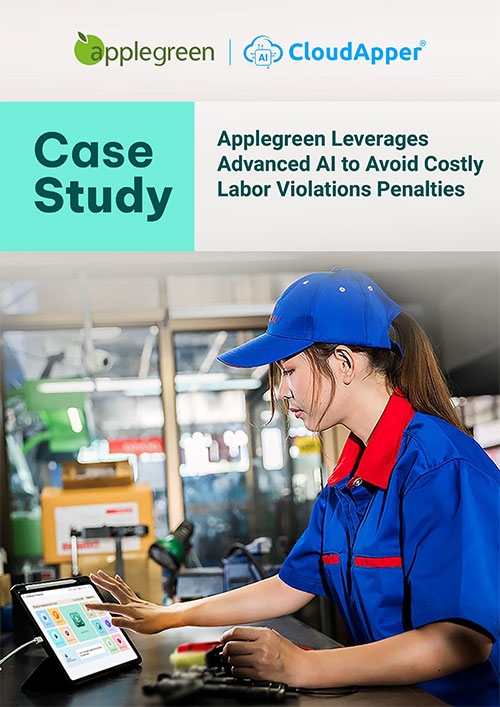
Here’s what actually works when using CloudApper AI TimeClock for UKG:
1. Geofencing Around Depots and Warehouses
You set a location boundary around a site. If someone tries to punch in from outside the zone, the system blocks it. No confrontation. No assumptions. Just clear rules. It also prevents early punches on the way to work and protects you during audits.
2. Facial Recognition for Clock-Ins
This solves buddy punching instantly. Employees clock in using their face, not a shared PIN or swipe card. It feels natural for staff, but it gives you verified time records without extra steps.
3. Minimum Punch Distance Rules
You can define how close someone must be to a specific job site before they can clock in. This works especially well for field crews or mobile teams that move between locations.
4. Real-Time Punch Validation
The system checks every punch as it happens. If a punch looks suspicious, the admin sees it immediately. That means no after-hours corrections, no payroll delays, and no backtracking to confirm shift times.
5. Automatic Sync With UKG
Once punches are validated, everything flows directly into UKG with correct earning codes, shift rules, and overtime policies. The system does not rely on memory. It relies on process. That shift alone reduces payroll stress more than anything else.

After this setup, most companies notice the same change. The conversations about missing hours and unclear punches disappear. Drivers clock honestly. HR stops fixing problems after shifts end. And managers no longer need to “keep an eye on people” because the time clock handles it for them quietly in the background.
Final Thoughts
If you already use UKG, your time tracking should match its level of efficiency. Using iPads as time clocks removes daily friction by keeping punches accurate from the start. Drivers clock in faster, dispatchers see who arrived, and HR no longer spends hours correcting entries.
CloudApper AI TimeClock for UKG brings structure without changing how your team works. You keep your current process but gain real-time visibility, verified punches, and a stress-free payroll workflow.
If you already use UKG, you’re just one step away from stress-free payroll.
Frequently Asked Question
-
Can truck drivers clock in from their phones?
Yes. With CloudApper AI TimeClock, login can be restricted to job sites, depots, or designated vehicles using geofencing.
-
How do logistics companies stop buddy punching?
Facial recognition or biometric scans on iPads solve this instantly. Only the authorized person can clock in or out.
-
Is iPad time tracking legal for DOT-regulated companies?
Yes, as long as punch records are accurate, auditable, and tied to real locations. The system keeps a full trail.
-
Can iPads sync punches directly into UKG?
Yes. Punches flow right into UKG with zero manual entry needed.