Discover 10 innovative data collection ideas to enhance your UKG Ready time clock: from mobile punches and geofencing to job costing, shift bidding, attestation questions, and AI insights. CloudApper AI TimeClock adds touchless biometrics, offline capability, real-time data, and self-service features — improving accuracy, reducing errors, and driving better workforce management in UKG Ready environments.


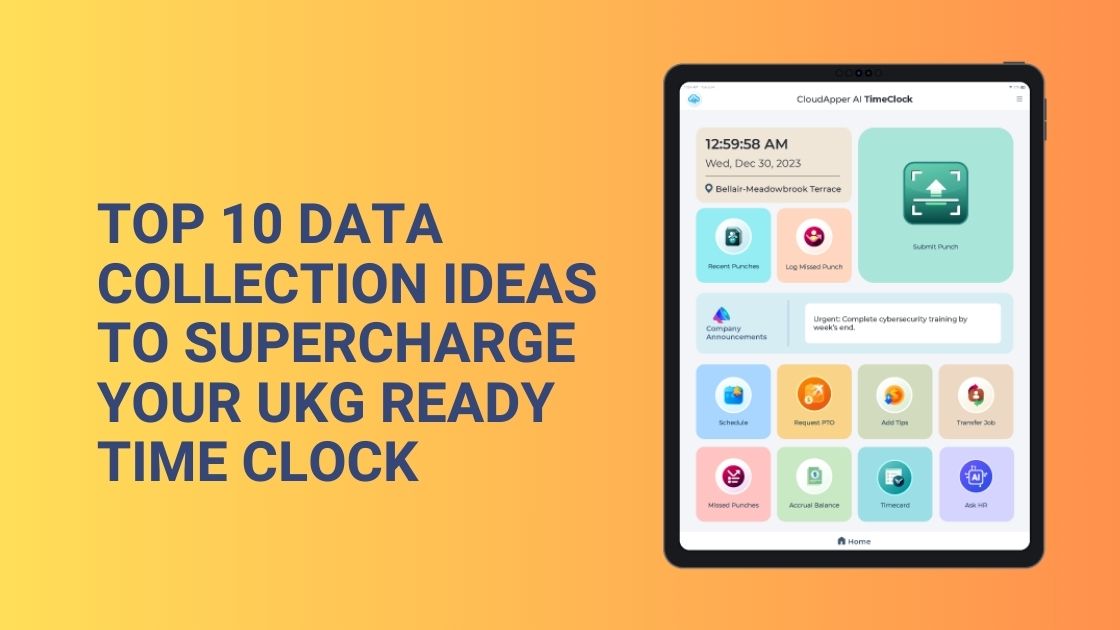
Table of Contents
Effective time and labor management in the data-driven world of today is contingent on the collection of comprehensive and insightful data. In this regard, CloudApper AI TimeClock proves to be a potent instrument, as it integrates effortlessly with UKG Ready to acquire personalized data that extends beyond conventional clock-in/clock time.
TL;DR
Boost your UKG Ready time clock with 10 powerful data collection ideas: mobile self-service punches, geofencing, job costing, attestation questions,
shift bidding, biometric verification, AI-driven insights, offline sync, real-time alerts, and customizable workflows.
Top 10 UKG Ready Time Clock Data Collection Ideas
Let’s explore ten valuable data elements that can be gathered via CloudApper in order to optimize a UKG system are as follows:

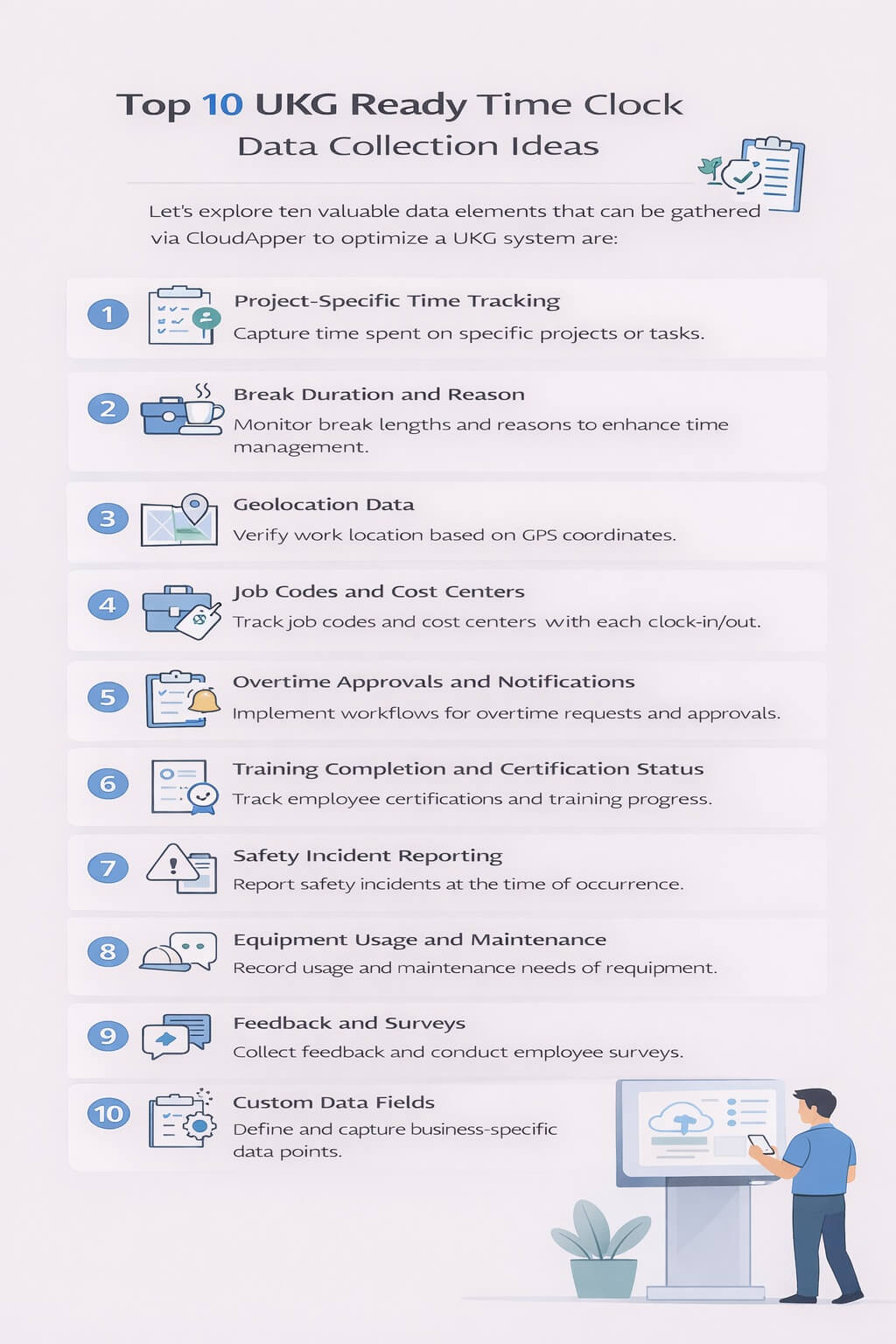
- Project-Specific Time Tracking: Capture time spent on specific projects or tasks, enabling accurate cost allocation and project budgeting.
- Break Duration and Reason: Monitor break lengths and reasons for improved time management and potential compliance adherence.
- Geolocation Data: Verify work location based on GPS coordinates, promoting accountability and streamlined timekeeping for mobile workforces.
- Job Codes and Cost Centers: Associate accurate job codes and cost centers with each clock-in/out event for detailed costing and resource allocation insights.
- Overtime Approvals and Notifications: Implement automated workflows for overtime requests and approvals, streamlining processes and ensuring compliance.
- Training Completion and Certification Status: Track employee training completion and certification status directly through the time clock, ensuring workforce readiness and compliance.
- Safety Incident Reporting: Capture safety incident details directly at the time of occurrence, facilitating prompt response and investigation.
- Equipment Usage and Maintenance: Track equipment usage and record maintenance needs directly on the time clock, optimizing asset management.
- Feedback and Surveys: Collect employee feedback and conduct surveys through the time clock, gaining valuable insights into employee sentiment and engagement.
- Custom Data Fields: Define and capture additional data points specific to your unique business needs, offering tailored insights and improved decision-making.
CloudApper hrPad for UKG
Group of Amusement Centers Chose AI hrPad for UKG Pro WFM
Unlocking the Data Collection Power of UKG ready
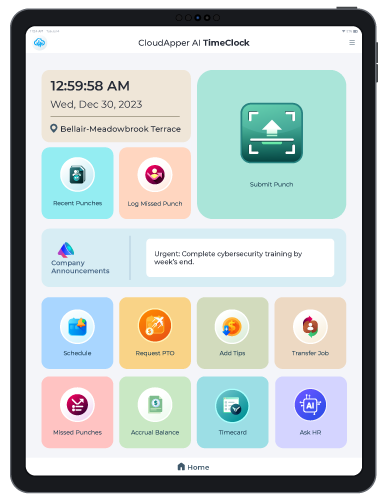
CloudApper AI TimeClock, seamlessly integrated with UKG Ready, offers unique advantages for data collection:
- Customizable Forms: Design tailor-made forms to capture any relevant data point, catering to your specific needs.
- Mobile Capture: Collect data conveniently on iPads or tablets, even offline, ensuring real-time insights.
- Automated Workflows: Streamline data handling processes with automated routing and approvals.
- Seamless Integration: Ensure smooth data flow between CloudApper and UKG Ready, eliminating manual entry errors.
- Advanced Analytics: Leverage collected data for comprehensive reporting and insightful analysis.
Frequently Asked Questions
What are the best ways to improve data collection on a UKG Ready time clock?
Top ideas include mobile self-service punches, geofencing for location verification, job costing fields, attestation questions, shift bidding, biometric security, and real-time alerts — all enhanced by CloudApper AI TimeClock for better accuracy and compliance.
Can I add shift bidding or job costing to my UKG Ready time clock?
Yes — CloudApper AI TimeClock extends UKG Ready time clock functionality with employee-driven shift bidding, job costing, vacation bidding, and shift swaps, fully synced with Workday workflows for seamless scheduling and cost tracking.
Does a modern UKG Ready time clock support offline punching?
Absolutely. CloudApper AI TimeClock allows offline data capture on mobile/tablet devices, with automatic sync to UKG Ready when connectivity returns — ideal for field teams, remote sites, or areas with unreliable internet.
How can geofencing or biometrics improve my UKG Ready time clock?
Geofencing enforces location-based punches, while touchless biometrics (>99.5% accurate Face ID) prevent buddy punching. CloudApper integrates both into UKG Ready time clock setups, enhancing security, compliance, and payroll accuracy.
Is it possible to customize data collection fields in UKG Ready?
Yes — CloudApper AI TimeClock lets you add custom fields (attestations, project codes, notes) and workflows to your UKG Ready time clock, capturing richer data without manual entry or expensive custom development.
You can enhance your UKG Ready experience by capitalizing on the data collection capabilities of CloudApper AI TimeClock. Expand the scope of data collection, acquire more deeper understandings, and employ data-driven strategies to optimize resource allocation, workforce management, and the overall efficiency of the business. Unlock the complete potential of your UKG system and commence your exploration of the possibilities with CloudApper.




September 11, 2026
UKG Geofencing Time Clock for Field Workers: GPS Enforcement When Intouch Terminals Aren’t an Option
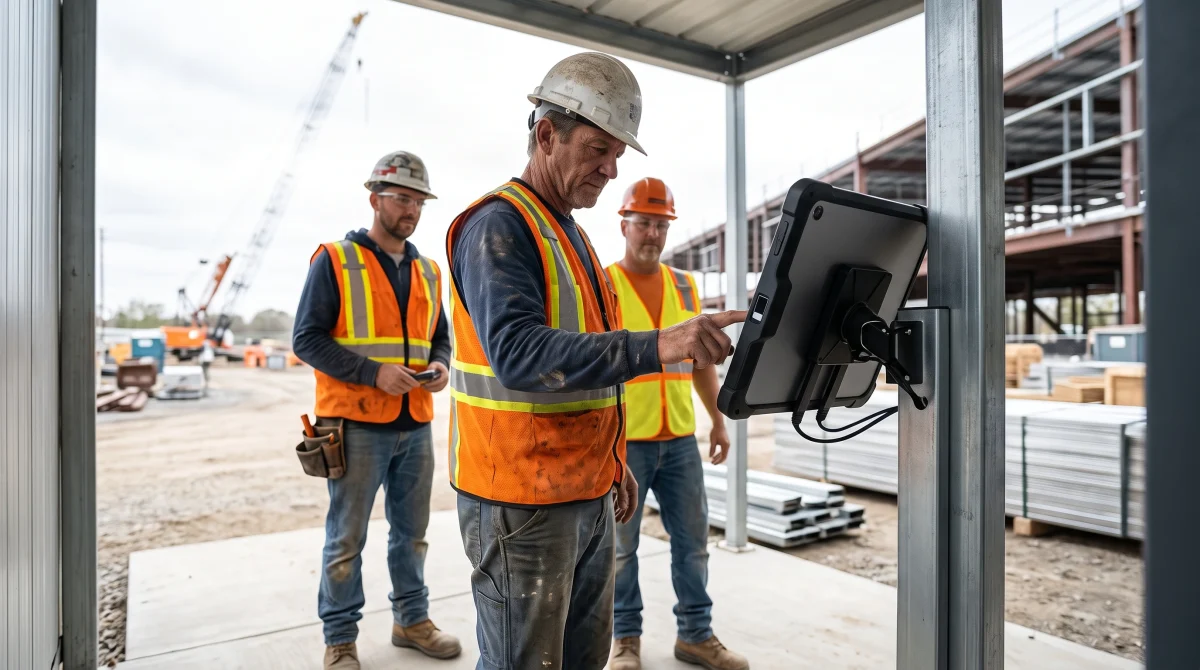
For field crews and remote-site operations, native UKG geofencing relies on individual smartphones without biometric verification. CloudApper AI TimeClock for UKG delivers GPS zone enforcement plus facial recognition from a managed tablet kiosk — syncing directly with UKG Ready and Pro WFM.

September 10, 2026
Show-Up Pay Compliance: The Reporting-Time Rule Hiding in Cancelled UKG Shifts
Seven states require reporting time pay when a scheduled shift is cancelled or cut short, and the obligation triggers at clock-in, not at the schedule notice. Learn how CloudApper AI TimeClock documents the reporting event so UKG can apply the correct premium automatically.
September 10, 2026
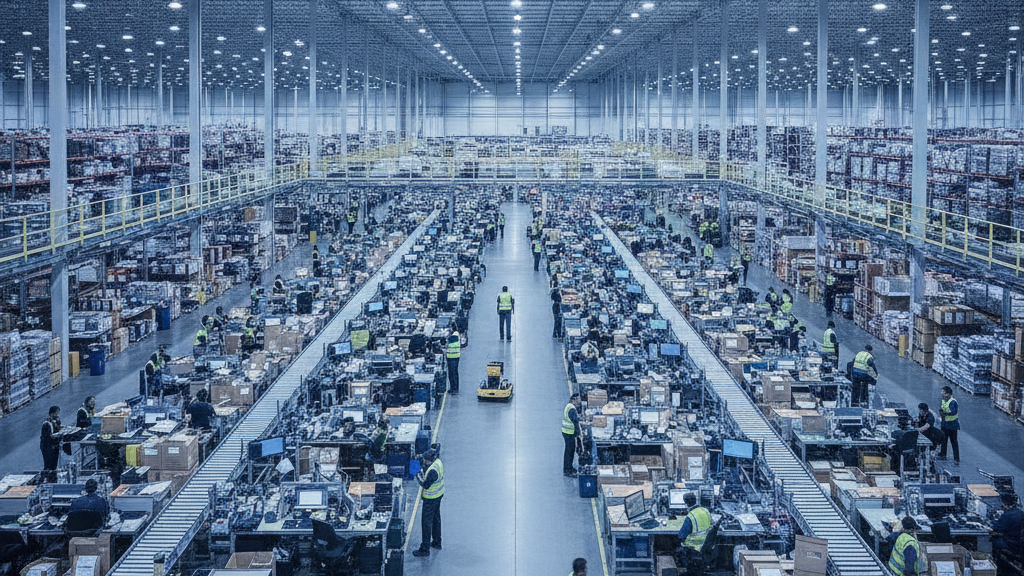
UKG Time Clocks in Warehouses: Why Wave Shifts, Job Transfers, and High Turnover Break Standard Punch Compliance
Wave shifts, mid-shift job transfers, and 25-35% monthly turnover break standard UKG Intouch time clock workflows in warehouse and fulfillment center environments. Here's what operations managers running UKG Ready and Pro WFM actually do about it.
September 9, 2026
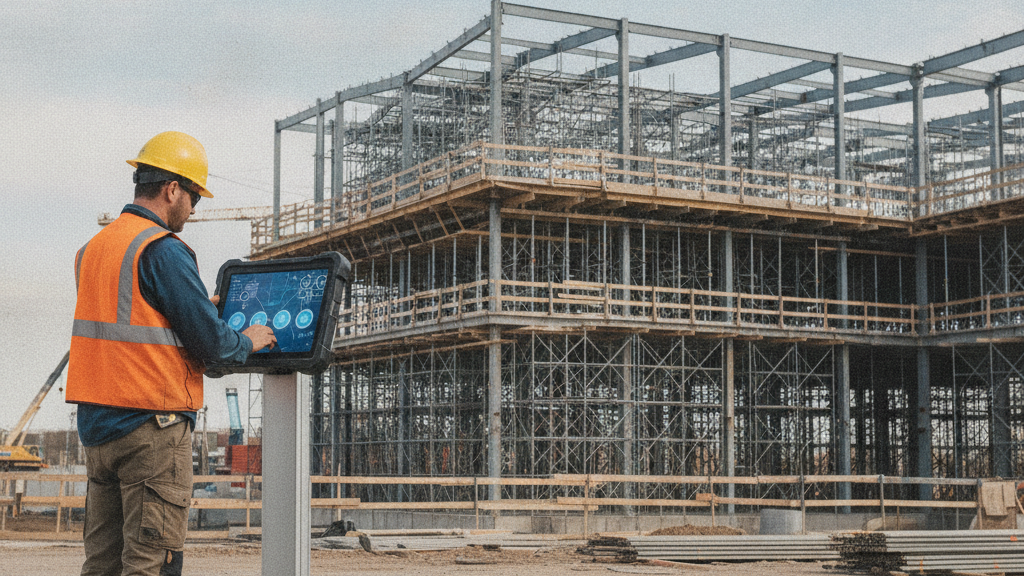
Davis-Bacon Compliance in UKG: Why Trade Classification Must Happen at the Time Clock, Not the Payroll Desk
Government contractors running UKG Ready or Pro WFM can't generate WH-347 certified payroll from standard timecard exports because UKG doesn't capture trade classification by project at the punch level. The gap: classification decisions migrate to the payroll desk and get reconstructed from foreman notes — which is exactly what DOL auditors investigate. Here's what must change at the time clock level.