Attestation questions in UKG TimeClock help organizations verify meal breaks, safety compliance, and work context directly during punch-in and punch-out. This article explains how they work, why unanswered attestations create payroll and compliance risk, and how automated reminders with CloudApper AI TimeClock improve completion rates and audit readiness.



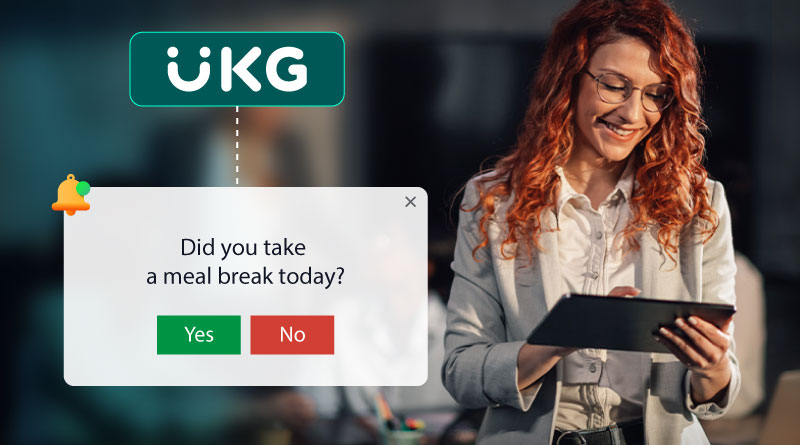
Table of Contents
Employee accountability and wage-and-hour compliance depend on one thing: capturing accurate time data at the moment work happens. UKG TimeClock supports this with powerful time-tracking and attendance controls, and attestation is one of the most practical tools for strengthening compliance.
Attestation questions add a simple but meaningful layer of verification during punch-in, punch-out, or edits. When used well, they help organizations document break compliance, confirm safety steps, and reduce ambiguity around remote or field work.
Key Points
- Attestation questions in UKG TimeClock verify meal breaks, safety protocols, and remote work activity.
- Unanswered attestation questions can create compliance concerns and payroll errors.
- CloudApper AI TimeClock provides automated reminder notifications for unanswered attestation questions.
- Configurable reminders and multiple notification channels improve accountability and compliance.
- Additional benefits include AI-powered time tracking, self-service options, enhanced data security, and improved compliance with labor regulations.
Quick answer: What are attestation questions in UKG TimeClock?
Attestation questions are custom prompts employees respond to during the timekeeping flow (such as punching in/out or submitting a correction). Organizations use them to capture a timely employee confirmation, creating clearer records for payroll accuracy and compliance documentation. UKG Dimensions includes attestation as a configurable feature for common scenarios like meal breaks and policy acknowledgments.
Why organizations use attestation questions
Attestation works because it captures a confirmation at the point of action, not days later during payroll cleanup. That timing is exactly what makes attestations useful for compliance documentation and internal policy enforcement.
Meal break verification
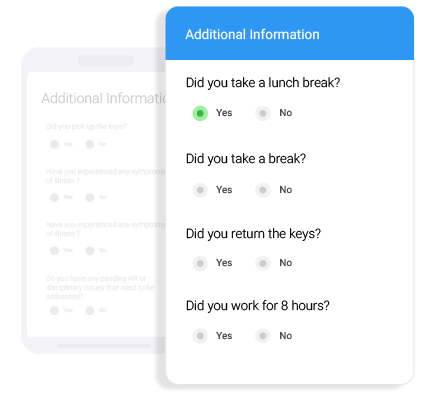
Many organizations need a consistent way to document whether employees took required meal periods, especially when operations are fast-moving or shifts are unpredictable. Attestation questions can ask employees to confirm they received and took the required break. This aligns well with wage-and-hour best practices because meal periods are generally treated differently from short breaks and can affect paid vs. unpaid time treatment depending on policy and jurisdiction.
Safety protocol confirmation
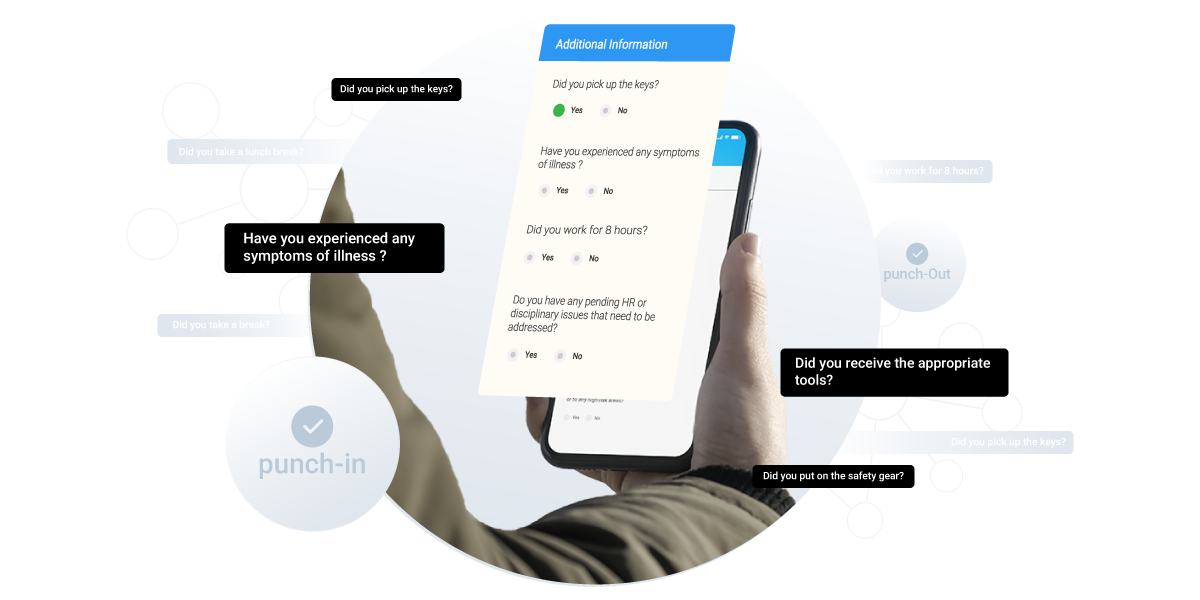
If your teams operate machinery, handle inventory, enter customer sites, or work in regulated environments, attestations can confirm that required checks were completed before work begins. This can be as simple as a “Yes/No” acknowledgement that a checklist was completed, or a prompt that routes employees to a follow-up step when the answer indicates an exception.
Remote or field work context
For distributed teams, attestations can help confirm work context when time is recorded. This is particularly useful for organizations that require employees to certify location, conditions, or required steps before work begins.
The real problem: what happens when attestation questions are missed?
In real operations, employees don’t skip attestations because they’re trying to create risk. More often, it happens because:
- a shift change is hectic,
- a device is shared,
- an employee is rushing to clock out,
- or the prompt appears at a moment they don’t expect.
The result is usually the same: gaps in documentation and avoidable administrative cleanup.
And payroll mistakes are more common than most teams realize. One recent report found that about a quarter of U.S. workers experienced a payroll issue within the prior three months, showing how frequently errors and corrections can surface in day-to-day payroll operations.
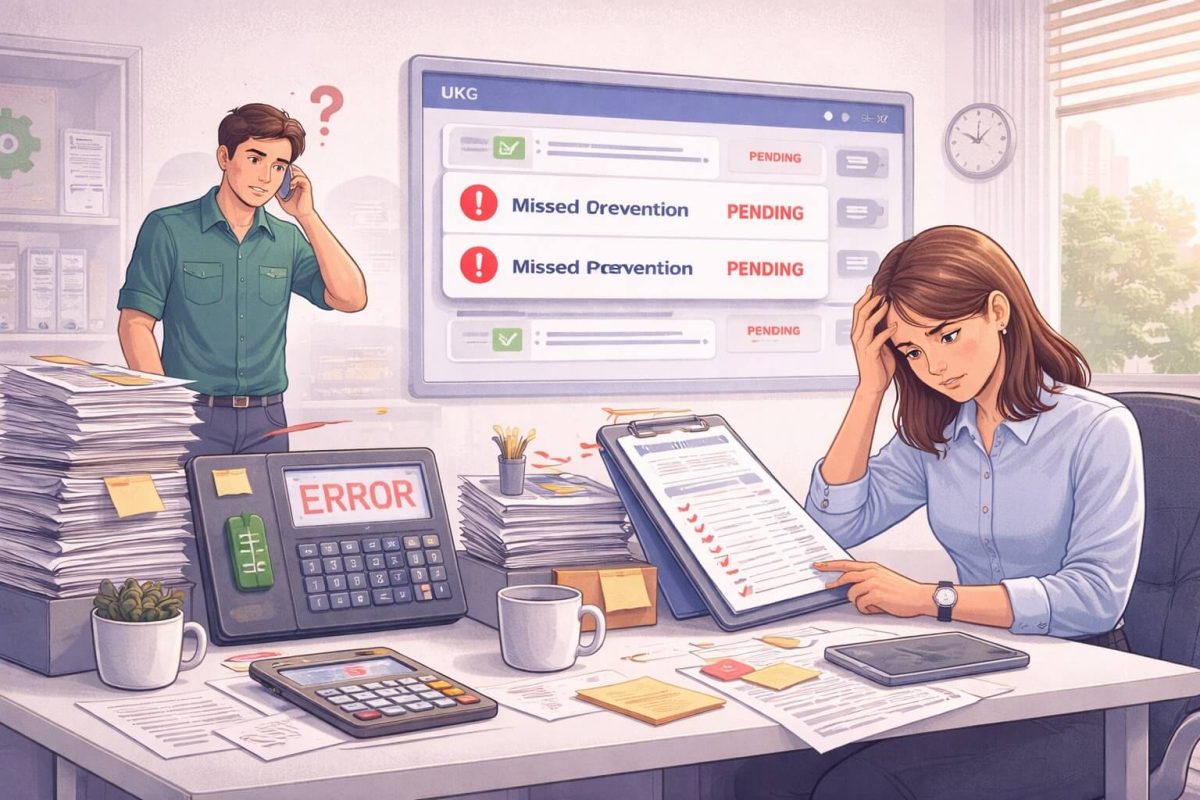
When attestations are missed, HR and payroll teams often end up doing manual follow-up: messages to managers, chasing employees for answers, and documenting exceptions after the fact. Even when everything is resolved, the process is slower, less consistent, and harder to audit.
How to reduce missed attestations without adding friction
The goal isn’t to overwhelm employees with more prompts. The goal is to make attestation completion predictable and automatic, so compliance improves while workload drops.
That’s where reminder workflows become valuable: not as “nagging,” but as a lightweight enforcement mechanism that ensures required confirmations don’t disappear into a busy day.
Strengthening UKG attestation workflows with CloudApper AI TimeClock reminders
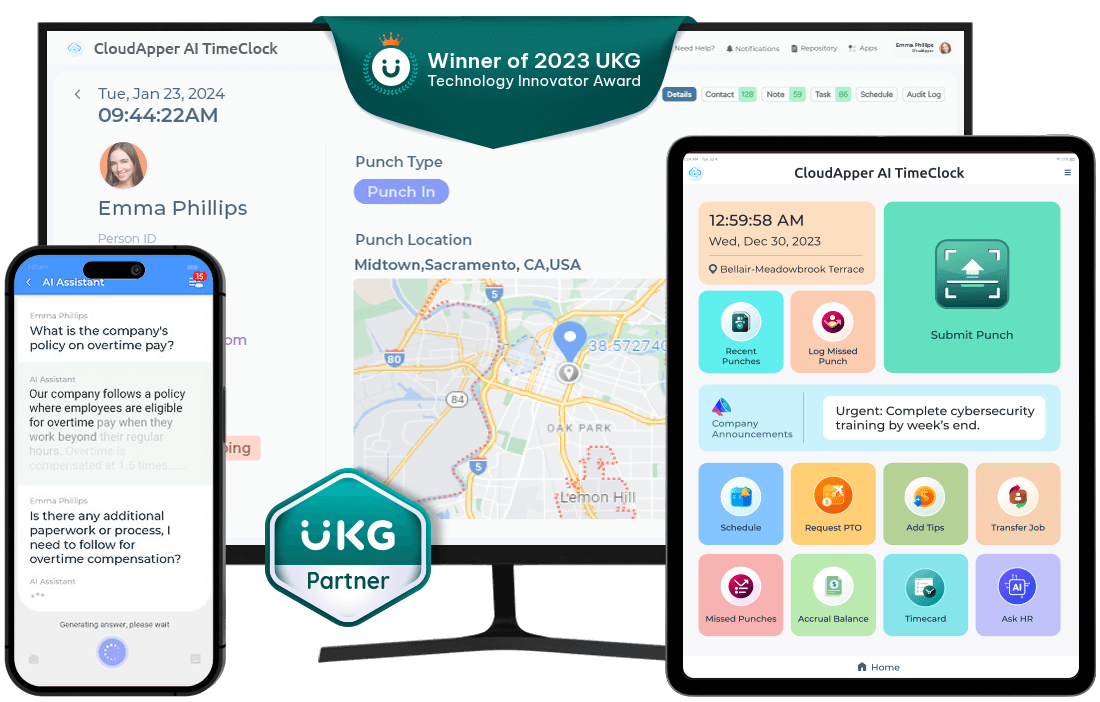
CloudApper AI TimeClock integrates with UKG and supports a practical layer organizations frequently need: automated reminder notifications for unanswered attestation questions, with configurable timing and delivery channels.
How the reminder workflow works in practice
When an attestation is required and the employee doesn’t complete it within your defined window, CloudApper AI TimeClock can trigger a reminder. Instead of relying on supervisors to notice missing confirmations later, the system prompts completion while it’s still timely and accurate.
Configurable timing that fits real schedules
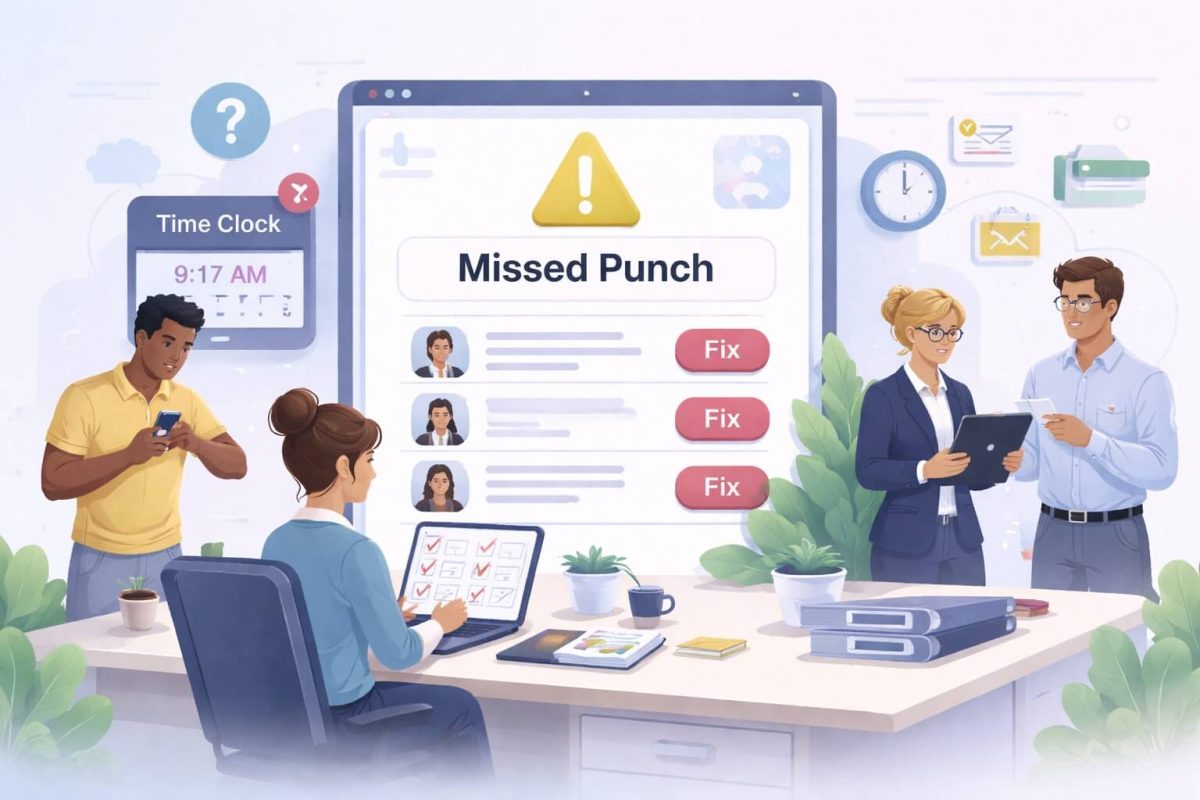
Different attestations have different urgency. A “meal break confirmation” may be best collected the same day. A “missed punch correction attestation” might need a shorter window. With configurable reminders, your team can set realistic timeframes that match operational reality and policy expectations.
Multiple notification channels, so employees actually see it
Completion improves when reminders meet employees where they are. CloudApper AI TimeClock can deliver reminders through channels such as SMS, email, or in-app notifications, based on what works best for your workforce.
Accountability that doesn’t depend on memory
Automated reminders create a consistent pattern: employees learn that attestations are part of the workflow, and HR doesn’t need to manually chase responses.
Real-world examples you can implement immediately
Here are three common attestation setups that tend to improve outcomes quickly because they’re simple, specific, and easy to answer:
Example 1: Meal break compliance
“Did you take your required meal break today?”
If “No,” prompt: “Select a reason: workload, staffing, forgot, other.”
This approach helps collect a clear record and also highlights operational causes that may need attention.
Example 2: Safety readiness
“Have you completed the required safety check for your role before starting work?”
If “No,” prompt: “Please notify your supervisor and complete the checklist before proceeding.”
The key is using attestation not only as documentation, but as a gentle enforcement gate.
Example 3: Field/remote confirmation
“Are you working from your assigned job site today?”
If “No,” prompt: “Select your current location or provide a note.”
For teams with travel, multiple sites, or job transfers, this can prevent confusion later during approvals and payroll review.
The broader benefits CloudApper AI TimeClock adds alongside UKG
Beyond reminders for missed attestations, CloudApper AI TimeClock supports a broader set of workforce workflows that many organizations want to simplify:
- It can support secure identity verification (such as face-based check-in options) to reduce time theft and buddy punching.
- It helps reduce HR workload with employee self-service flows for common requests and corrections.
- It strengthens audit readiness by making timekeeping documentation more complete and consistent.
- It supports offline-friendly time capture for teams working in locations with unreliable connectivity, then syncs when network access returns.
FAQ
How do attestation questions work in UKG TimeClock?
They appear during key timekeeping actions (like punch-in/out or edits) and ask employees to confirm a required policy or condition. The employee response becomes part of the timekeeping record for clearer documentation.
What are good examples of attestation questions?
Common examples include meal break confirmations, safety checklist acknowledgements, injury reporting prompts, and job-site or remote work context confirmations.
Why do unanswered attestation questions matter?
They can create gaps in documentation, add manual follow-up work, and increase the likelihood of corrections during payroll review—especially when timekeeping data is incomplete or inconsistent.
How can we reduce missed attestations without adding admin work?
Use a workflow that includes (1) clear questions, (2) role-based prompts, and (3) automated reminders when attestations remain unanswered within a defined timeframe.
Can CloudApper AI TimeClock work with UKG?
Yes—CloudApper AI TimeClock is designed to integrate with UKG and can add configurable reminder notifications and workflow automation that complements UKG’s timekeeping capabilities.
Strengthen Your Attestation Workflow
Attestation is one of the most practical ways to improve accountability and compliance in modern timekeeping. UKG TimeClock provides a strong foundation for capturing time and attendance, and when organizations add automated follow-up for missed confirmations, the whole workflow becomes easier to manage and easier to defend during audits. Contact CloudApper today to schedule a demo and discover how our AI-powered time clock can revolutionize the way you manage timekeeping and compliance within your UKG system. Let CloudApper help you achieve greater operational efficiency and peace of mind.