
Nonprofit time tracking becomes difficult when teams work across shelters, community centers, and outreach sites. This article explains common time tracking challenges nonprofits face and how mobile, UKG-integrated solutions help teams track time accurately across locations.



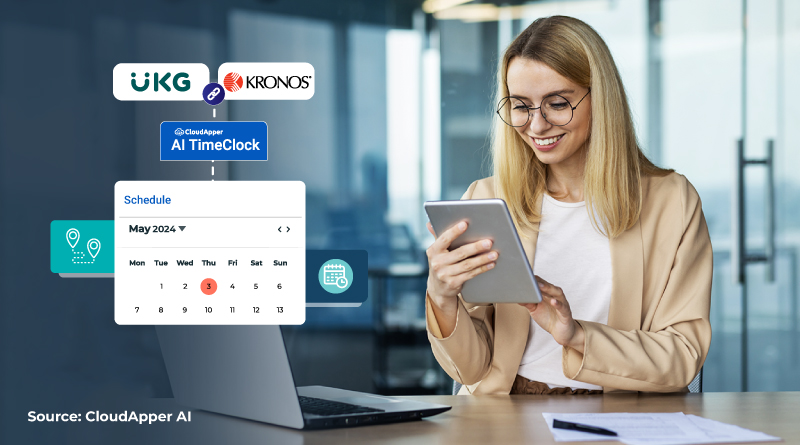
Table of Contents
You arrive at work already behind. One staff member forgot to clock out at the shelter last night. Another worked a morning shift at a community center and an afternoon outreach event, but the hours all landed in the wrong program. Payroll is due, program managers are asking for corrections, and you are piecing together time entries from emails, messages, and memory. None of this work moves your mission forward, yet it takes up hours every pay period.
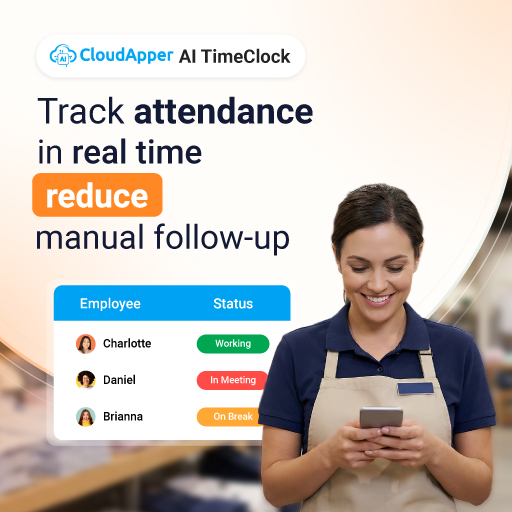
This is the daily reality of nonprofit time tracking when teams work across multiple locations and programs, but the time clock assumes everyone works in one place. Many nonprofits already depend on UKG as their system of record, but the clock-in experience often fails staff in the field. This is why tools like CloudApper AI TimeClock for UKG exist. Not to change how nonprofits manage payroll, but to make clock-ins match how nonprofit teams actually work, wherever that work happens.
TL;DR
-
Nonprofit time tracking becomes difficult when staff work across multiple locations and programs.
-
Traditional time clocks fail because they assume a single, fixed worksite.
-
Mobile and location-aware clock-ins reduce missed punches and manual corrections.
-
Accurate cost center tracking improves reporting, audits, and grant accountability.
-
UKG-integrated solutions help nonprofits track time accurately without changing core payroll systems.
Common Time Tracking Challenges for Nonprofits
Nonprofits face time tracking challenges that look very different from those in traditional office environments. These challenges show up daily and quietly drain time from both staff and administrators.
Multiple Locations and Programs
Many nonprofits operate across several locations at once. Staff may start their day at one site and end it at another. When time tracking systems assume a single clock-in location, employees are forced to travel just to punch in or out. This wastes time and creates frustration.
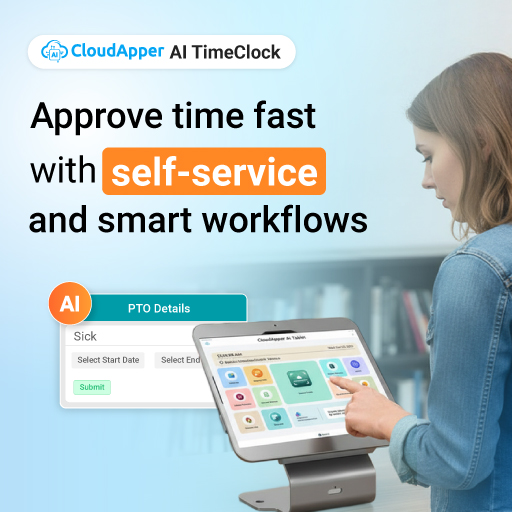
From an administrative perspective, tracking hours across programs and locations becomes harder when punches are not tied clearly to where work was performed.

On-Site and Field Staff
Nonprofit work often happens outside an office. Outreach teams, volunteers, and frontline staff may work directly in the community. Fixed time clocks do not support this reality well.
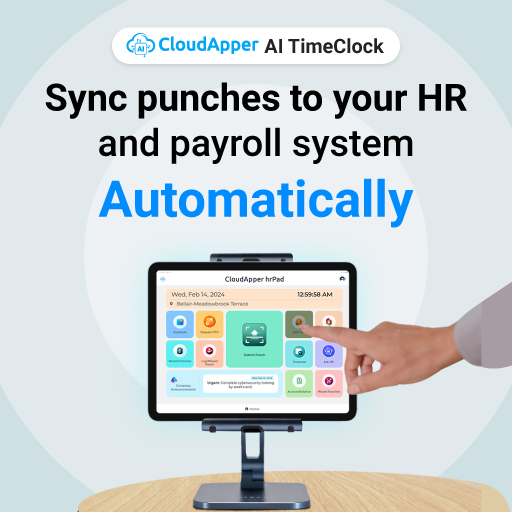
When staff cannot clock in where they work, missed punches and manual corrections become common. Over time, these small issues add up to payroll delays and reporting errors.
Limited Administrative Resources
Most nonprofits operate with lean administrative teams. Payroll and HR staff already juggle many responsibilities. When time tracking data is incomplete or inaccurate, they spend hours fixing issues instead of focusing on higher-value work.
Manual adjustments, follow-ups with staff, and data cleanup create unnecessary overhead.
Cost Center and Program Reporting
Accurate cost allocation matters for nonprofits. Grants, donors, and internal reporting often require clear visibility into how time is spent across programs.
When time tracking systems do not capture location or program data properly, reporting becomes unreliable. This can create challenges during audits or funding reviews.
Why Traditional Time Clocks Don’t Work for Nonprofits
Traditional time clocks were built for environments where employees report to the same place every day. That assumption does not hold up well in nonprofit settings.
Fixed Devices Limit Flexibility
Wall-mounted or desk-based time clocks tie employees to a specific location. When staff work across multiple sites, these devices create friction.
Employees may forget to punch in or out because they are not near the clock. Others may punch at the wrong location. Both scenarios lead to errors that require manual correction later.
Extra Travel Just to Clock In
Some staff are required to travel to a central clock before starting work. This creates unnecessary travel time that does not contribute to the mission of the organization.
It also increases the risk of late punches and inaccurate time records.
Inaccurate Cost Allocation
When time clocks do not capture where work happens, hours are often assigned to default cost centers. This makes it difficult to understand how time is actually spent across programs.
For nonprofits that rely on detailed reporting, this lack of accuracy can cause problems downstream.
Missed Punches and Corrections
The more complex the work environment, the more likely staff are to miss punches. Each missed punch creates extra work for HR and payroll teams.
Over time, this erodes trust in the time tracking system and creates frustration across the organization.
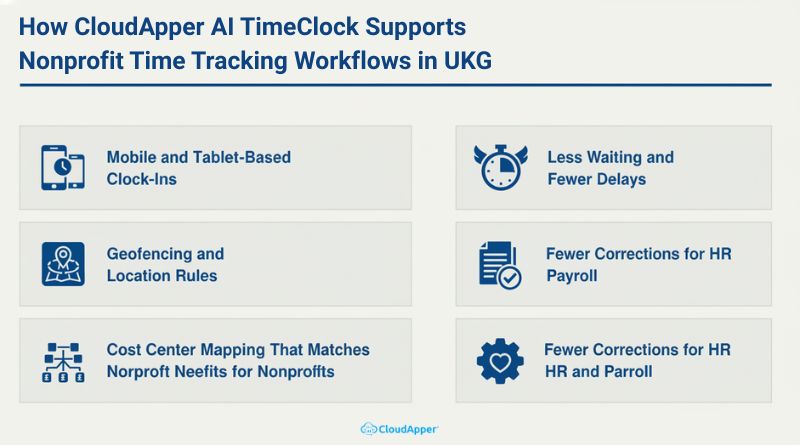
How CloudApper AI TimeClock Supports Nonprofit Time Tracking Workflows in UKG
CloudApper AI TimeClock for UKG was designed to support organizations with complex, real-world time tracking needs. For nonprofits, this means flexibility without sacrificing control.
Mobile and Tablet-Based Clock-Ins
Employees can clock in using approved mobile devices or shared tablets. This works well for shelters, community centers, and outreach programs where staff rotate locations.
Mobile access reduces missed punches and improves accuracy because staff clock in where work actually happens.
Geofencing and Location Rules
CloudApper can be configured with location rules or zones. This helps ensure that punches are tied to the correct site or program.
Location-based rules improve data quality without requiring staff to select options manually.
Cost Center Mapping That Matches Nonprofit Needs
Time entries can be mapped to cost centers based on location or configuration. This ensures that hours are allocated correctly across programs.
For nonprofits, this simplifies reporting and supports compliance requirements.
Real Operational Benefits for Nonprofits
When nonprofit time tracking aligns with how teams work, the benefits show up quickly across the organization.
Less Waiting and Fewer Delays
Staff no longer wait in line to clock in or travel just to record time. This saves time at the start and end of shifts.
Small time savings add up when applied across many employees and locations.
Fewer Corrections for HR and Payroll
Accurate punches reduce the need for manual corrections. HR and payroll teams spend less time chasing missing data.
This improves efficiency and reduces stress during payroll cycles.
Conclusion: A Practical Approach to Nonprofit Time Tracking
Nonprofit time tracking does not fail because teams are disorganized. It fails when systems do not reflect how nonprofit work actually happens. Multiple locations, field staff, and program-based reporting require more flexibility than traditional time clocks can offer.
By using mobile, location-aware solutions that integrate with UKG, nonprofits can improve accuracy without adding complexity. Tools like CloudApper AI TimeClock for UKG help organizations adapt their time tracking processes to real-world needs while keeping UKG at the center.
When time tracking creates more cleanup than clarity, it may be time to rethink how clock-ins happen in the field.
Frequently Asked Questons
-
Why is nonprofit time tracking more complex than traditional time tracking?
Nonprofit time tracking is more complex because staff often work across multiple locations, programs, and schedules that traditional time clocks were not designed to support. -
How do nonprofits track time across multiple locations?
Nonprofits track time across multiple locations by using mobile or tablet-based time clocks that allow staff to clock in where work happens instead of at a single central location. -
Can UKG support mobile time tracking for nonprofits?
Yes, UKG can support mobile time tracking when paired with compatible solutions that extend clock-in flexibility while keeping UKG as the system of record. -
How do nonprofits track time by program or cost center?
Nonprofits track time by program or cost center by mapping clock-ins to specific locations or configurations that automatically assign hours to the correct program. -
What should nonprofits look for in a time clock solution?
Nonprofits should look for mobile access, location awareness, cost center tracking, and seamless integration with their existing payroll and HR systems.