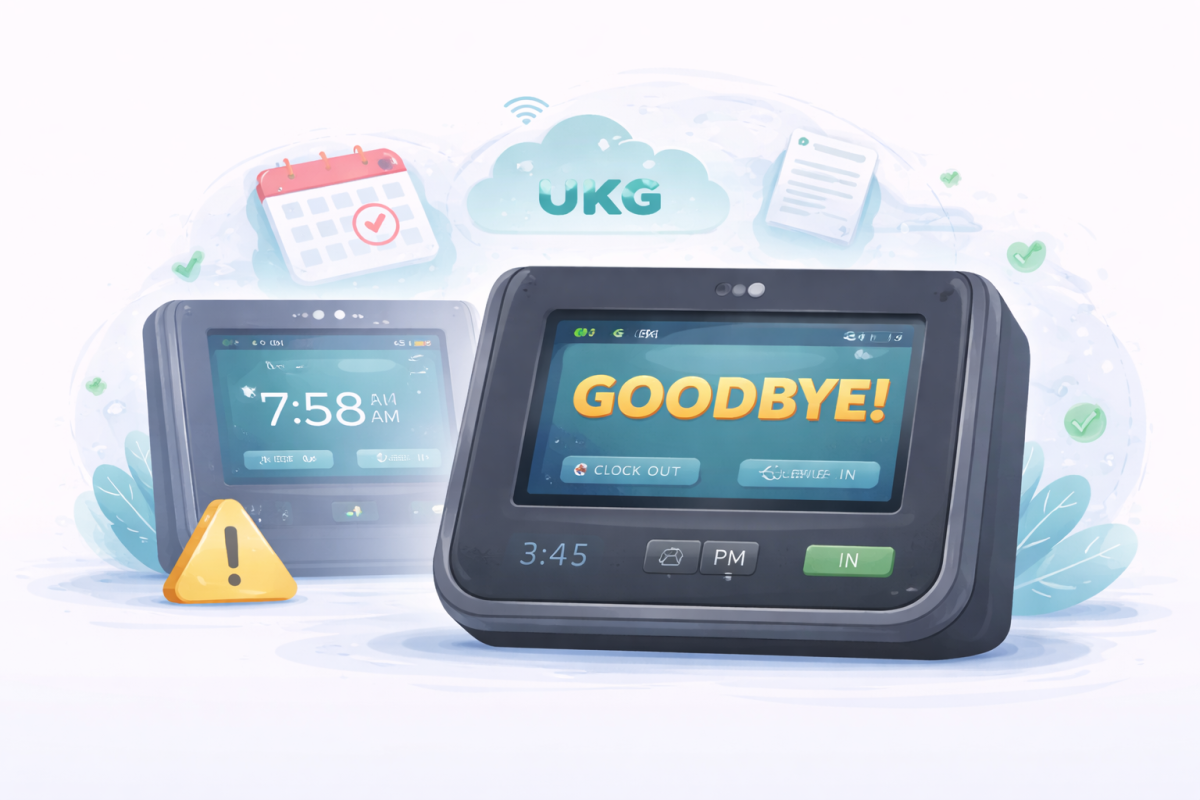

Payroll errors in retail usually begin long before payroll runs. This article explains why time tracking issues impact UKG Ready payroll accuracy and how automated time tracking helps retail teams reduce errors, improve compliance, and deliver accurate payroll consistently.



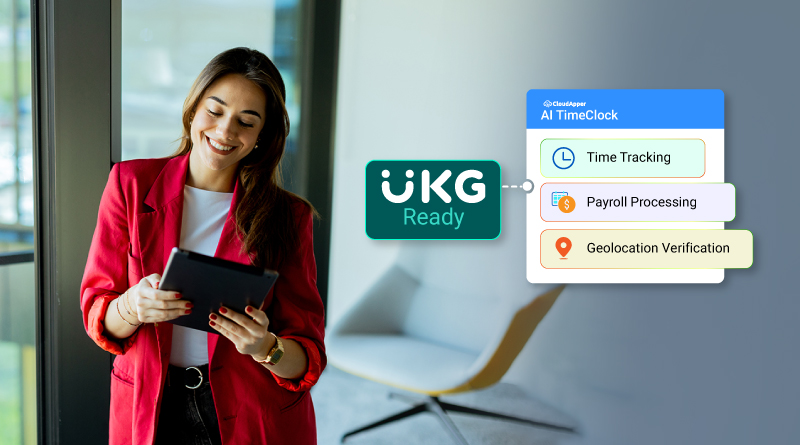
Table of Contents
Payroll errors are one of the most common and frustrating issues retail teams face. If you manage payroll or workforce operations in retail, you already know how quickly small timekeeping mistakes can turn into payroll problems. Missed punches, manual corrections, and delayed approvals all add up. When payroll is wrong, employees notice immediately, and fixing those issues takes time you do not have.
For many retail organizations using UKG Ready, the challenge is not the payroll system itself. The real issue starts earlier, at the time-tracking stage. This is where tools like CloudApper AI TimeClock for UKG come into the picture. When time data is captured accurately and flows into UKG Ready in real time, payroll becomes far easier to manage and far more reliable.
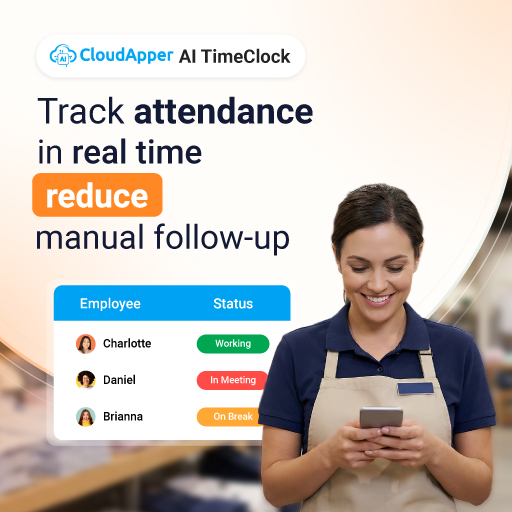
In this article, you will learn why payroll errors are so common in retail environments, how time tracking affects payroll accuracy in UKG Ready, and what practical steps retail companies take to reduce payroll errors without disrupting existing processes.
TL;DR
-
Payroll errors often start with manual timekeeping and missed punches
-
Inaccurate time data leads to payroll corrections and employee disputes
-
Automated time tracking improves payroll accuracy by capturing clean data
-
Retail companies using integrated time clocks report up to 90 percent fewer payroll errors
Why Payroll Errors Are Common in Retail Environments
Retail payroll is difficult because retail work is dynamic. You deal with hourly employees, multiple shifts, and frequent schedule changes. Even small inconsistencies in time tracking can lead to payroll errors by the end of the pay period.
Missed punches and late corrections
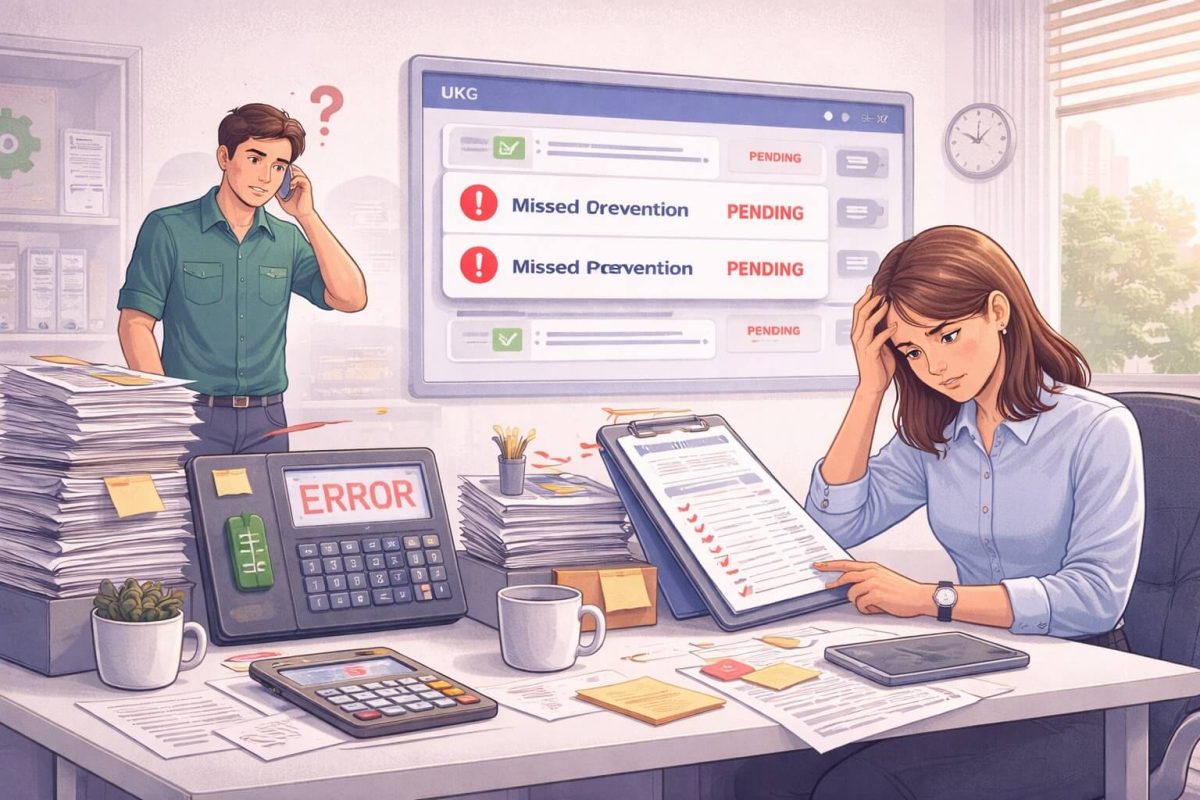
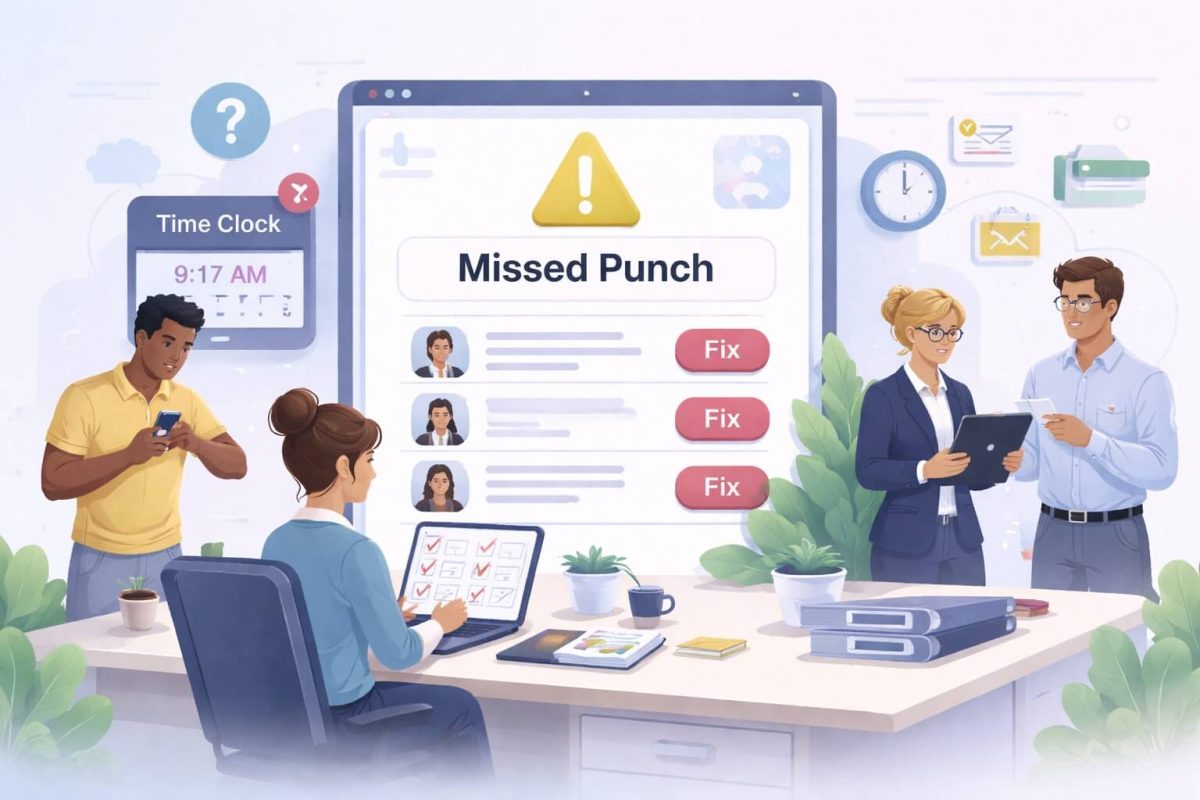
Employees forget to clock in or out more often than you would expect. When this happens, managers have to make manual corrections. Those corrections are usually done under time pressure and are easy to get wrong. Over time, these small fixes create payroll inaccuracies.
Manual approvals and overrides
In many retail teams, managers approve timecards at the last minute. If they miss something or approve incorrect data, payroll inherits that error. Once payroll is processed, fixing mistakes becomes even harder.

Location-related issues
Retail locations often deal with employees clocking in from the wrong place. This can happen accidentally or intentionally. When location rules are not enforced, inaccurate punches enter the system and affect payroll totals.
Volume and repetition
Retail payroll management involves processing large volumes of similar data every pay cycle. When the process relies heavily on manual steps, the risk of payroll errors increases with scale.
The Limitations of Manual Timekeeping in UKG Ready
UKG Ready is a powerful platform, but its accuracy depends on the quality of the data it receives. When time tracking relies on manual or semi-manual methods, payroll accuracy suffers.
Delayed data entry
Paper timesheets or badge-based systems often require manual entry before payroll processing. This delay increases the chance of errors and makes it harder to identify issues early.
Inconsistent data quality
When different managers handle time corrections differently, payroll data becomes inconsistent. Two employees with similar schedules can end up with very different payroll outcomes.
Limited visibility before payroll runs
Without real-time updates, payroll teams often discover errors too late. Fixing payroll after it runs takes more effort and creates frustration for both employees and administrators.
How Automated Time Tracking Improves Payroll Accuracy in UKG Ready
Reducing payroll errors starts with capturing accurate time data. Automated time tracking with tools like CloudApper AI TimeClock for UKG helps you do this by removing guesswork and manual steps from the process.
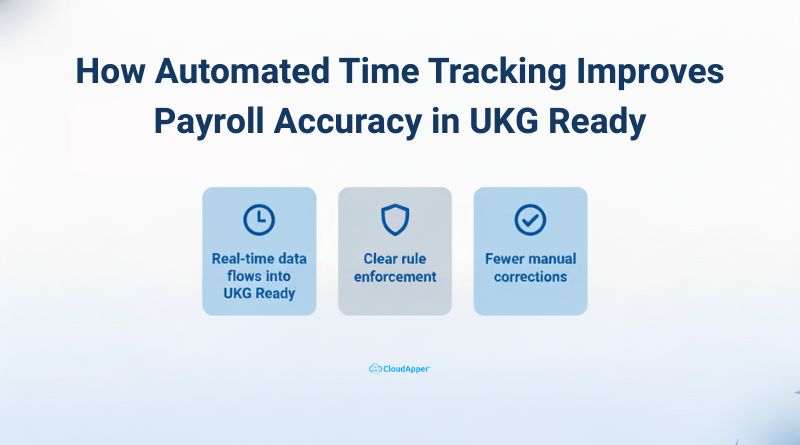
Real-time data flows into UKG Ready
When time punches sync directly with UKG Ready, payroll teams see accurate data as it happens. This makes it easier to catch issues before payroll is finalized.
Clear rule enforcement
Automated systems apply the same rules to every employee. This consistency improves payroll accuracy and reduces disputes caused by uneven handling of time entries.
Fewer manual corrections
When employees clock in and out correctly the first time, managers spend less time fixing errors. This leads to cleaner payroll data and fewer adjustments.
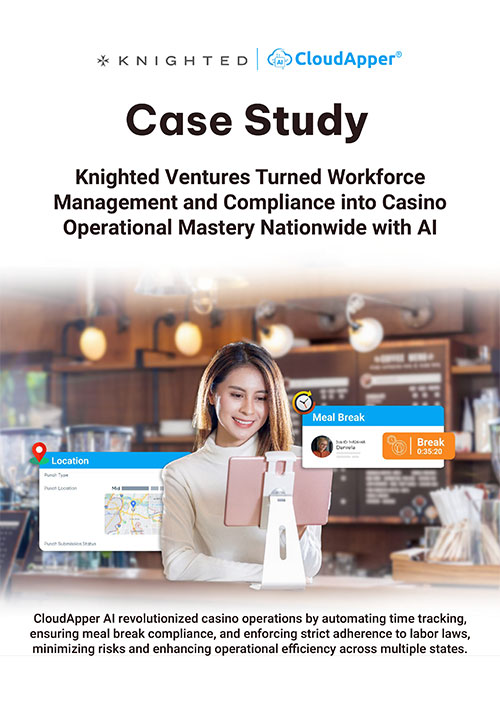
Case Example: Retail Organization Cuts Payroll Errors by 90 Percent
One large retail organization using UKG Ready struggled with frequent payroll errors. Their payroll team spent hours every pay cycle resolving disputes caused by missed punches and manual corrections. Employees regularly questioned their pay, and managers were overwhelmed by timecard approvals.
After implementing CloudApper AI TimeClock for UKG, the organization changed how time data is entered into UKG Ready. Employees clocked in and out digitally, and punches were validated in real time. Location rules reduced unauthorized clock-ins, and time data flowed directly into payroll.

Within a short period, the organization reported a 90 percent reduction in payroll errors. Payroll processing became faster, employee complaints dropped, and managers spent less time correcting timecards.
Disclaimer: Due to privacy reasons, the identity of the organization cannot be disclosed.
This is what happens when time data reaches UKG Ready clean, consistent, and ready for payroll.
Key Features That Made the Difference
Geolocation Verification That Reduces Payroll Errors at the Source
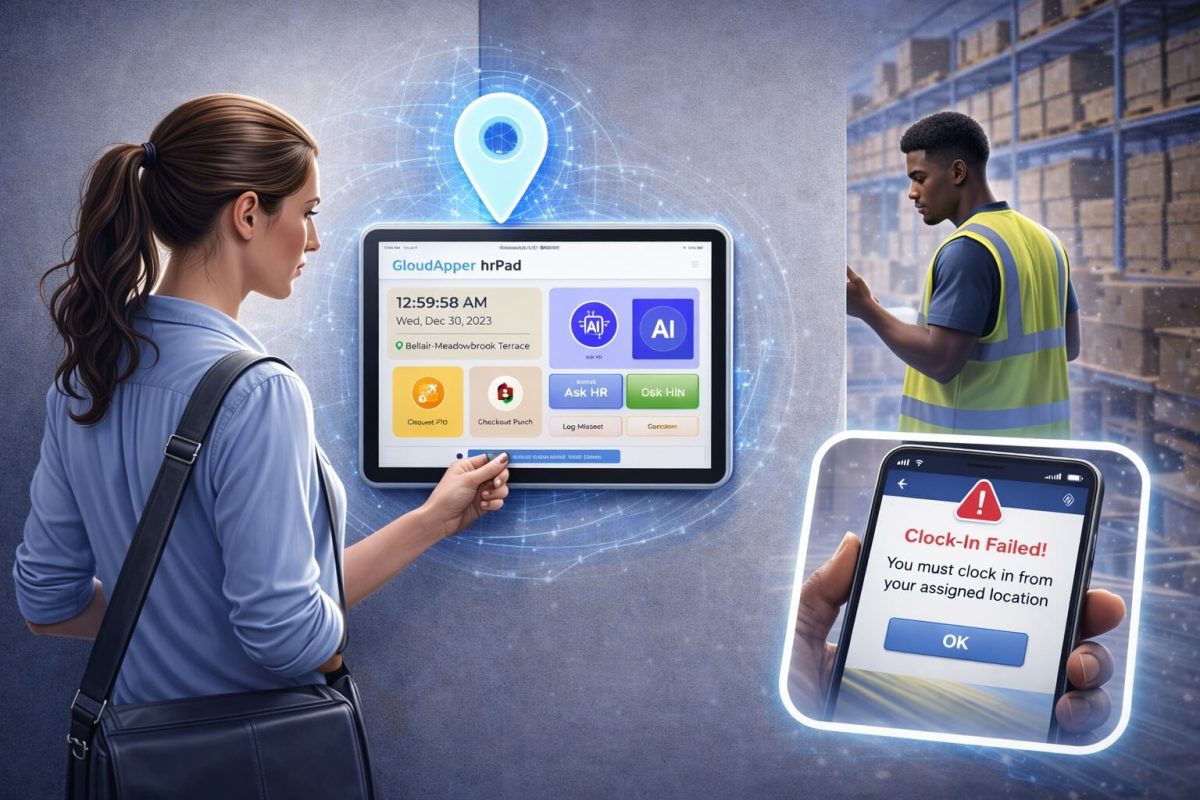
CloudApper AI TimeClock’s geolocation feature plays a critical role in preventing payroll errors that start with invalid time punches. In retail environments, employees move between stores, clock in early from parking lots, or occasionally clock in from unauthorized locations. When these punches go unchecked, they flow into payroll and create inaccuracies that are difficult to correct later.
With geolocation verification in place, employees can only clock in and out from approved locations. This ensures time entries reflect actual work performed on-site. For payroll teams, this means fewer questionable punches and fewer corrections during payroll processing. Over time, geolocation helps reduce time theft, limits accidental misuse, and creates cleaner time data that supports accurate payroll without adding extra review work for managers.
Real-Time Integration with UKG Ready for Cleaner Payroll Runs
One of the most common causes of payroll errors is delayed or incomplete time data. When time punches are uploaded in batches or entered manually, payroll teams often work with outdated information. This leads to last-minute fixes, rushed approvals, and mistakes that carry into payroll.
CloudApper AI TimeClock’s real-time integration with UKG Ready ensures time data is available as soon as it is recorded. Managers can review exceptions earlier, and payroll teams have full visibility before payroll runs begin. This reduces surprises at the end of the pay period and allows issues to be resolved while they are still small. The result is a smoother payroll cycle with fewer corrections and more confidence in payroll accuracy.
Custom Time Rules That Reflect How Retail Teams Actually Work
Retail organizations rarely operate under a single set of time rules. Different roles, departments, and locations often require different policies for overtime, breaks, and shift lengths. When time tracking does not account for these differences, payroll errors are almost inevitable.
CloudApper AI TimeClock can be programmed to have custom time rules that allow you to apply the right policies to the right employee groups. For example, full-time staff, part-time workers, and seasonal employees can each follow different rules without manual intervention. These rules are enforced automatically during time capture, not after payroll processing begins. This reduces confusion, ensures consistency, and supports accurate payroll across the organization without adding complexity to payroll management.
Manual Timekeeping vs Automated Time Tracking in UKG Ready
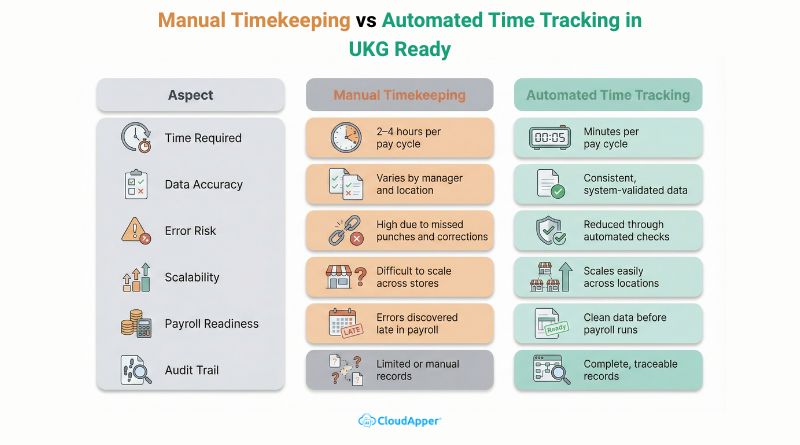
With manual timekeeping, processing time for 50 employees can take two to four hours. Data quality varies based on who reviews the timecards, and payroll errors are common. Scaling this approach across multiple locations increases the risk of mistakes.
With automated time tracking integrated into UKG Ready, time data is captured consistently and processed in minutes. Payroll accuracy improves because the system applies the same rules to everyone. The process scales easily, and every change is logged, creating a clear audit trail.
Additional Benefits Retailers See Beyond Payroll Accuracy
Improved Compliance Across Locations and Shifts
Compliance issues in retail often start with small gaps in time tracking. Missed breaks, unapproved overtime, or inconsistent rounding can all create risk over time. When time data is captured manually, it becomes harder to prove that employees were paid correctly for every hour worked.
Accurate time tracking helps you stay aligned with labor laws because work hours, breaks, and overtime are recorded consistently for every employee. When time punches flow into UKG Ready in real time, payroll teams and managers can review issues before payroll runs instead of reacting after the fact. This reduces the chance of compliance violations and gives you clear records if questions ever arise. For retail organizations operating across multiple locations, this consistency is especially important.
Higher Manager Productivity Without Extra Administrative Work
Store managers already have full plates. Scheduling, inventory, customer experience, and employee support all compete for their attention. When managers also have to fix timecards manually, review exceptions, and answer payroll questions, productivity takes a hit.
Automated time tracking reduces the number of corrections managers need to make. Time punches are cleaner from the start, and location and rule checks happen automatically. Managers spend less time reviewing timecards and more time running their stores. Over time, this creates a more predictable payroll process and reduces last-minute stress during pay periods.
Better Employee Trust Through Accurate and Timely Payroll
Few things damage employee trust faster than incorrect pay. Even small payroll errors can cause frustration, especially for hourly retail workers who rely on accurate paychecks. When employees feel unsure about their pay, they raise more questions and disputes, which adds pressure to managers and payroll teams.
Consistently accurate payroll helps build confidence. When employees see that their hours are recorded correctly and their pay matches their work, they are less likely to question payroll results. This leads to fewer disputes, smoother payroll cycles, and better overall morale. Over time, trust in the payroll process supports better employee engagement and retention.
Final Thoughts
Payroll errors are not just a payroll problem. They are often a time-tracking problem. When you improve how time data enters UKG Ready, payroll accuracy improves naturally.
By using automated time tracking alongside UKG Ready, retail organizations can reduce payroll errors, improve payroll management, and deliver accurate payroll consistently. The result is less rework, fewer disputes, and a smoother experience for everyone involved.
Cleaner time data gives you more control over payroll accuracy without changing how you use UKG Ready.
h2>Frequently Asked Questions
-
Why are payroll errors common in retail companies using UKG Ready?
Payroll errors often start with missed punches, manual corrections, and delayed approvals. When time data is inaccurate or entered late, those issues carry into payroll processing and become harder to fix.
-
How does time tracking affect payroll accuracy in UKG Ready?
UKG Ready payroll accuracy depends on clean time data. If time punches are incorrect or inconsistent, payroll calculations reflect those errors, leading to corrections, disputes, and rework.
-
Can automated time tracking really reduce payroll errors?
Yes. Automated time tracking captures punches accurately, applies rules consistently, and reduces manual corrections. Retail organizations often see significant reductions in payroll errors as a result.
-
How does geolocation help prevent payroll errors?
Geolocation ensures employees clock in from approved locations. This prevents invalid punches that can distort work hours and lead to inaccurate payroll calculations.
-
Is automated time tracking compatible with existing UKG Ready workflows?
Automated time tracking integrates with UKG Ready without replacing existing workflows. Time data flows directly into the system, helping payroll teams work more efficiently without disruption.