Employee review processes don’t have to rely on memory or year-end summaries. By using time clock data through CloudApper AI TimeClock in UKG, you can capture real performance patterns daily and make reviews more accurate, fair, and meaningful.


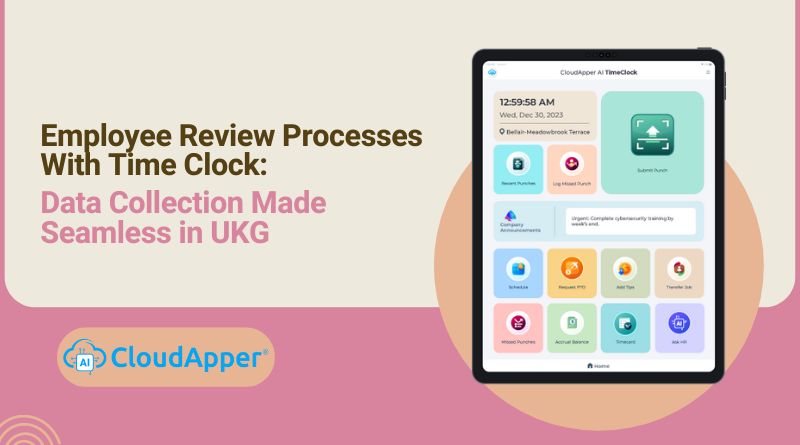
Table of Contents
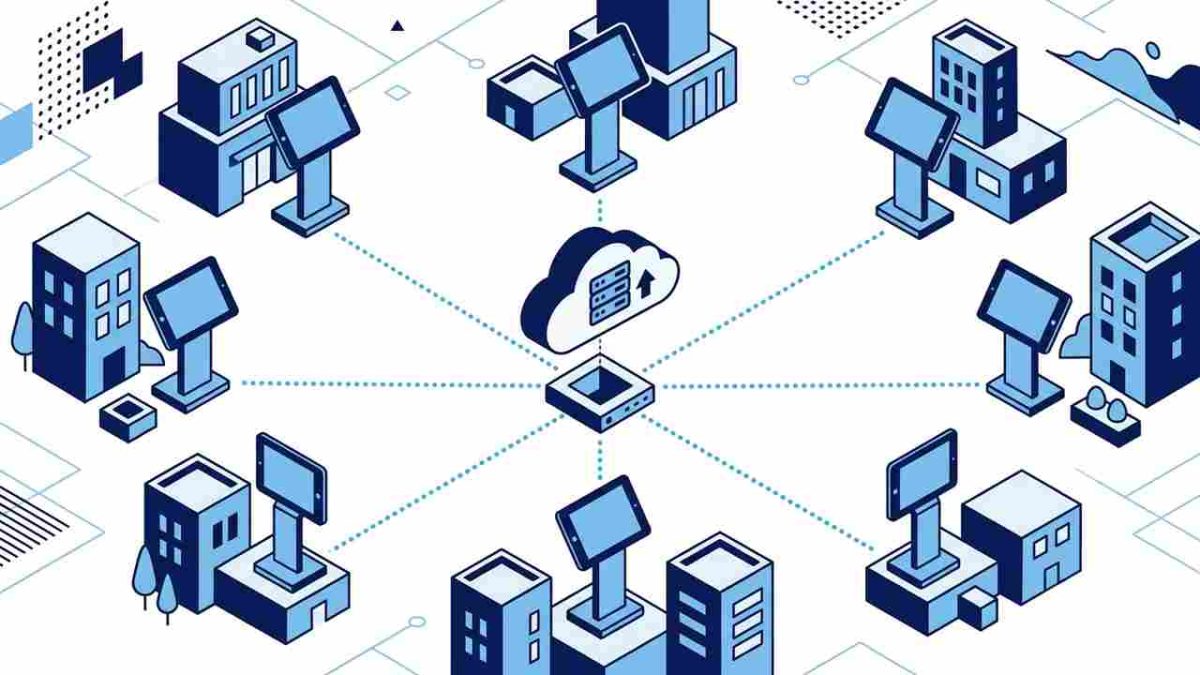
If you have ever prepared employee reviews in UKG and wished you had more day-to-day data to support discussions, you are not alone. Many UKG users feel that real performance insights already exist in daily workflows but are not always captured in a structured way. That is where CloudApper AI TimeClock for UKG becomes valuable. It extends what UKG already does well by capturing attendance, goal reflections, and shift-based actions right at the time clock. This data automatically flows into UKG and helps you automate your employee review process.

When your employees clock in and out every day, those moments can become meaningful touchpoints for development. Instead of adding more tools or meetings, you make existing workflows work harder for you. That is how performance review data becomes natural and ongoing instead of something you have to collect at the end of the year.
TL;DR:
-
You already collect time data. Now you can use it for performance reviews.
-
CloudApper AI TimeClock turns clock-in moments into development touchpoints.
-
Data flows into UKG automatically without extra steps.
-
Reviews feel fair because they use real patterns, not assumptions.
-
HR gets visibility into performance trends before issues grow.
What Performance Reviews Lack Today
When I talk with HR teams, these challenges come up again and again:
| HR Challenge | What Actually Happens in UKG |
|---|---|
| Reviews lack daily data | Managers rely on memory |
| Employees feel judged | Reviews feel one-sided |
| HR spends time preparing | Data lives in different places |
| Coaching gets delayed | No real visibility into patterns |
These issues don’t come from the employee review process itself. They come from missing data between reviews. If daily actions were captured, reviews would be easier, faster, and more accurate.
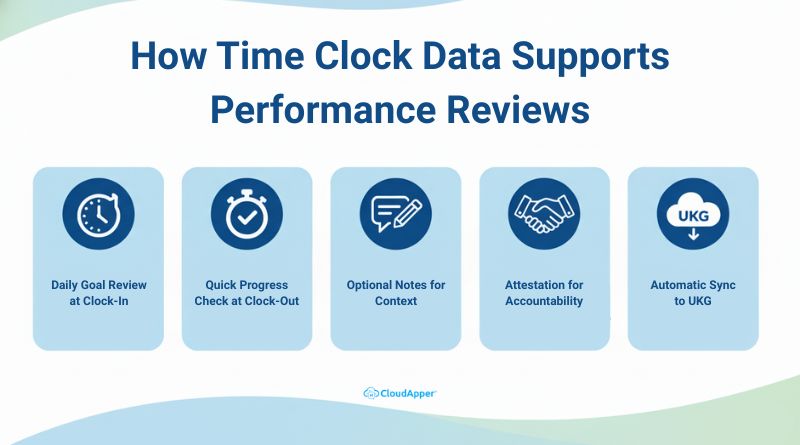
How Time Clock Data Supports Performance Reviews
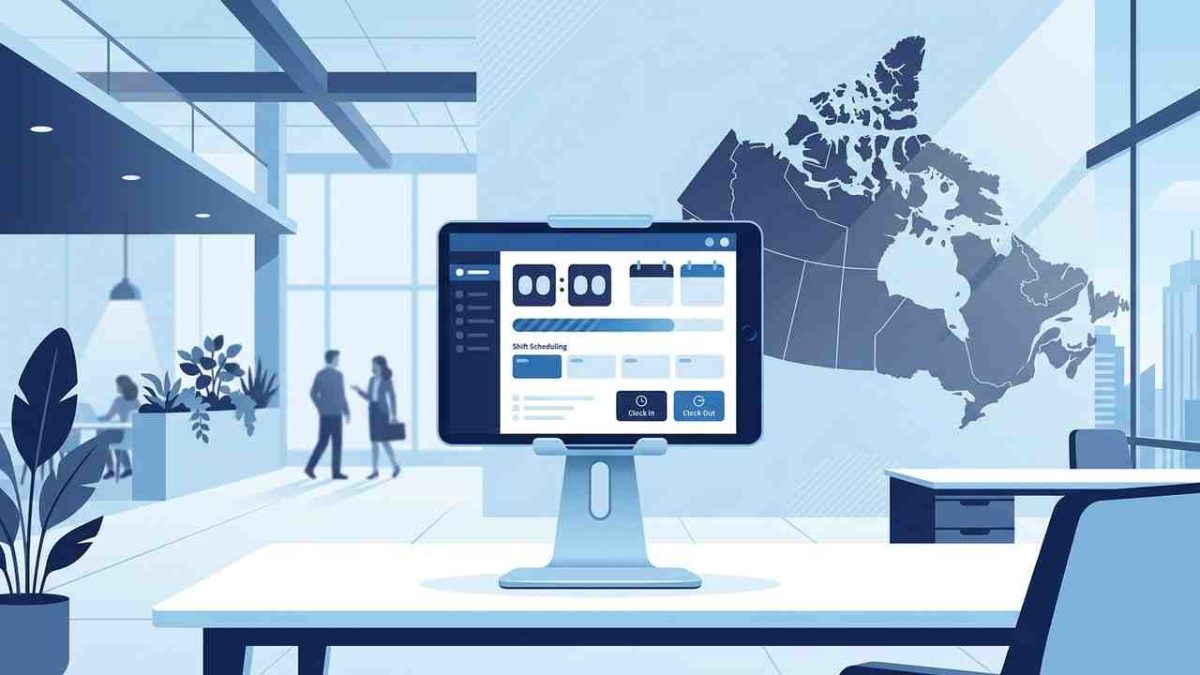
CloudApper AI TimeClock uses everyday workflows to collect useful data for reviews. Since employees punch in and out daily, this moment becomes an opportunity to track growth, goals, and engagement.
Here’s how the time clock can support performance development in real UKG environments:
1. Daily Goal Review at Clock-In
Employees see their goals when they clock in. They can update or review them without logging into another tool. It takes less than 10 seconds, but it helps them start their shift with purpose.
2. Quick Progress Check at Clock-Out
Before leaving, the time clock asks a simple question like “How did your shift go today?” or “Did you make progress toward your goal?” This creates a daily reflection that builds a real pattern over time.
3. Optional Notes for Context
Some employees use this space to share quick thoughts. A few words like “struggled with shift handover” or “helped a customer solve an issue” can reveal valuable insights for coaching.
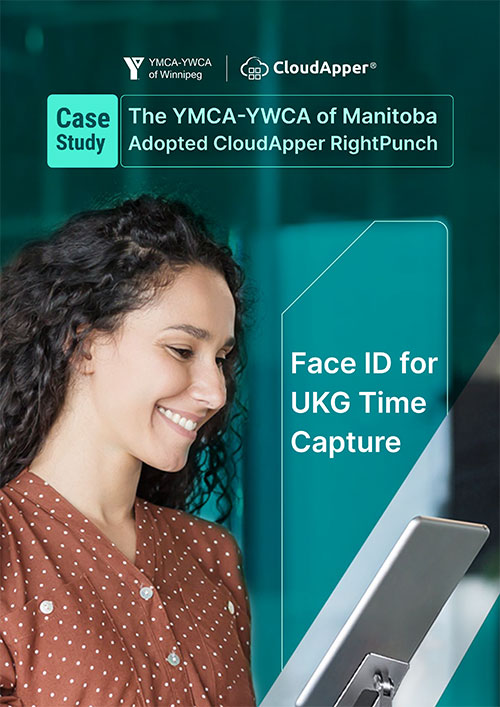
4. Attestation for Accountability
You can add follow-up questions such as “Do you need help with this goal?” or “Did today’s work align with your plan?” This builds ownership and captures intent in real time.
5. Automatic Sync to UKG
All inputs flow into UKG automatically. You don’t need spreadsheets or emails. HR can view trends and patterns anytime without waiting for review season.
Real Use Cases of Automated Employee Review Process Across Industries
| Industry | How They Use Time Clock Data |
|---|---|
| Healthcare | Nurses reflect on skills or patient care after each shift |
| Retail | Associates note daily wins or customer challenges |
| Manufacturing | Workers track progress on specific skills or tasks |
| Hospitality | Staff share quick notes about service quality |
Across industries, the biggest shift is simple: development becomes part of the workday, not a separate process.
You don’t need a new performance tool. You just need a smarter use of the one your team already use.
How to Use Time Clock Data for Employee Performance Reviews in UKG
You do not need to build a new process to improve reviews. You only need to use the time clock more strategically. Employees already clock in and out every day. That moment can be used to collect small pieces of data that slowly build a clear picture of performance and engagement.
Here is how the workflow plays out in UKG environments using CloudApper AI TimeClock:
1. Employee Clocks In
This is the first actionable moment of the workday. Instead of marking attendance only, the system can gently ask:
“Would you like to review your goal before starting?”
It does not feel like extra work. It simply helps the employee start the shift with intention. Some spend two seconds on it, others spend ten. Over time, this habit makes a difference.
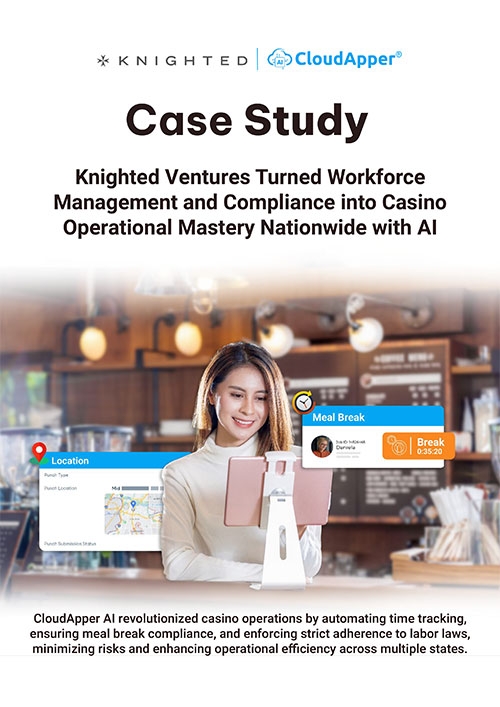
2. Goal Review Prompt Appears
Employees see the goals they set earlier. They can adjust them, leave them as they are, or add new ones. This makes development practical instead of something that only happens during review periods. You start to notice who takes ownership and who waits for direction.
3. Shift Ends
Clock out is the moment when thoughts are fresh. The time clock can display a simple question such as “Did you make progress today?” or “Do you need support on any task?” These quick interactions often lead to better coaching because patterns become visible instead of hidden.
4. Performance Reflection Is Captured
A simple 1 to 5 scale is enough to show trends. Employees do not need to write long explanations. A number can sometimes tell more than a paragraph. However, when someone chooses to write a short note, it gives managers valuable context without scheduling extra meetings.
5. Data Syncs Automatically to UKG
Nothing needs to be copied or transferred manually. Every entry goes straight into UKG. HR and managers do not spend time chasing information or sorting spreadsheets. I have seen teams save hours each week just because this data flows to the right place automatically.
6. HR Reviews Trends Weekly or Monthly
This is where the real value of an automated employee review process appears. Instead of waiting for review season, HR can monitor performance throughout the year. If someone’s inputs decline, managers can act early. If someone shows steady growth, their efforts are visible. This leads to stronger review conversations based on real data.
Manual Reviews vs CloudApper + UKG
| Area | Manual Approach | CloudApper AI TimeClock + UKG |
|---|---|---|
| Goal Tracking | Once a year | Updated daily |
| Employee Ownership | Low | High |
| Data Accuracy | Hard to track | Captured automatically |
| HR Workload | High | Reduced |
| Integration | Separate tools | Built into UKG workflows |
Final Thoughts
Performance reviews don’t need a new tool. They need better timing. When development becomes part of the clock-in and clock-out routine, employees take ownership and HR gains clarity. That’s the most practical shift I’ve seen inside UKG environments.
If your team already clocks in every day, your system is halfway ready. All it needs now is structure and consistency.
Performance reviews should not depend on memory. Let daily actions tell the real story.
Frequently Asked Questions
-
How does CloudApper AI TimeClock improve employee review processes in UKG?
It captures daily actions such as attendance, goal reflections, and shift inputs during clock-in and clock-out, sending the data into UKG automatically for review insights. -
Do employees need extra tools to participate in performance development?
No, employees use the existing time clock. They review goals or provide quick inputs during clock-in and clock-out without logging into separate systems. -
Can managers use time clock data to support coaching sessions?
Yes, managers can review trends and notes inside UKG to identify strengths, gaps, and opportunities for practical coaching based on day-to-day patterns. -
What kind of data is captured during clock-in and clock-out?
CloudApper AI TimeClock can collect goal reviews, progress ratings, short notes, and attestation responses, creating a more complete view of performance. -
How does the system reduce HR workload?
Since data flows into UKG automatically, HR teams avoid manual tracking and spreadsheets. They can analyze trends faster and prepare reviews with less effort.