Easily deploy an AI-powered UKG/Kronos time clock with CloudApper: Transform tablets into secure, touchless time capture devices using Face ID, barcode/QR, or PIN. Enjoy self-service access to schedules, PTO requests, and timecards; get instant AI policy answers; ensure accurate, compliant punches with seamless UKG/Kronos integration — all without costly hardware or complex setup.


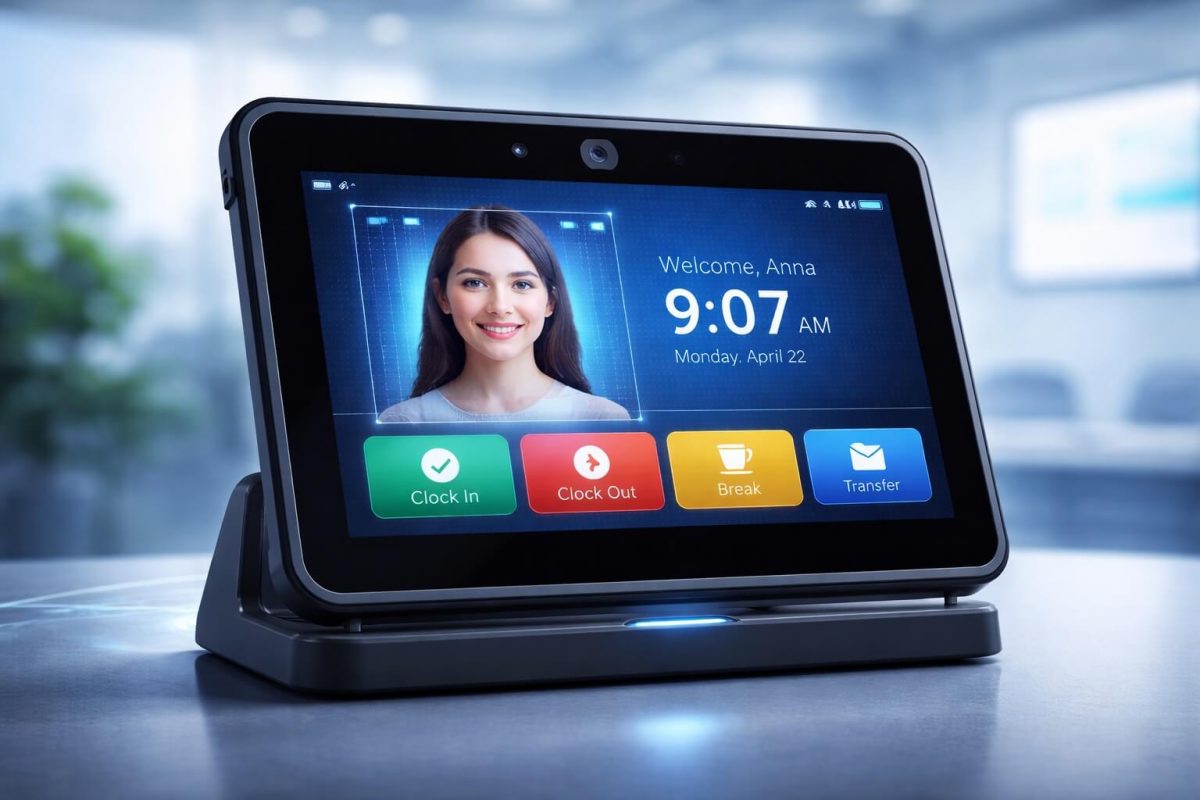
Table of Contents
- TL;DR
- How Easily CloudApper AI TimeClock Is Deployed for UKG/Kronos
- Simplifying HR Tasks with AI-Powered Capabilities
- Improving data accuracy and compliance
- Empowering Employees with Self-Service Features
- Smooth Integration and Customization
- Frequently Asked Questions
- Cost-Effective Solution Using Advanced Technology
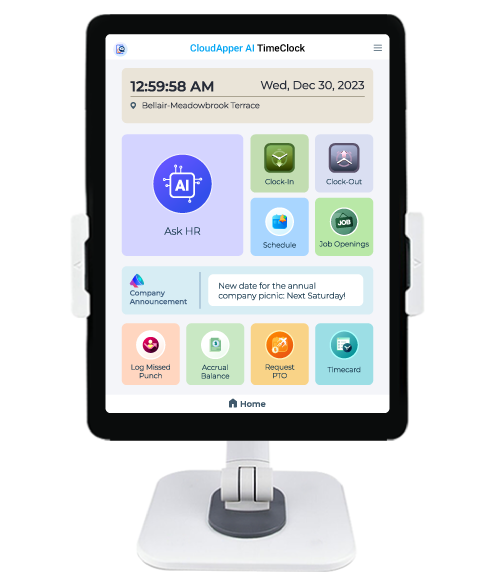
CloudApper AI is a cutting-edge AI-powered iPad/tablet based UKG/Kronos time clock designed to transform your time clocking process. This innovative solution not only automates UKG/Kronos time and attendance tasks, it also provides a complete HR suite for workforce management. In this article we will discuss, how CloudApper AI transforms the Kronos time clock experience for employees.
TL;DR
CloudApper AI TimeClock delivers a fast-to-deploy, AI-powered UKG/Kronos time clock using standard tablets/iPads: touchless Face ID or QR/PIN punches, employee self-service for schedules/PTO/timecards, 24/7 AI HR assistant, real-time data sync to UKG/Kronos, error reduction, compliance support, and no need for expensive dedicated devices — ideal for flexible, modern workforce management.

How Easily CloudApper AI TimeClock Is Deployed for UKG/Kronos
Deploying CloudApper AI TimeClock as your AI-powered UKG/Kronos time clock is designed to be fast, simple, and low-effort — no heavy IT projects, no expensive dedicated hardware, and no long implementation timelines. Most organizations are up and running in hours to a few days, leveraging existing tablets or affordable iPads/Android devices.
Step-by-Step Deployment Process
- Contact CloudApper Solution Specialists: Start with a quick conversation (often a short call or demo). Share your UKG/Kronos setup, workforce needs (e.g., number of locations, punch methods, custom data like job codes or cost centers), and goals. Our experts assess requirements and guide the process — no technical expertise needed from your side.
- Install the App on Devices: Download and install the CloudApper AI TimeClock app on any iOS (iPad) or Android tablet/smartphone. Use existing devices, shared kiosks, wall-mounted tablets, or low-cost new ones — no proprietary hardware required. Mount them where employees need them (e.g., break rooms, production floors, nursing stations).
- One-Time Configuration & Integration Our solution specialists handle most of the setup:
- Connect via secure API to your UKG/Kronos instance (Pro, Ready, Dimensions/WFM) for real-time data sync.
- Configure punch methods: touchless Face ID (biometric facial recognition), QR/barcode scanning, PIN entry, or combinations.
- Set up custom workflows: capture job codes, cost centers, activities, tips, attestations, or location via geofencing at punch time.
- Enable features like offline mode (punches cache and auto-sync when online), employee self-service (view schedules, request PTO, check timecards), and the 24/7 AI assistant for policy questions.
- Apply rules for compliance, anti-buddy punching, and audit trails. This is mostly done by CloudApper experts using a no-code/low-code platform — you approve and test.
- Rollout & Go Live Train employees (minimal — just show them how to punch via Face ID or scan). Deploy across sites quickly — central cloud admin lets you monitor and update all devices from one console. Start capturing accurate punches immediately, with data flowing seamlessly into UKG/Kronos for payroll processing.
Key Reasons Deployment Is So Easy
- No infrastructure changes — Cloud-based, no on-premises servers or complex networking.
- Experts handle the heavy lifting — Configuration and integration by CloudApper specialists minimize your team’s involvement.
- Quick timeline — From first contact to live: often hours for single-site, days for multi-site rollouts.
- Scalable & flexible — Add devices anytime; works for small teams or thousands of employees across retail, healthcare, manufacturing, etc.
- Cost-effective — Use inexpensive tablets instead of traditional Kronos terminals; avoid hardware maintenance and upgrades.
Result: Accurate, hygienic, compliant time capture with self-service and AI smarts — deployed without disruption. Ready to get started? Schedule a quick demo to see your customized deployment in action!
Simplifying HR Tasks with AI-Powered Capabilities
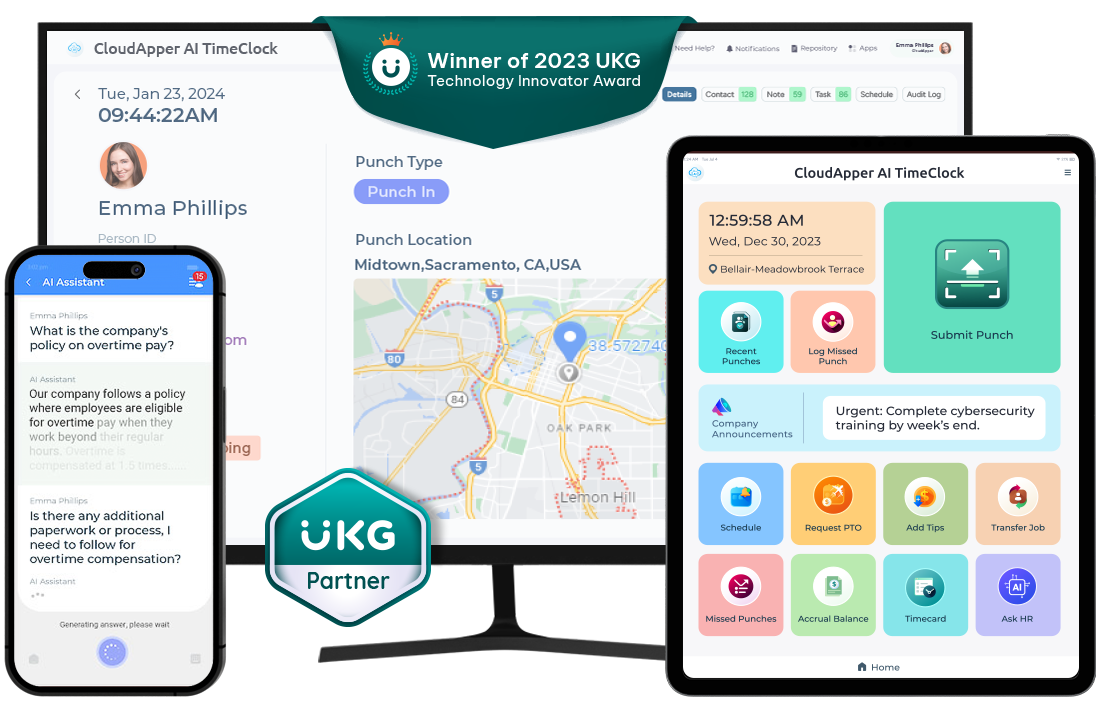
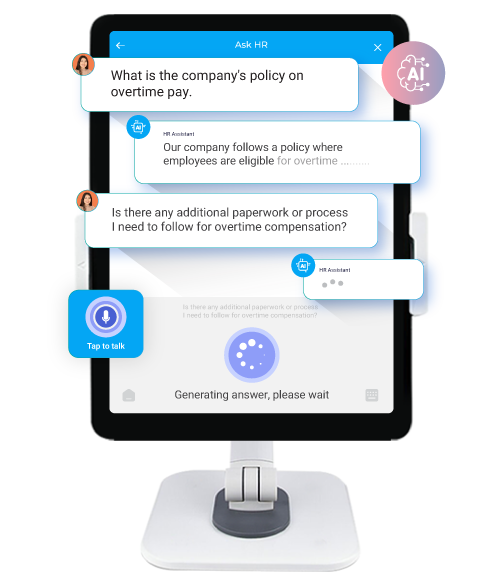
Using a UKG/Kronos time clock that includes an AI Assistant that can rapidly answer HR questions, automate activities, and provide useful labor management insights lowers the workload on HR professionals. This AI-powered assistant increases employee engagement by allowing them to manage their time, shifts, and PTO requests with ease.
Improving data accuracy and compliance
The use of Face-ID, PIN Code, and Barcode/QR Code technology increases data quality and labor compliance by automating time tracking and record-keeping processes. This decreases errors associated with human data entry while lowering the chance of noncompliance and legal risks.
Empowering Employees with Self-Service Features
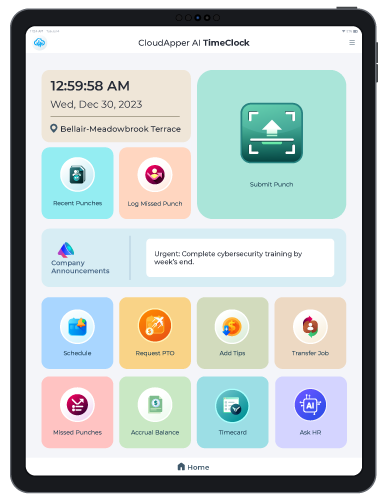
The self-service capabilities of CloudApper AI TimeClock allow employees to easily browse schedules, request time off, and manage their time cards. This self-service strategy instills a sense of ownership in employees, resulting in enhanced productivity and engagement.
Smooth Integration and Customization
A key benefit of CloudApper AI TimeClock is its interoperability with various HR systems such as Workday, UKG, Kronos, ADP, and others. This connectivity, combined with powerful workflow automation capabilities, enables enterprises to tailor the solution to their individual requirements, delivering a perfect fit for various organizational needs.
Frequently Asked Questions
How do I deploy an AI-powered UKG/Kronos time clock?
With CloudApper, deployment is simple: install on any tablet or iPad device, let our solution specialists configure it for you once, and employees start punching via touchless Face ID, QR, or PIN. No dedicated hardware or complex setup required — integrates directly with UKG/Kronos.
What makes CloudApper’s UKG/Kronos time clock AI-powered?
It uses AI for touchless facial recognition (Face ID-style), a 24/7 AI assistant for instant policy answers, smart error detection, and automated workflows — all while syncing seamlessly with UKG/Kronos for accurate time capture.
Can employees use their own devices for UKG/Kronos clock-ins?
Yes — CloudApper turns iPads, Android tablets, or shared devices into secure UKG/Kronos time clocks with hygienic Face ID punches, self-service features, and real-time data sync to UKG Kronos.
Does the AI UKG/Kronos time clock support touchless punches?
Absolutely — touchless Face ID prevents buddy punching and supports hygiene standards, with optional PIN, barcode, or QR for flexibility. All data flows accurately into UKG/Kronos.
What are the main benefits of switching to an AI-powered UKG/Kronos time clock?
Eliminate expensive hardware, reduce payroll errors, enable employee self-service (schedules, PTO, timecards), cut HR calls with 24/7 AI answers, improve compliance, and deploy quickly with full UKG/Kronos integration.
You can place this FAQ section near the bottom of the page content. For SEO, pair it with the JSON-LD schema provided earlier to enable rich results in Google.
Cost-Effective Solution Using Advanced Technology
Running on standard tablets, CloudApper AI TimeClock is a cost-effective UKG/Kronos time clock option. In addition, businesses can improve their labor management by leveraging advanced AI capabilities and seamless interaction with HR systems.
To summarize, CloudApper AI TimeClock is more than just a time clock; it’s a powerful solution that can reshape your HR operations by employing AI capabilities to expedite procedures, increase data accuracy, empower people, and drive organizational success.




September 11, 2026
UKG Geofencing Time Clock for Field Workers: GPS Enforcement When Intouch Terminals Aren’t an Option
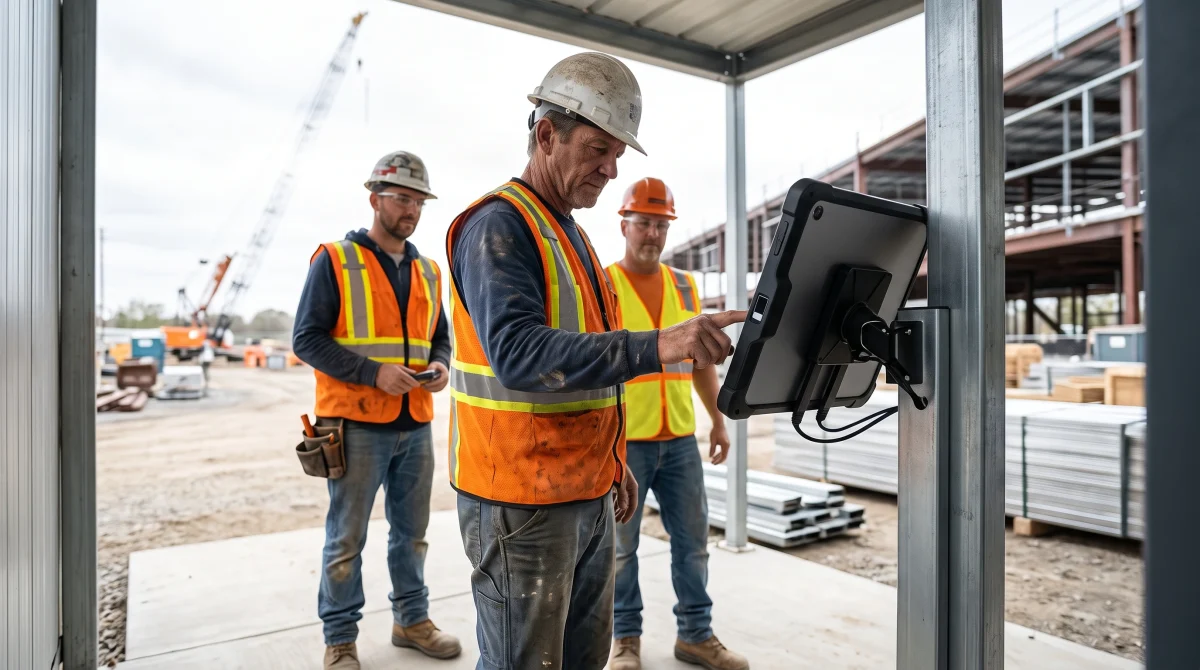
For field crews and remote-site operations, native UKG geofencing relies on individual smartphones without biometric verification. CloudApper AI TimeClock for UKG delivers GPS zone enforcement plus facial recognition from a managed tablet kiosk — syncing directly with UKG Ready and Pro WFM.

September 10, 2026
Show-Up Pay Compliance: The Reporting-Time Rule Hiding in Cancelled UKG Shifts
Seven states require reporting time pay when a scheduled shift is cancelled or cut short, and the obligation triggers at clock-in, not at the schedule notice. Learn how CloudApper AI TimeClock documents the reporting event so UKG can apply the correct premium automatically.
September 10, 2026
UKG Time Clocks in Warehouses: Why Wave Shifts, Job Transfers, and High Turnover Break Standard Punch Compliance
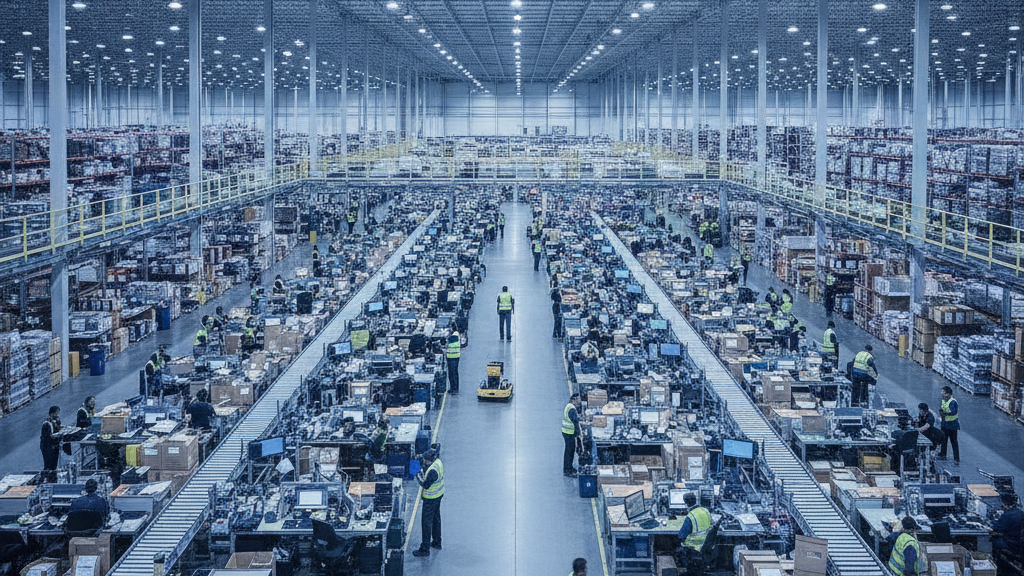
Wave shifts, mid-shift job transfers, and 25-35% monthly turnover break standard UKG Intouch time clock workflows in warehouse and fulfillment center environments. Here's what operations managers running UKG Ready and Pro WFM actually do about it.
September 9, 2026
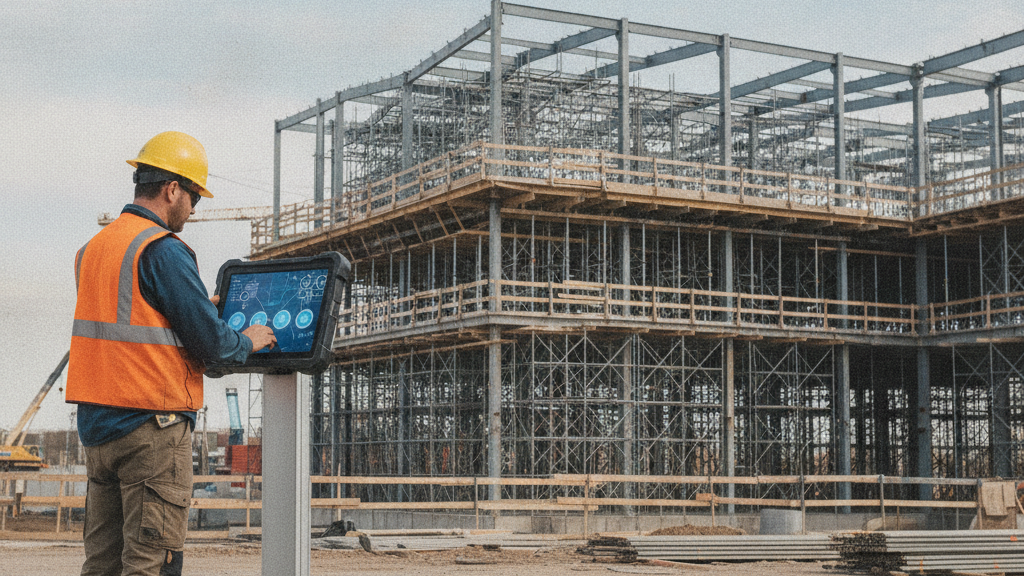
Davis-Bacon Compliance in UKG: Why Trade Classification Must Happen at the Time Clock, Not the Payroll Desk
Government contractors running UKG Ready or Pro WFM can't generate WH-347 certified payroll from standard timecard exports because UKG doesn't capture trade classification by project at the punch level. The gap: classification decisions migrate to the payroll desk and get reconstructed from foreman notes — which is exactly what DOL auditors investigate. Here's what must change at the time clock level.