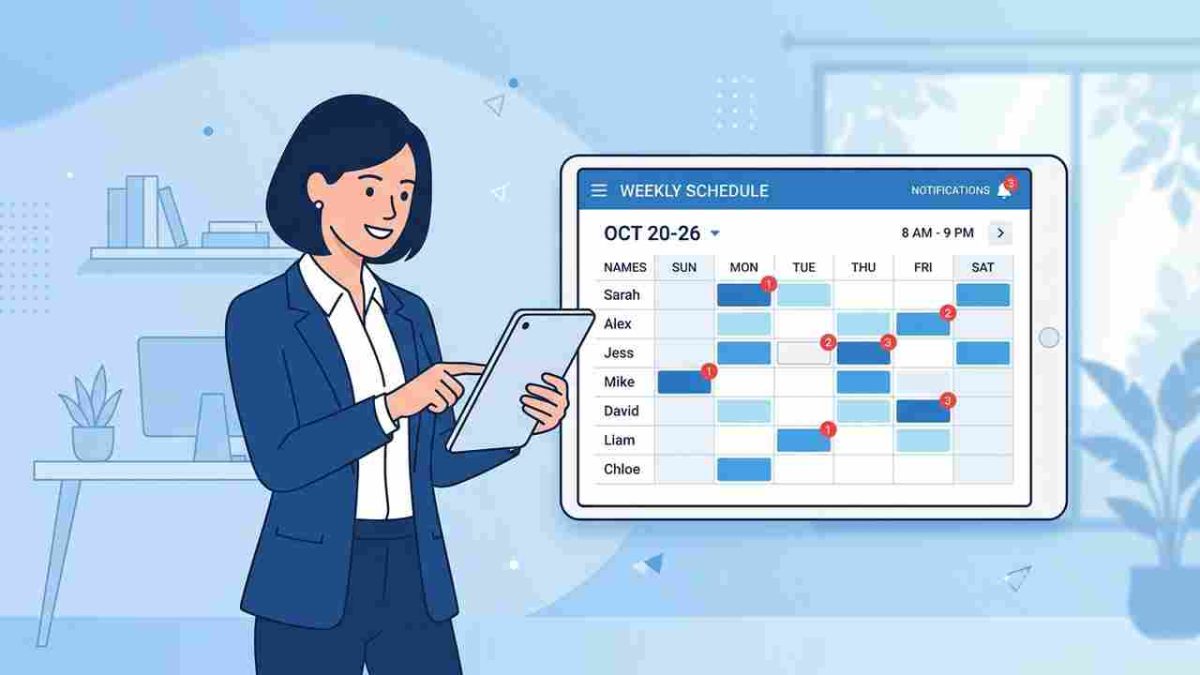
Accurate break tracking matters more than HR teams realize. This article shows how UKG Ready users can manage employee breaks properly using hrPad attestations, ensuring compliance, clean payroll data, and a smoother workforce experience without changing their existing system.




Table of Contents
Most HR teams do not struggle with time capture. The real challenge for them is to properly manage employee breaks and track them. Over the last few years, I have spoken with UKG users who said the same thing in different ways. Tracking break time is harder than tracking work hours. If breaks are not recorded properly, payroll becomes messy, compliance becomes risky, and HR ends up fixing issues that should have never happened in the first place.

UKG Ready does a good job recording time, but it does not always confirm whether employees actually took their required breaks. That gap leads to questions during audits, confusion during payroll, and disagreements when employees feel they were not compensated fairly. That is where hrPad comes in. Many UKG users now use CloudApper hrPad to confirm work hours and break duration using simple attestations, without changing their workflow or buying new hardware.
TL;DR
-
Tracking break time is harder than tracking work hours, and missing documentation can lead to payroll issues and compliance risks.
-
UKG Ready records time but does not confirm whether employees actually took their required breaks.
-
hrPad adds simple attestations and reminders to collect break confirmations without changing your workflow or hardware.
-
Break tracking becomes clean and audit-ready with employee confirmation at shift end.
-
HR teams can set it up quickly through a structured process with solution experts and deploy it company-wide once tested.
Why Managing Employee Breaks Matters More Than We Think
Recording break time is not just about payroll. It impacts several areas that HR teams deal with every day:
Compliance – Every state has its own rules. A missed meal period might look small on paper, but one mistake repeated across hundreds of shifts can create large penalties during audits.
Fair Pay – If an employee skips a break or works through it, that time often qualifies for overtime. Without proper records, payroll teams end up guessing and dealing with disputes later.
Workforce Optimization – Break trends reveal how staffing actually works on the floor. When breaks are logged correctly, supervisors can see which shifts are overworked and where schedules need adjustment.
Employee Well-being – A recorded break is not just a form. It tells employees that their downtime is valued. Many teams noticed that morale improved when employees felt they were not expected to work through breaks silently.
Most UKG users I spoke to said the same thing. They do not need a new HCM system. They just need a reliable way to monitor and manage employee breaks within UKG Ready.
What Are the Break Compliance Rules in the US?
Across the US, labor laws around meal breaks and rest periods are not optional. During audits, the question is not just “Did employees clock out and clock in?”, but “Can you prove they acknowledged their break and understood their rights?” That is why clear documentation is essential. Here are some examples of meal-break compliance rules in different states:
| State | Meal Break Requirement |
| California | 30-minute unpaid meal break after 5 hours; second 30-minute break after 10 hours |
| Colorado | Employees are entitled to take a 30-minute, uninterrupted, duty-free meal period after 5 consecutive hours of work |
| Illinois | Employees working a 7.5-hour shift must get a 20-minute meal break within the first 5 hours, and another break if they work 12 hours. |
| Minnesota | From 2026, employees are entitled to a 30-minute meal break when working for 6+ hours consecutively |
| New York | Employees must have at least 30 minutes of unpaid time off if they work for more than 6 hours |
| Oregon | For each 8-hour work period, employees are entitled to two 10-minute paid rest breaks and one 30-minute unpaid meal break. |
| Tennessee | Employers are required to provide a 30-minute rest or meal period for employees working on a 6+ hour shift |
During audits, HR must show proof that employees received and acknowledged breaks. That is why employee break management must go beyond timestamps.
If audits worry you, your break records may need a stronger system.
How hrPad Helps Manage Employee Breaks in UKG Ready
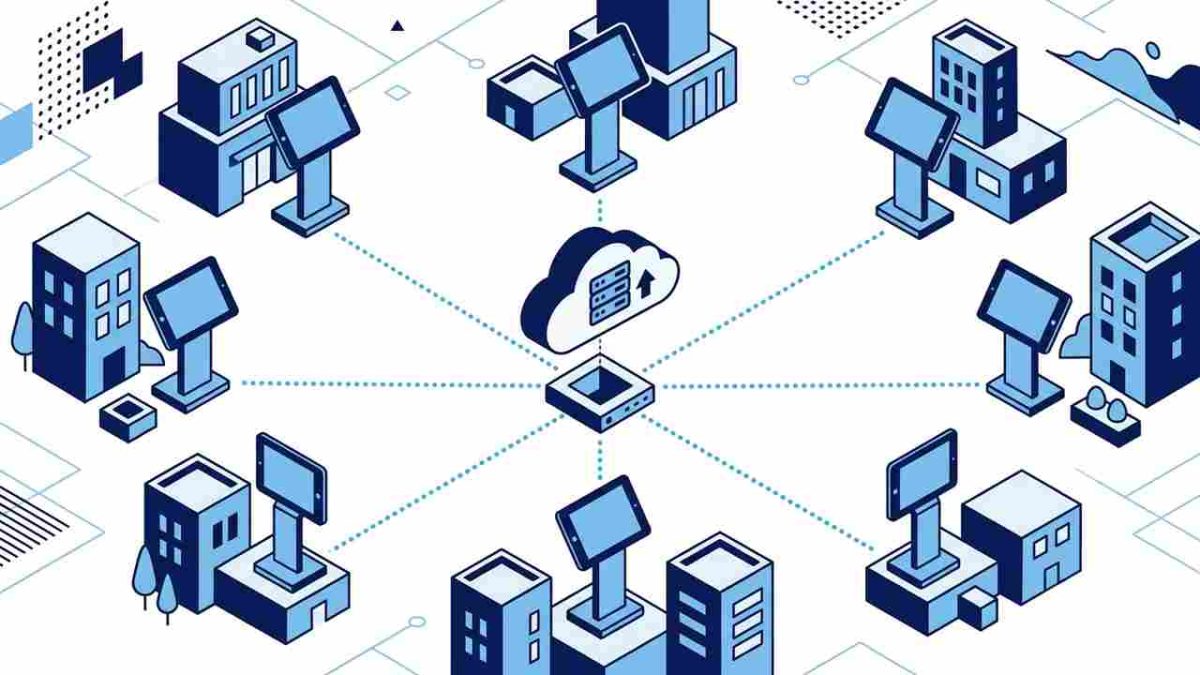
CloudApper hrPad adds a simple but powerful layer on top of UKG Ready:
- CloudApper hrPad can trigger notifications when it is time for a meal or rest break based on state labor rules. Employees receive it via SMS or email, so the reminder is clear and documented.
- At the end of the shift, a quick attestation asks employees to confirm their work hours and break duration.
- With one tap, employees confirm. That confirmation becomes part of their UKG Ready record.
- HR gets clean and consistent data instead of manual corrections and emails back and forth.
- Employees feel reassured that their breaks are documented fairly and that steps were taken to respect their time.
The process feels familiar to employees because it uses the clock-in style they already know. The only change is clarity and confirmation.
Time Capture vs True Break Management
A lot of people assume that time capture is enough. But when compliance is involved, clocking in and out only captures presence — not responsibility or acknowledgment. Here is the real difference:
| Time Capture | True Break Management |
| Records clock time | Confirms legal break duration |
| Shows hours worked | Supports compliance during audits |
| Good for payroll | Good for legal protection too |
| Punch-based process | Attestation-based confirmation |
| Employees follow the steps | Employees understand expectations |
When you look at it this way, it becomes clear. Time capture shows what happened, but true break management shows whether it was done the right way.
How to Implement CloudApper hrPad to Properly Manage Employee Breaks
Getting started with CloudApper hrPad for UKG is not complicated. Most UKG users were surprised by how quickly they could set it up without changing their system. Here’s how the process usually works:
- Talk to our solution experts: You share how employees punch in, what information needs to be confirmed, and which state labor laws apply. This helps define exactly what the attestation questions should ask at the end of each shift.
- We build the solution for your needs: Based on your requirements, the hrPad version is tailored for your workforce. That includes attestation screens, reminder triggers, and UKG Ready integration. No coding is required on your end.
- Test run inside a selected department: To make sure everything works smoothly, the solution is tested with one site or department. This helps identify missing steps, refine break confirmation questions, and check employee feedback.
- Roll it out company-wide: Once the test run meets expectations, hrPad is deployed across shifts and locations. Employees keep using the same punch process they already know — only now, break tracking becomes clean, compliant, and effortless.
Final Thought
If employees are working, taking breaks, and punching out every day, then break tracking should not feel complicated. UKG Ready already captures time. With hrPad, you can confirm break duration, avoid compliance gaps, and make recordkeeping easier for everyone.
You don’t need a new system — just a smarter step inside the one you already use.
Frequently Asked Questions
-
How does hrPad help manage employee breaks in UKG Ready?
hrPad sends break reminders based on state rules and then asks employees to confirm their work hours and break duration at the end of the shift. The attestation is synced to UKG Ready for clear records and easier audits.
-
Why is it not enough to just record clock-in and clock-out times?
Basic time capture only shows when employees worked. It does not confirm if they actually took legally required breaks. Attestations add a clear confirmation that breaks were taken and help protect you during compliance checks.
-
Can hrPad support different break rules for different states or locations?
Yes. hrPad can be configured to follow state-specific break laws and site-level policies. You can set different reminders and attestation questions by location, department, or employee group so each team follows the right rules.
-
Will employees need to learn a new system to use hrPad?
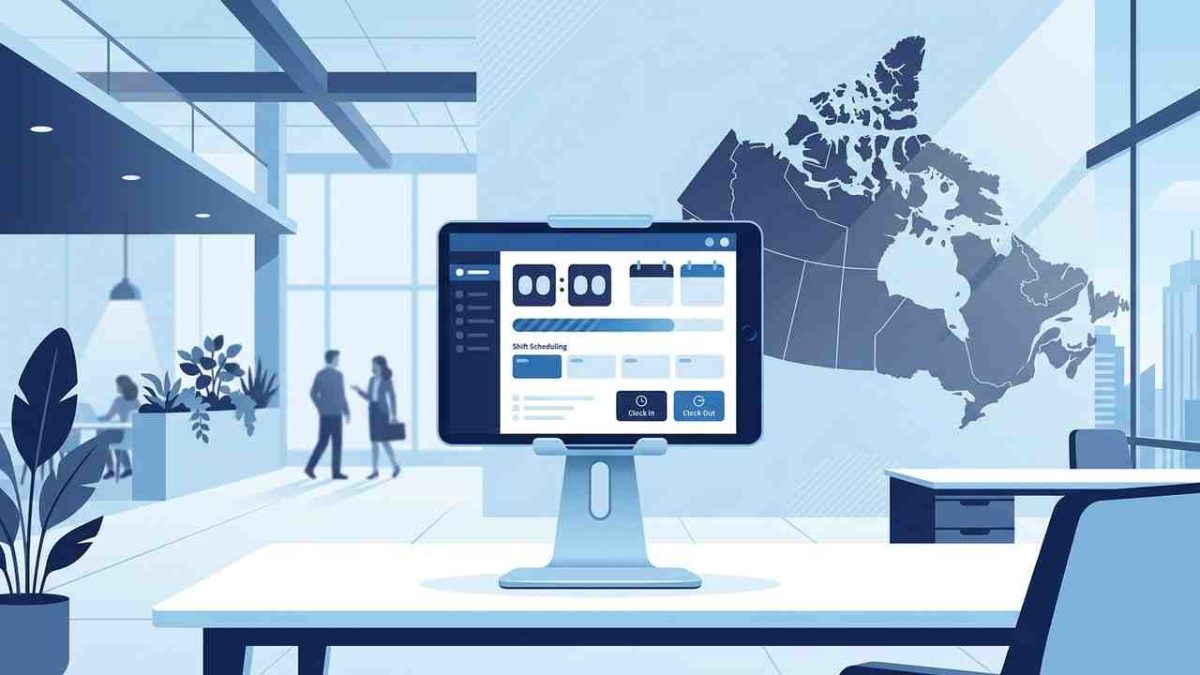
No. hrPad is designed to feel familiar. Employees use a tablet or kiosk that works like a time clock, with a simple end-of-shift confirmation screen for breaks. Most teams adopt it quickly with minimal training.
-
How does hrPad reduce HR workload around break compliance?
hrPad automates break reminders, collects attestations, and sends confirmed data into UKG Ready. HR no longer has to chase missing records, manually fix break entries, or dig through emails to respond to audit requests.