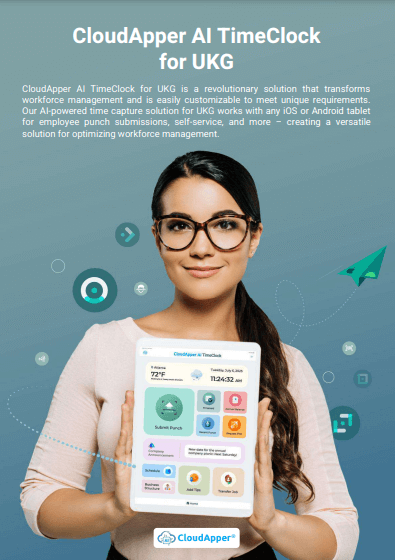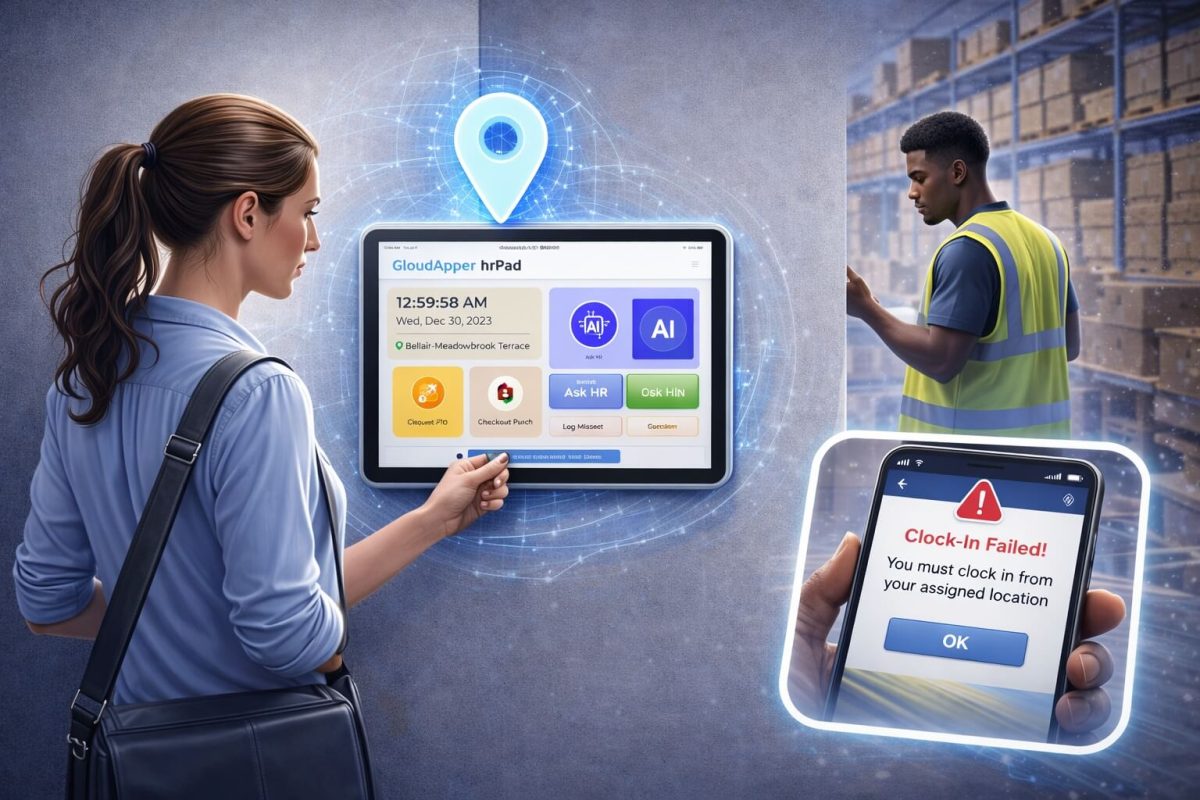

CloudApper’s UKG/Kronos TimeClock automates job transfers seamlessly, ensuring accurate payroll and project tracking by automatically assigning employees to specific jobs based on location and code. Simplify workflows and enhance data accuracy with CloudApper AI TimeClock.



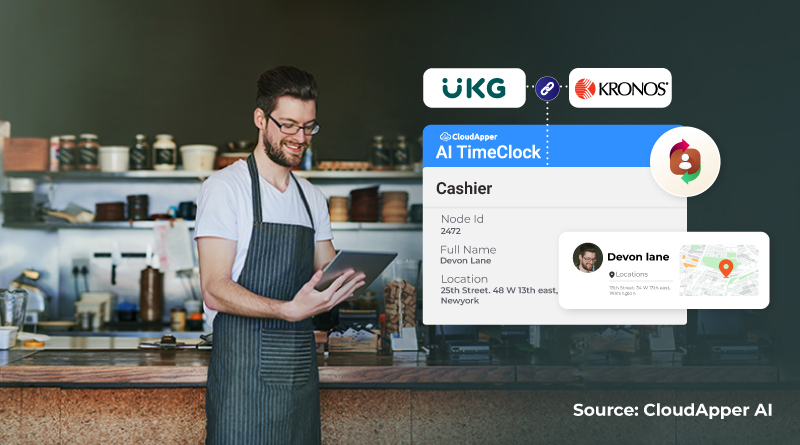
Table of Contents
Employee job transfers happen constantly in today’s workplaces. In manufacturing, construction, healthcare, hospitality, and non-profit environments, workers often move between tasks, departments, production lines, or cost centers several times a day. For organizations using UKG/Kronos, every one of those transitions affects payroll, job costing, project progress, and labor allocation.
- Accurate job transfer data is crucial for correct payroll processing, project costing, resource allocation, and work progress tracking within UKG/Kronos.
- Traditional job transfer tracking methods are error-prone and tedious, often involving paper logs and manual data entry.
- CloudApper AI TimeClock offers automatic job transfer based on location and job code, eliminating the need for manual clock-outs and clock-ins.
- Automatic job transfers reduce errors, simplify workflows, improve efficiency, and enhance data accuracy for better decision-making.
- CloudApper AI TimeClock seamlessly integrates with UKG/Kronos, ensuring accurate payroll processing, real-time project insights, and streamlined HR workflows.
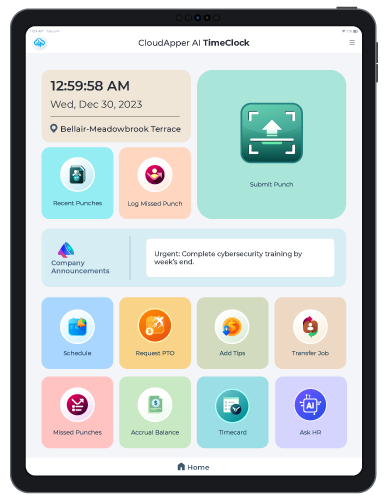
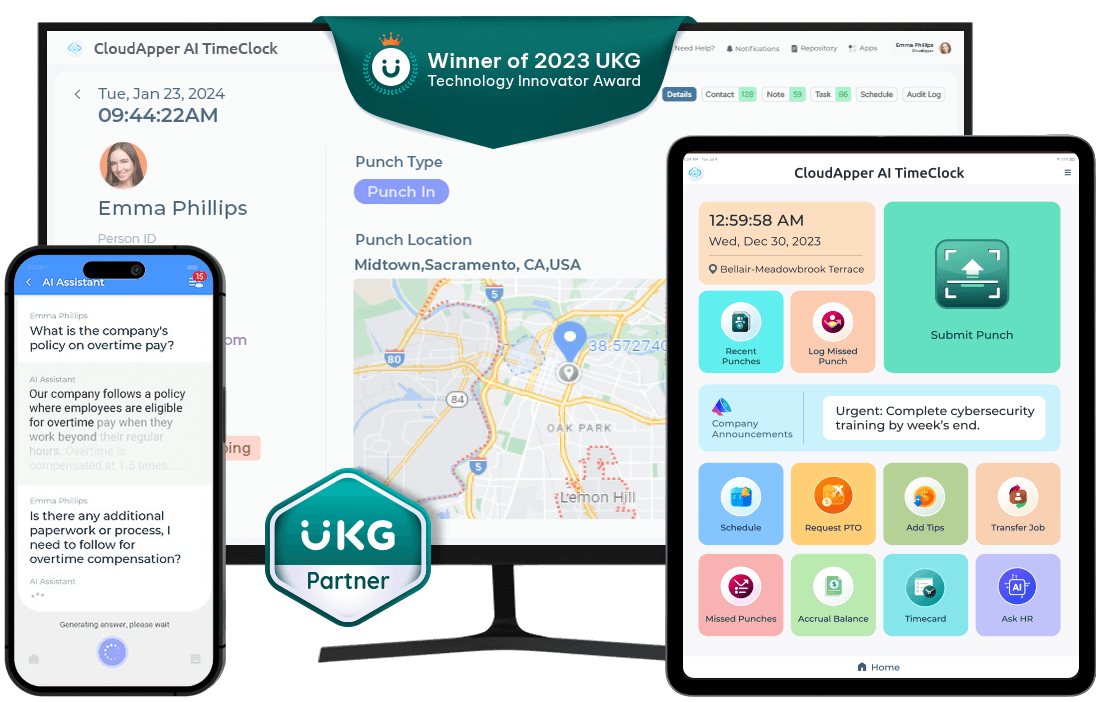
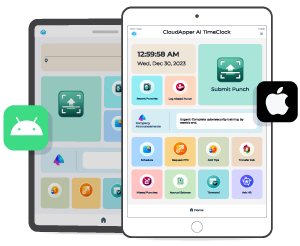
When transfer data isn’t captured correctly, small inconsistencies quickly turn into payroll errors, inaccurate reporting, and a mountain of manual corrections for HR. That’s why many UKG/Kronos users are now turning toward automated job transfer systems that eliminate manual entry altogether.CloudApper AI TimeClock plays a key role here. As a tablet-based HR self-service solution that integrates with UKG, it automates job transfers based on where employees clock in—removing the need for employees to manually switch jobs or remember to perform additional steps.
Why Accurate Job Transfer Data Matters in UKG/Kronos
Job transfer data influences everything from how an employee is paid to how labor budgets are distributed across departments and projects. When an employee performs different tasks at different locations, even small mistakes—such as forgetting to clock out of a previous job—can distort payroll, billing, cost allocation, and project tracking.
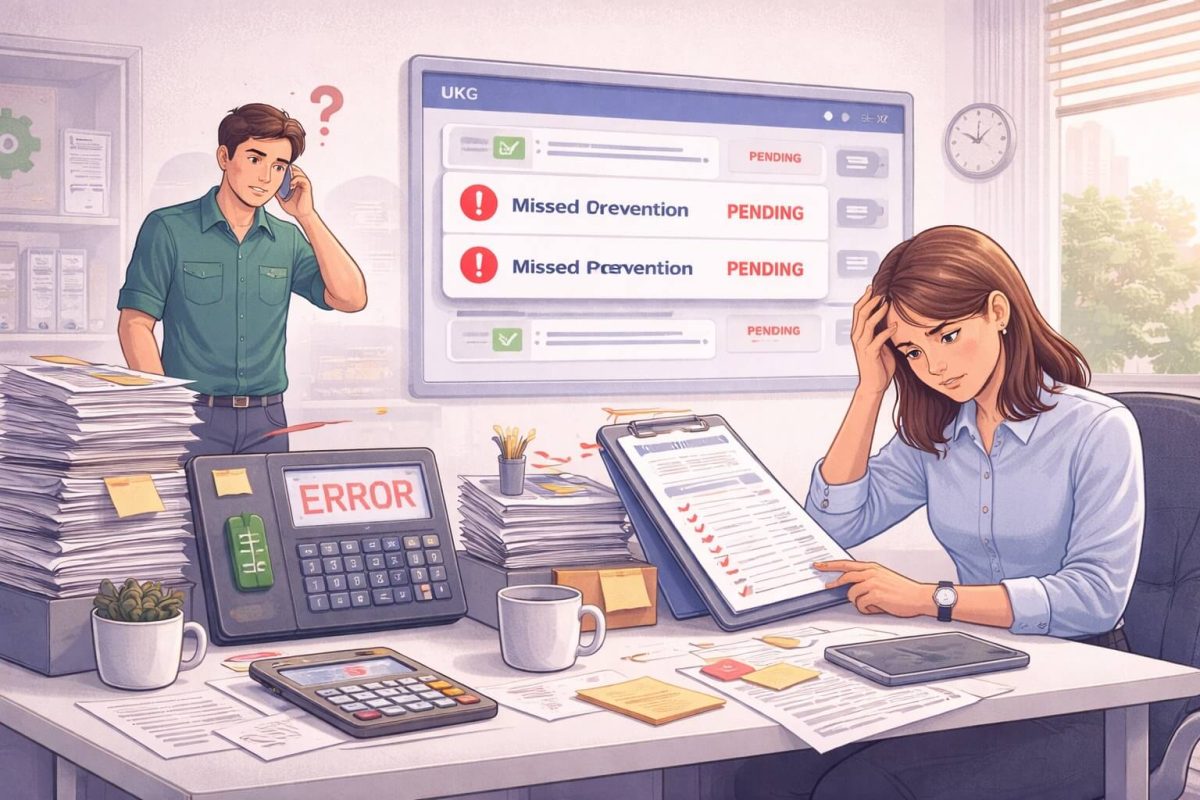
Traditionally, organizations try to keep up with transfers using handwritten notes, paper logs, verbal reminders, or post-shift corrections. These approaches introduce inconsistencies. They also create friction for HR teams who spend hours manually adjusting jobs within UKG/Kronos. Ultimately, the entire payroll cycle slows down because data is incomplete or inaccurate.
Accurate job transfer recording ensures employees are paid correctly for every job they perform. It also ensures supervisors and project managers see an accurate picture of labor distribution, helping them make better staffing and budgeting decisions inside UKG.
Where Manual Job Transfers Break Down
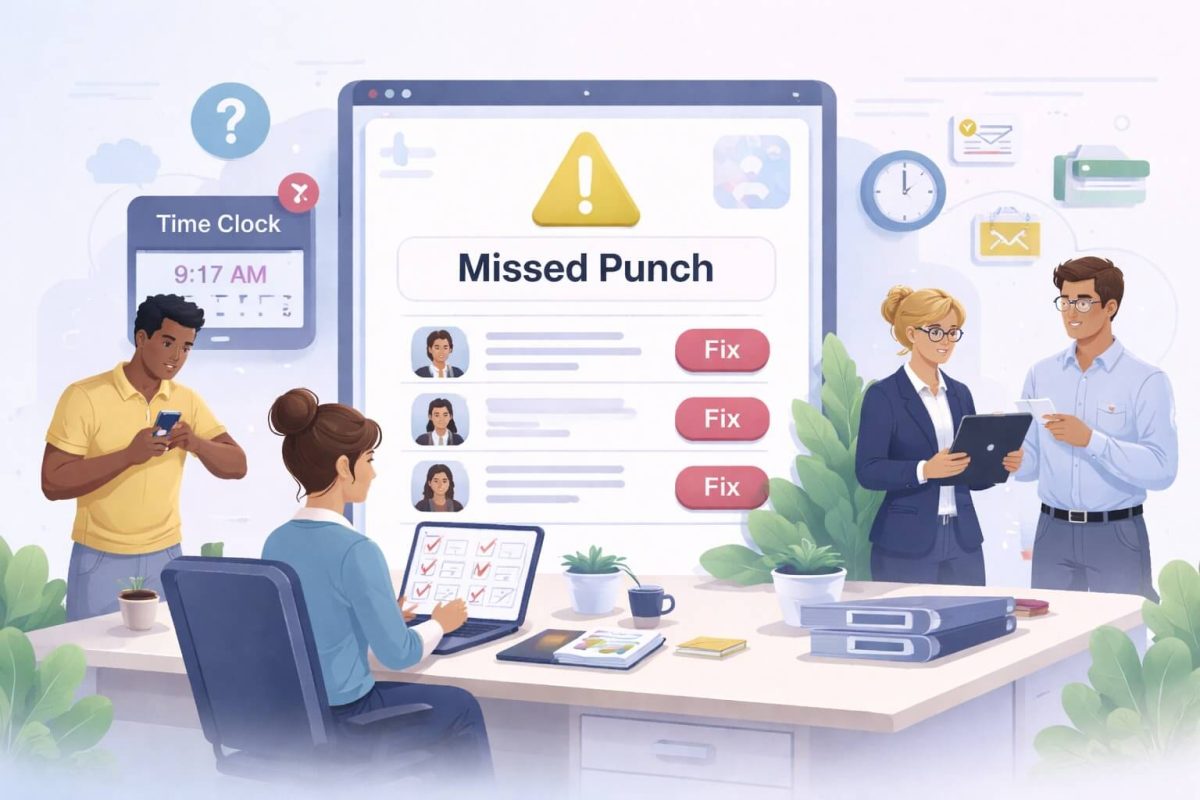
The biggest problem with manual job transfers is the dependency on memory. An employee might be focused on moving to the next task, not on clocking out of the previous one. Supervisors may approve time without noticing missing transfers. HR teams, already stretched thin, must fix errors just to close payroll safely.
These issues repeat themselves across shifts, departments, and locations, making job costing unreliable and slowing down payroll processing week after week. The problem isn’t employee behavior—it’s a workflow that relies on too many manual steps.
Automation removes that burden entirely.
How CloudApper AI TimeClock Automates Employee Job Transfers
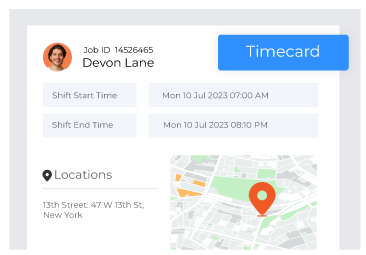
CloudApper AI TimeClock makes job transfers seamless by tying each kiosk location to a unique job or cost center in UKG/Kronos. When employees clock in at a particular station, the system automatically updates their job assignment in the UKG database. The transfer happens instantly, even if the employee was previously assigned to a different job.
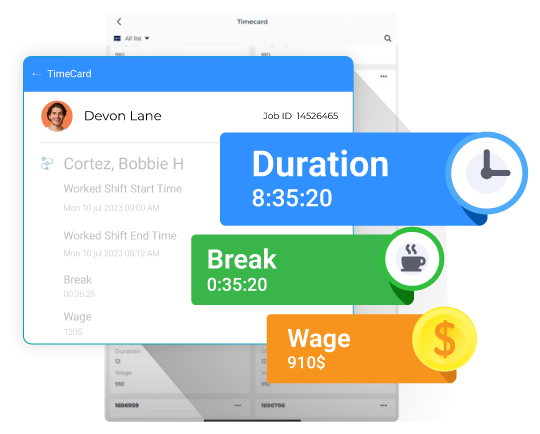
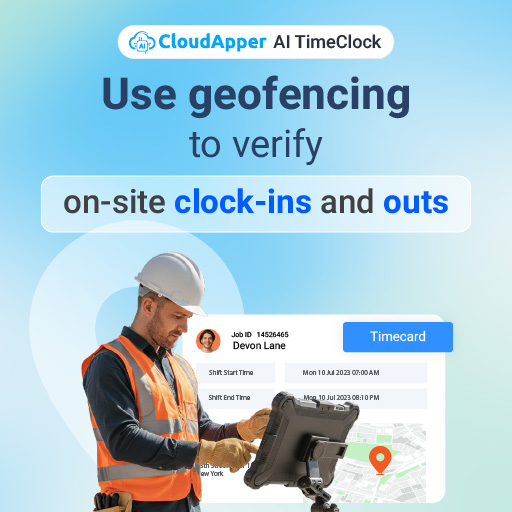
A worker who starts their morning on one production line and moves to another later in the day simply clocks in at the next kiosk. The system clocks them out of the first job, switches the job code, and clocks them into the new one—without requiring them to perform any additional steps.
Because the TimeClock integrates directly with UKG Ready, UKG Pro, and UKG Pro WFM (Dimensions), all job transfers appear in real time. Supervisors no longer chase employees about forgotten transfers, and HR teams no longer sift through logs to correct pay codes.
What Automated Job Transfers Mean for HR, Payroll & Operations
Organizations see the difference almost immediately. Payroll becomes cleaner because every job transfer is captured at the moment it happens. Labor costing becomes more reliable because hours automatically follow the correct project, department, grant, or cost center. Supervisors gain visibility into how their teams move across locations throughout the day, allowing them to plan staffing more intelligently.
More importantly, the entire experience becomes easier for employees. They don’t need to remember to clock out of one job before clocking into another. They only interact with one clock-in action, which reduces frustration and minimizes mistakes.
For HR, this means a smoother payroll cycle, fewer corrections, and higher confidence in UKG data quality.
Why CloudApper AI TimeClock Fits Modern UKG/Kronos Workflows
Unlike traditional clocks that require complex manual steps or expensive proprietary hardware, CloudApper AI TimeClock works on tablets that can be installed anywhere. Facilities can place kiosks at entrances, production lines, job sites, break areas, or department stations. Each location carries its own job identity, making job transfers nearly effortless.
Because the system is powered by CloudApper’s AI and tightly integrated with UKG, organizations can adapt job transfer rules quickly—whether they operate hourly job rotations, multi-site staffing, grant-funded roles, or specialized cost centers.
The result is a workplace where transfers no longer depend on memory or manual tracking. Every job switch is precise, automatic, and fully documented inside the UKG platform.
FAQ
1. Why is accurate job transfer data important in UKG/Kronos?
It ensures correct pay, reliable job costing, and accurate labor allocation while giving supervisors and HR teams better visibility into project progress.
2. How does CloudApper AI TimeClock automate job transfers?
Each kiosk is tied to a specific job or location. When employees clock in, the system updates their job assignment in UKG instantly—no manual job switching required.
3. Can the system integrate with existing UKG/Kronos environments?
Yes. CloudApper AI TimeClock integrates with UKG Ready, UKG Pro, and UKG Pro WFM (Dimensions) through secure UKG APIs.
4. How do automated transfers help HR teams?
They reduce manual corrections, accelerate payroll processing, and improve overall data accuracy.
5. Does this support compliance and audit requirements?
Yes. Every job transfer is timestamped and recorded, giving organizations a clear, verifiable record for payroll audits and labor law compliance.