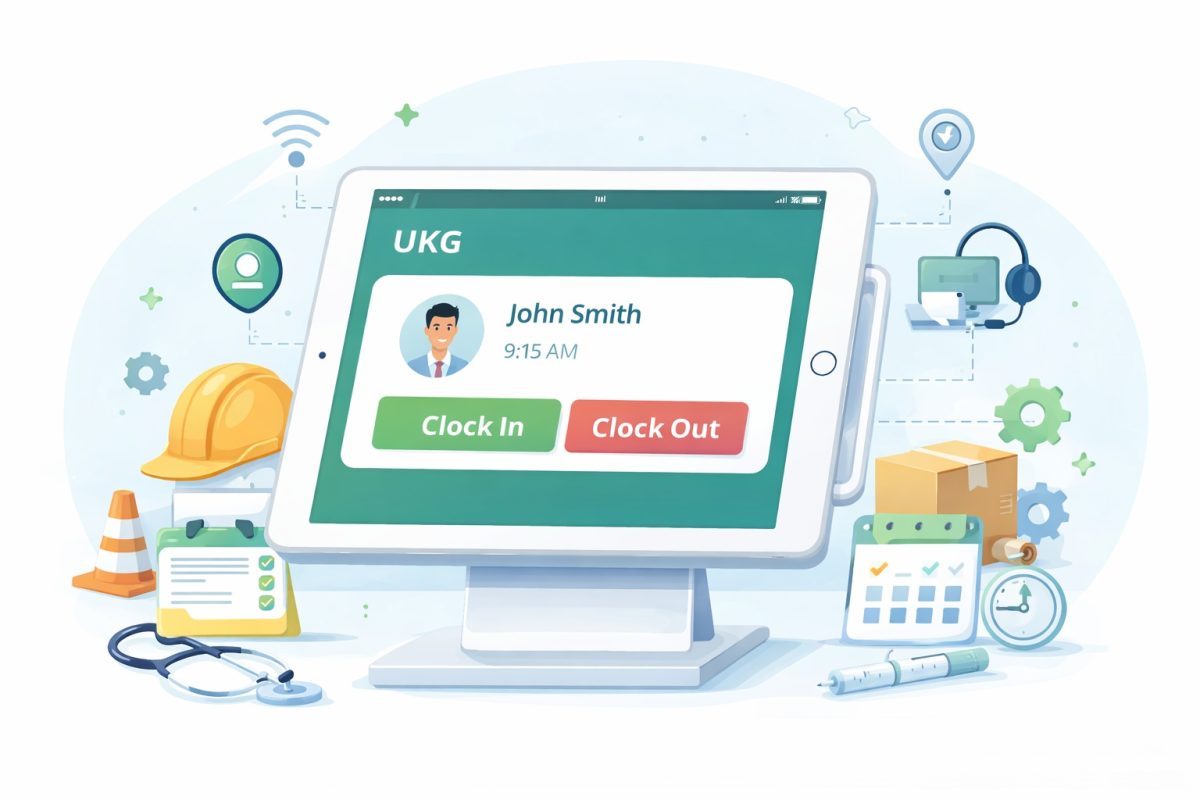
Get a simpler way to validate employee work hours in UKG. CloudApper AI TimeClock captures accurate punches, job codes, and attestations at the clock so managers review clean data instead of fixing mistakes every week.




Table of Contents
If you manage HR or payroll in a UKG or Kronos setup, you already know how messy things can get when you try to validate employee work hours. Missed punches, wrong job codes, and break violations pile up fast. Managers scramble to clean everything before payroll closes, and a process that should feel simple often turns into a weekly race against time.

This is where CloudApper AI TimeClock for UKG makes a real difference. It gives you a cleaner and easier way to collect accurate time data at the clock, so you do not spend days fixing errors later. The system guides employees through the right steps and syncs everything straight into UKG for quick review when managers need it.
TL;DR
-
Validating employee work hours helps prevent payroll errors, time theft, and compliance risks.
-
Most issues come from missed punches, wrong job codes, break violations, and manual timesheet reviews.
-
CloudApper AI TimeClock fixes these problems at the clock with attestations, job code selection, geofencing, and facial recognition.
-
All validated time and attestation data syncs directly into UKG, giving managers clean records to review without extra work.
-
HR and payroll teams save time, reduce stress, and gain accurate, trustworthy data every week.
Why It Matters To Validate Employee Work Hours
Work hour validation sounds simple on paper. In reality, the smallest timekeeping mistake can cause a long chain of problems. When punches are wrong or incomplete, payroll gets delayed, employees get frustrated, and HR teams end up doing detective work.
Validating time accurately protects both the business and the employee. Accurate time records prevent underpayment and overpayment. They help you follow labor laws and union agreements. They reduce the risk of audits and penalties. Most importantly, they create trust. When employees see that their time is recorded correctly, they feel valued and respected.
Many companies still depend on manual checks. Managers print timesheets, compare them with schedules, chase employees for corrections, and try to get everything approved before payroll cutoff. It is time-consuming, stressful, and fragile. A good solution should make this easier, not harder.
Common Problems HR Teams Face With Work Hour Validation
Every HR and payroll team runs into the same problems, especially in busy industries with hourly workers, rotating shifts, and multiple job roles. These issues slow the process, create confusion, and increase the chance of mistakes.
Missing or Incorrect Punches
Employees forget to clock in. They forget to clock out. They picked the wrong job code. They punch before entering the building. Small errors pile up quickly. Managers then spend hours trying to piece together what happened.
Buddy Punching and Time Theft
Some employees help a friend by punching in for them. Others take longer breaks than recorded. Without real verification at the clock, time theft is very difficult to detect. Even small abuses add up to real money lost every year.
Break and Meal Violations
States have different rules for meal breaks and rest periods. Union rules can be even more specific. If employees miss a break or forget to record it, the company risks compliance issues and possible penalties.
Overtime Confusion
Overtime needs to be validated carefully. If an employee works extra hours without approval, managers still need to know exactly what happened. Incorrect overtime entries can lead to disputes or labor violations.
Multiple Job Roles and Rate Differences
Some employees work in more than one job during a shift. The pay may be different for each job. If the job code is not selected correctly when they clock in, payroll becomes complicated and error-prone.
Manual Timesheet Review
Most problems land on the manager’s desk. They compare shift details, correct missing data, and move through approvals. This slows down payroll and keeps managers busy with tasks that technology should handle.
If these issues sound familiar, it’s time to switch to a time clock that prevents mistakes instead of creating them.
How CloudApper AI TimeClock Helps You Validate Employee Work Hours
CloudApper AI TimeClock for UKG is built to solve these problems at the source. Instead of fixing errors after the fact, it collects accurate data the moment employees clock in or out. The goal is simple. Get clean time data from the start so managers do not spend hours validating it later.

Attestation Builds Accuracy Into Every Clock Out
Employees do not always remember what happened during their shift. So CloudApper guides them with simple attestation prompts. When they clock out for the day or week, they are asked to confirm that their recorded hours are correct. If something is wrong, they can flag it on the spot.
Some companies also use attestations for meal breaks. When employees clock out, they confirm if they took their scheduled meal break or if anything unusual happened. This gives managers real data without hunting down employees later.
The key point here is that CloudApper collects this information before the shift ends. Employees validate their own time, which makes the final records much more accurate.
Job Code Selection Simplifies Complex Workflows
Many organizations have employees who move between different job roles during the day. CloudApper AI TimeClock supports this with simple job code selection. When employees clock in, the job codes assigned to them appear on the screen. They choose the one they are starting, and the system records their hours cleanly.
This prevents wrong job codes and protects payroll accuracy. It also helps companies follow union rules and pay rate guidelines.
Geofencing Keeps Punches Honest
Some jobs require location-based validation. CloudApper TimeClock can restrict clock-ins and outs to specific sites. If an employee tries to punch in outside the approved location, the system blocks it. This removes guesswork and strengthens compliance.
Facial Recognition Prevents Buddy Punching
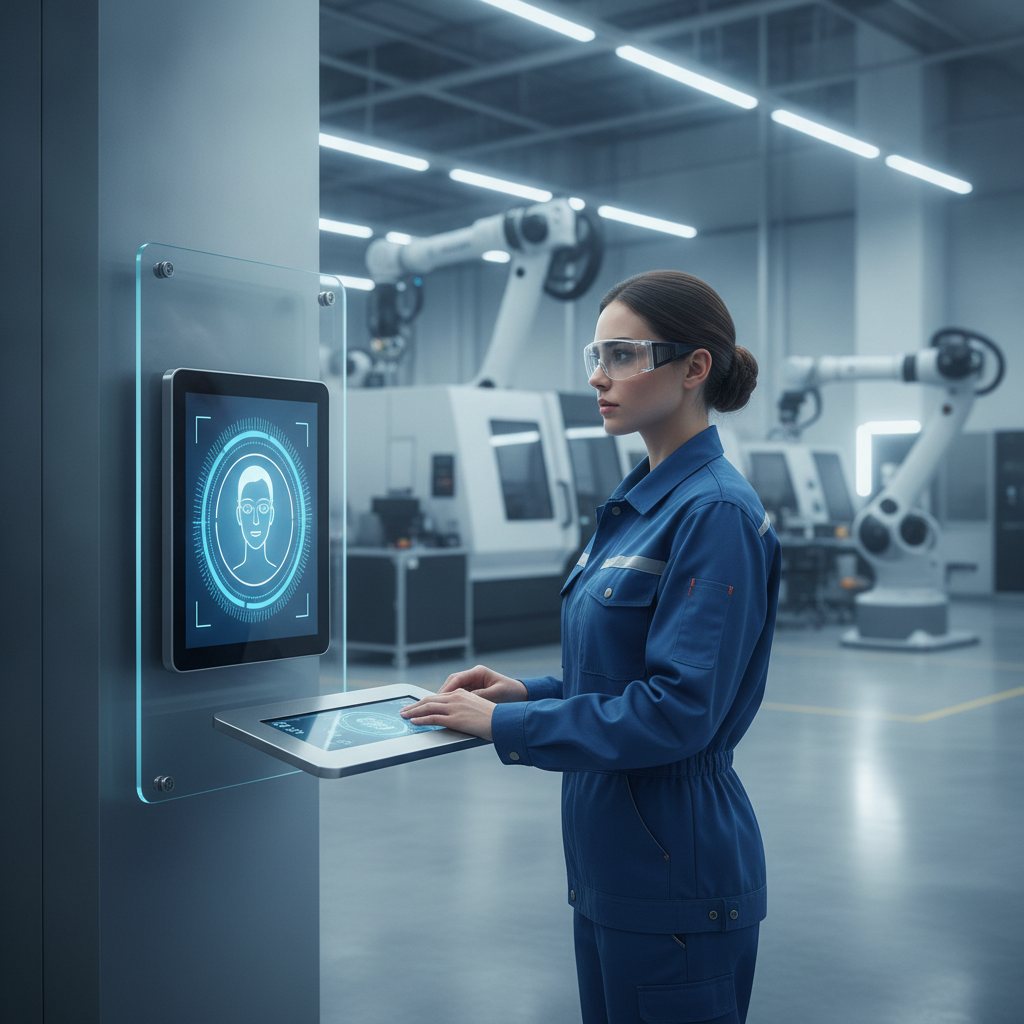
To stop time theft, CloudApper supports facial recognition. Employees verify their identity when clocking in or out. This confirms that the person punching is the actual employee. It creates a clean and secure attendance record without slowing down the process.
Overtime Data Captured Correctly
Overtime often becomes a headache when it is recorded incorrectly. CloudApper TimeClock uses predefined overtime rules, so the system validates extra hours the moment they happen. This protects the company from accidental violations and ensures employees get paid correctly.
All Validated Time Data Syncs Directly Into UKG
Once employees complete their attestations and punch actions, everything flows into UKG automatically. This is important because managers still need to review the time when something unusual happens. With CloudApper, all validation data, including attestations, meal confirmations, job codes, and overtime details, appears right inside UKG for easy approval.
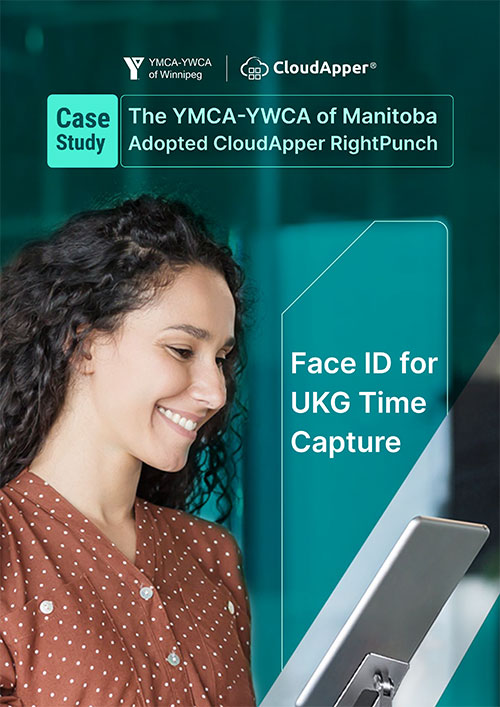
This keeps your workflow familiar. Managers do not learn a new process. They simply get cleaner, more accurate data already waiting for them inside UKG.
How This Helps HR and Payroll Teams Every Week
CloudApper AI TimeClock saves managers time and removes guesswork. They stop chasing employees for corrections. They stop fixing the same mistakes every week. With accurate data coming in at the clock, the validation stage becomes smoother and faster.
HR and payroll gain clear, reliable records. Compliance risks drop. Employees trust the system because it reflects their work honestly. Everyone benefits from a process that makes sense and removes stress.
Conclusion
You do not have to struggle to validate employee work hours every week. CloudApper AI TimeClock for UKG collects accurate time, job, and attestation data before problems begin. It prevents buddy punching, reduces errors, and sends clean information directly to UKG for easy review. Instead of spending hours fixing timesheets, managers can approve them with confidence.
If you want a smoother way to validate employee work hours and take pressure off your HR and payroll teams, CloudApper AI TimeClock gives you the clarity and accuracy you need.
Ready to stop fixing timesheets and start getting clean, accurate data from day one?
Frequently Asked Question
-
Why is it important to validate employee work hours in UKG?
Validating employee work hours helps ensure accurate pay, reduce disputes, prevent time theft, and support compliance with labor laws, union rules, and company policies. It also builds trust because employees see that their time is recorded correctly.
-
How does CloudApper AI TimeClock help validate employee work hours?
CloudApper AI TimeClock collects clean data at the clock by using attestations, job code selection, geofencing, and facial recognition. Employees confirm their hours and breaks before they leave, so managers receive accurate records instead of messy timesheets.
-
Can employees validate their timesheets directly from the time clock?
Yes. When employees clock out for the day or week, CloudApper AI TimeClock can prompt them to review and attest their hours, overtime, and meal breaks. They can flag issues immediately, which reduces back-and-forth with managers later.
-
How does CloudApper AI TimeClock handle employees with multiple job roles?
Managers can assign job codes to each employee. When the employee clocks in, the available job codes appear on the screen. The employee selects the correct role, so hours are tracked against the right job and pay rate inside UKG.
-
Does validated time and attestation data sync directly into UKG?
Yes. All punches, job codes, overtime details, and attestations captured by CloudApper AI TimeClock sync directly into UKG. Managers can review and approve everything in their existing UKG workflow without changing how they process payroll.