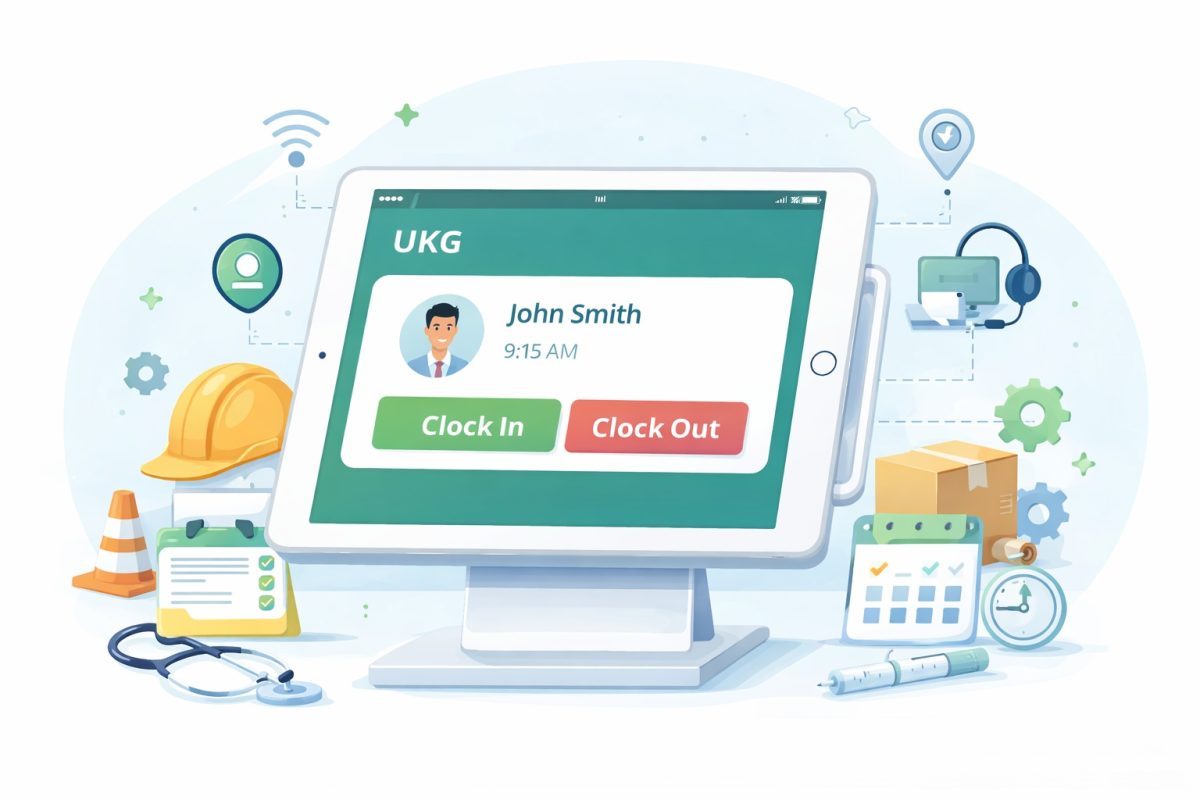
California businesses using UKG face two major challenges: expensive time clock hardware and strict four-year record retention requirements. Modern tablet-based time tracking solutions offer a smarter alternative, reducing costs by up to 70% while ensuring compliance with California labor laws and seamlessly integrating with existing UKG systems.



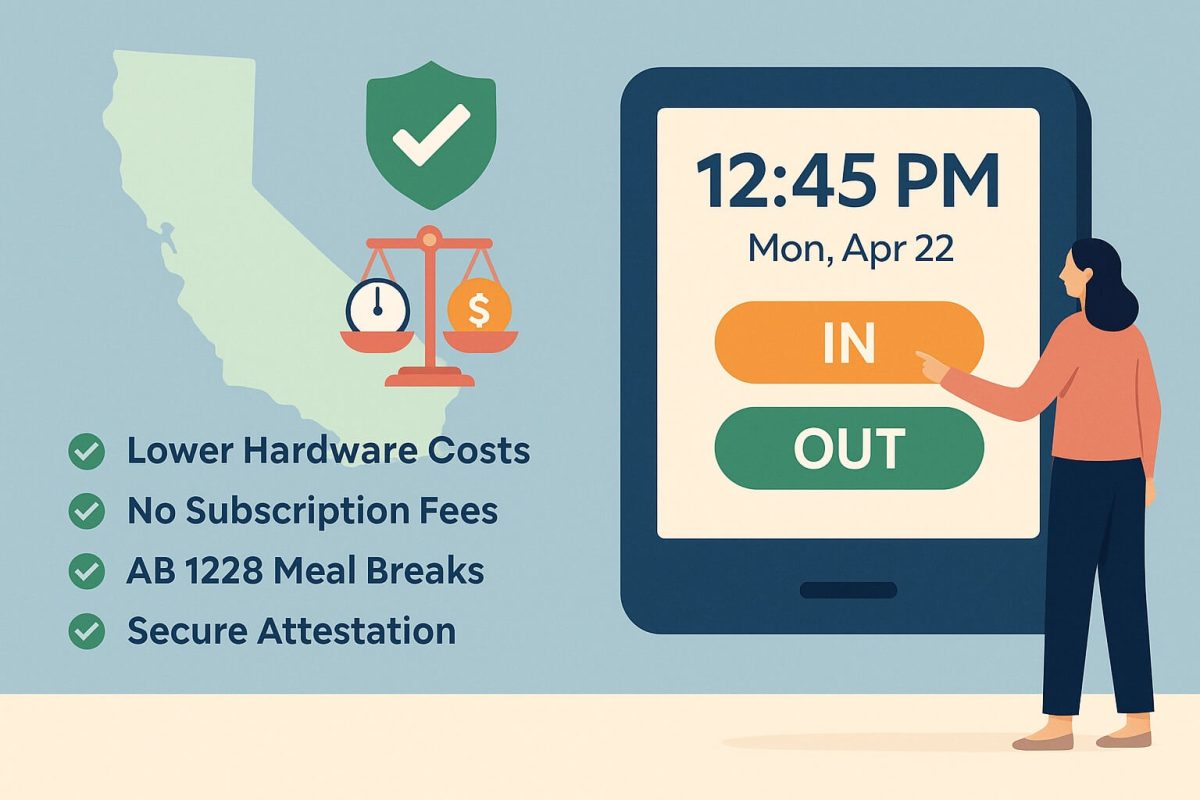
Table of Contents
If your business uses UKG for workforce management in California, you’re probably dealing with two major challenges right now. First, the high cost of traditional time clock hardware is eating into your budget. Second, California’s strict record retention laws require you to keep employee data for four years, but your current system might not make that easy.
The good news? There’s a smarter way to handle both problems without spending a fortune on expensive equipment or risking compliance violations.
Understanding California’s Four-Year Record Retention Requirement
California law mandates that employers preserve personnel records for a minimum of four years from both the date of creation and the date of employment termination. This requirement became stricter in 2022 when Senate Bill 807 expanded the rules for maintaining employee records.
What does this mean for your business? You need to keep detailed records of employee timesheets, schedules, applications, pay stubs, and other personnel documents for at least four years. If your company faces a complaint from the California Civil Rights Department (formerly known as DFEH), you might need to keep these records even longer.
Many UKG customers struggle with this requirement because older workforce management systems have limited filtering capabilities. Some systems only let you easily access data from the past year, making it difficult to retrieve older records when you need them for audits or legal matters.
The Hidden Costs of Traditional Time Clock Hardware
Traditional time clocks come with price tags that go far beyond the initial purchase. When you buy proprietary hardware devices, you’re signing up for ongoing expenses that add up quickly.
Here’s what most businesses don’t realize they’re paying for:

High Upfront Costs: Traditional UKG-compatible time clocks can cost thousands of dollars per device. If you have multiple locations, these costs multiply fast.
Maintenance Expenses: Hardware breaks down. When it does, you’ll pay for repairs or replacements, plus the cost of downtime while employees can’t clock in properly.
Installation Fees: Getting these devices properly set up and configured often requires professional installation, adding more to your total cost.
Limited Flexibility: Once you install a fixed time clock on a wall, that’s where it stays. If you need to move it or add new locations, you’re buying and installing more hardware.
Vendor Lock-In: Proprietary systems tie you to specific vendors for parts, updates, and support. You have limited options and no negotiating power.
Long Lead Times: Supply chain issues mean you might wait weeks or months to get the hardware you need, delaying your operations.
For a California business with even five locations, these costs can easily reach $10,000 or more per year when you factor in everything.
Why California Businesses Need a Better Solution
California has some of the strictest labor laws in the country. Beyond the four-year retention requirement, your business needs to comply with rules about:
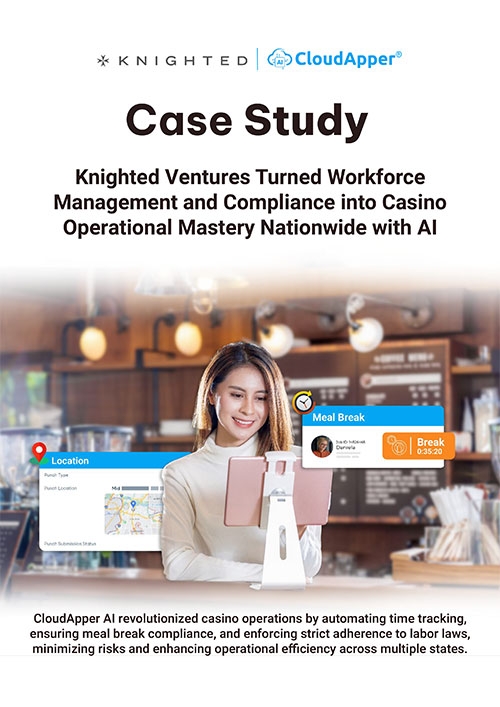
Meal and Rest Break Tracking: California requires specific break periods based on hours worked. Your time tracking system needs to capture when employees take these breaks.
Overtime Calculations: California has unique overtime rules, including daily overtime after eight hours. Your system needs to calculate these accurately.
Split Shift Premiums: If employees work split shifts, they may be entitled to additional pay. Your records need to show this clearly.
Wage Statement Requirements: Employers must retain pay stubs for at least three years under Labor Code Section 226, though many extend this to four years.
Schedule Documentation: Keep copies of employee schedules, as they become critical evidence in wage and hour disputes.
When your time tracking system makes compliance harder instead of easier, you’re putting your business at risk. Penalties for violations can be severe, and defending against claims without proper records is nearly impossible.
The Modern Alternative: Tablet-Based Time Tracking
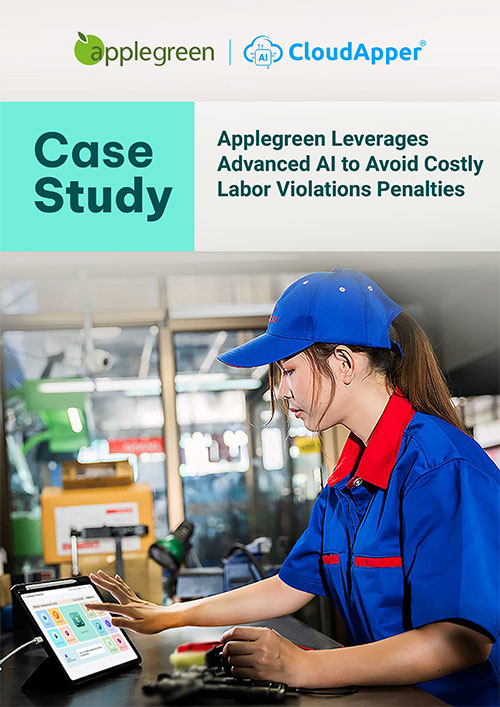
Smart California businesses are moving away from expensive proprietary hardware toward flexible, tablet-based time tracking solutions. Instead of spending thousands on dedicated time clocks, they’re using regular tablets that cost a fraction of the price.
Here’s why this approach makes sense:
Lower Costs: Consumer tablets cost much less than proprietary time clocks. You can buy several tablets for the price of one traditional device.
Easy Deployment: Set up a tablet-based system in minutes, not hours or days. Just download the app, configure your settings, and you’re ready to go.
Portability: Need to move your time clock? Just unmount the tablet and put it somewhere else. Opening a new location? Buy another tablet and set it up the same day.
Regular Updates: Tablets receive regular software updates automatically, keeping your system current without additional costs.
Familiar Technology: Most people already know how to use tablets, so there’s less training required for your employees.
Key Features to Look for in a Modern Time Clock Solution
Not all tablet-based time tracking systems are created equal. If you’re running a business in California, you need specific features to stay compliant and efficient.
Data Retention and Accessibility
Your system should store time and attendance data for at least four years and make it easy to filter, search, and retrieve historical records. You shouldn’t have to dig through archives or contact support every time you need older data.
Biometric Authentication
Face recognition technology prevents “buddy punching,” where one employee clocks in for another. This protects your business from time theft and ensures accurate records.
Offline Capability
What happens when your internet goes down? A good system continues capturing time data offline and syncs everything automatically when connectivity returns. You never lose punch data, even during network outages.
Geofencing
For businesses with mobile workers or multiple locations, geofencing ensures employees can only clock in when they’re at approved work sites. This prevents early clock-ins from home and verifies employees are where they’re supposed to be.
Employee Self-Service
Modern workers expect to manage their own information. Your time clock should let employees view schedules, request time off, check their hours, and handle other tasks without bothering HR for every little thing.
Customizable Data Capture
California businesses often need to track additional information at clock-in time. Your system should let you create custom questions or attestations to capture whatever data you need for compliance or operational purposes.
Real-Time Synchronization
Time data should flow directly into your UKG system in real time. This eliminates manual data entry, reduces errors, and ensures your payroll information is always current.
Compliance Automation
The best systems help you stay compliant automatically. They can enforce break rules, calculate overtime correctly, flag potential violations, and generate reports you need for audits.
How AI-Powered Solutions Make Everything Easier
Artificial intelligence is changing how businesses handle time tracking. Instead of just collecting data, modern AI-powered systems actively help you manage your workforce better.
Smart Alerts: AI can identify unusual patterns, like employees consistently missing breaks or frequently approaching overtime. The system alerts managers before small issues become big problems.
Automated Validation: AI checks each punch for potential errors or policy violations in real time. If something doesn’t match your rules, the system flags it immediately instead of letting the error slip through to payroll.
Predictive Insights: By analyzing historical data, AI can predict labor needs, helping you schedule more efficiently and avoid unnecessary overtime costs.
Natural Language Interaction: Some systems include AI assistants that answer employee questions directly at the time clock. Workers can ask about their PTO balance, schedule, or company policies and get instant answers without calling HR.
Intelligent Reporting: AI can generate custom reports based on natural language requests, making it easier to get the exact information you need without learning complex report-building tools.
Real Cost Savings: What California Businesses Are Experiencing
Let’s look at real numbers. When California businesses switch from traditional time clocks to modern tablet-based solutions, here’s what they typically save:
Hardware Costs: Reduce equipment expenses by 70-75% compared to proprietary time clocks. A tablet costs a few hundred dollars instead of several thousand.
Deployment Time: Go from weeks to hours for setup. One business reported being fully operational in less than a day across five locations.
Administrative Time: Cut payroll processing time by up to 30% through automation and reduced errors. HR teams spend less time fixing mistakes and more time on strategic work.
Time Theft Prevention: Biometric verification eliminates buddy punching, which studies show can cost businesses 2-8% of total payroll.
Compliance Penalties: Avoid costly violations through automated tracking and better record retention. A single California labor law violation can cost thousands in penalties, not counting legal fees.
Maintenance Costs: Reduce ongoing maintenance expenses to nearly zero. Consumer tablets are reliable and inexpensive to replace if needed.
For a mid-sized California business with 100 employees, these savings can add up to $20,000-$50,000 annually.
Making the Switch: What You Need to Know
Transitioning to a new time tracking system might sound complicated, but it doesn’t have to be. Here’s what the process typically looks like:
Assess Your Current Situation
Start by understanding what you have now and what you need. How many locations do you operate? How many employees need to clock in? What compliance requirements are most important for your industry?
Choose the Right Hardware
You don’t need anything fancy. Mid-range tablets work perfectly for time tracking. Most businesses choose tablets with 10-inch screens for easy viewing. Consider getting protective cases and wall mounts to secure the devices.
Configure Your System
Modern systems let you customize everything through simple interfaces. Set up your punch options, create custom questions, configure break rules, and establish geofencing boundaries. You don’t need IT expertise for this.
Integrate with UKG
The system should connect directly to your UKG platform, whether you use UKG Ready, UKG Pro, or UKG Dimensions. Data flows automatically between the time clock and your workforce management system.
Train Your Team
Since tablets are familiar technology, training is minimal. Show employees how to clock in, where to find their schedule, and how to request time off. Most people get comfortable within minutes.
Monitor and Adjust
After launching, keep an eye on how things are working. Are employees using the self-service features? Are you capturing all the data you need? Most systems let you make adjustments on the fly without technical support.
Specific Benefits for California Industries
Different industries have unique challenges in California. Here’s how modern time tracking helps specific sectors:
Healthcare
Hospitals and clinics need precise tracking for multiple departments and cost centers. Modern systems assign punches to specific units automatically and help manage complex shift differentials.
Retail
Stores need flexible scheduling and mobile time tracking. Tablet-based systems work perfectly at checkout counters or in back offices, and employees can clock in quickly during busy periods.
Manufacturing
Factories require rugged solutions that work in industrial environments. Tablets in protective cases handle these conditions while providing the advanced tracking manufacturers need.
Hospitality
Restaurants and hotels benefit from tips tracking integration, job costing, and the ability to handle high employee turnover with easy setup for new workers.
Education
Schools need affordable solutions that work within tight budgets. Tablet-based systems provide all necessary features at a fraction of traditional costs.
Ensuring Long-Term Compliance Success
Staying compliant isn’t a one-time achievement. California labor laws change regularly, and your time tracking system needs to adapt. Here’s how to maintain compliance over time:
Regular Audits: Review your time and attendance records quarterly to ensure everything is complete and accessible.
Update Policies: When California passes new labor laws, update your time tracking rules and attestations accordingly.
Train Managers: Make sure supervisors understand how to review timecards, approve time off, and handle exceptions properly.
Document Everything: Keep detailed records of your compliance efforts, including policy updates and training sessions.
Stay Informed: Subscribe to updates about California labor law changes and adjust your systems proactively.
Questions to Ask Before Choosing a Time Clock Solution
Before you invest in any time tracking system, make sure you get clear answers to these important questions:
Does it store data for four years or more?
California law requires this, so your system must comply.
Can it integrate directly with my version of UKG?
Ensure compatibility with UKG Ready, Pro, or Dimensions, whichever you use.
What happens during internet outages?
You need offline capability to avoid losing punch data.
How much does it really cost?
Look at total cost of ownership, including hardware, setup, maintenance, and updates.
Can I customize it without IT help?
You should be able to make changes yourself through an easy interface.
Does it support biometric verification?
This is essential for preventing time theft.
How quickly can I deploy it?
You might need solutions fast, so understand the timeline.
What kind of support is included?
Know what help you’ll get if something goes wrong.
The Bottom Line for California UKG Users
California businesses face unique challenges when it comes to workforce management. Strict labor laws require careful compliance, while budget pressures demand cost-effective solutions. Traditional time clock hardware doesn’t solve either problem well.
Modern tablet-based time tracking systems offer a better path forward. They cost less, deploy faster, provide better functionality, and help you maintain the four-year records California requires. By switching to these solutions, you can:
- Cut hardware costs by 70% or more
- Set up new locations in hours instead of weeks
- Maintain compliant records for as long as you need them
- Reduce time theft and payroll errors
- Give employees self-service tools they actually want to use
- Stay current with California’s changing labor laws
The workforce management landscape is changing rapidly. Businesses that stick with expensive, inflexible hardware are falling behind competitors who have adopted more modern approaches. If you’re using UKG in California, now is the time to evaluate whether your current time tracking solution is helping or hurting your business.
The best part? You don’t have to rip out your entire system to make improvements. Modern time clock solutions work alongside your existing UKG setup, enhancing what you already have without requiring a complete overhaul.